
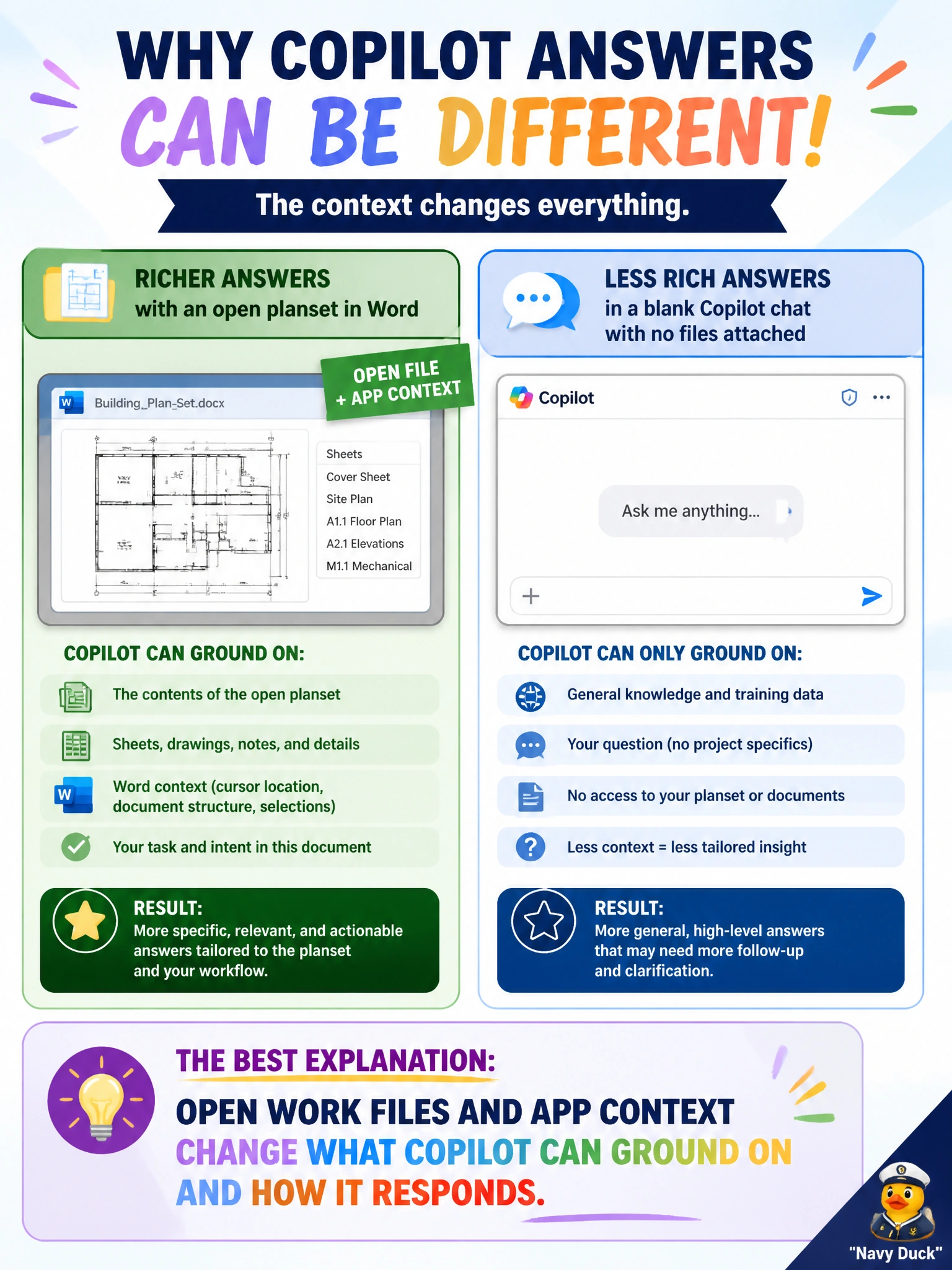
A building-permits reviewer gets richer Copilot answers in Word with an open planset than in a blank Copilot chat with no files attached. What best explains the difference?
Select an answer to reveal the explanation.
Short Explanation
It's like asking a librarian while the planset is open on the desk versus asking in an empty hallway. Same Copilot, but the open Word file and app context give it something solid to work from.
Full Explanation
Copilot's answers depend heavily on available context: the Microsoft 365 app in use, open documents, and attached or grounded work files. A building-permits reviewer working in Word with an open planset gives Copilot concrete municipal content to ground on, which typically yields richer, more file-aware responses than a blank Copilot chat with nothing attached. The correct concept is contextual grounding—not that one surface is smarter in the abstract, but that open work files and app context change what Copilot can reference and how it responds.
Word always inventing permit facts that blank chat refuses fails because the meaningful difference is grounding on the planset, not a license for Word to fabricate permit facts. Blank chat as the only place Copilot can read municipal files fails because in-app experiences with open files are precisely where Copilot often has strong document context. Permanently training a new model on that project alone fails by confusing temporary session and document context with lasting project-specific model training.
Exam caveat: Richer grounding improves relevance but does not guarantee correctness. Reviewers must still verify permit conclusions against the official planset and code requirements; hallucinations remain possible even with an open file.
Operational check: For planset-driven questions, open the authoritative Word or PDF content (or attach it as allowed), ask Copilot against that context, and cross-check citations or extracted conditions against the source pages before issuing review comments.