
The compliance team at Proseware Inc. suspects that one of their deployed AI agents is performing actions outside its intended scope — specifically, accessing SharePoint libraries that it should not need for its function. The administrator needs to review what actions the agent has been taking and which resources it has accessed. Where should the administrator look to investigate agent activity?
Select an answer to reveal the explanation.
Short Explanation and Infographic
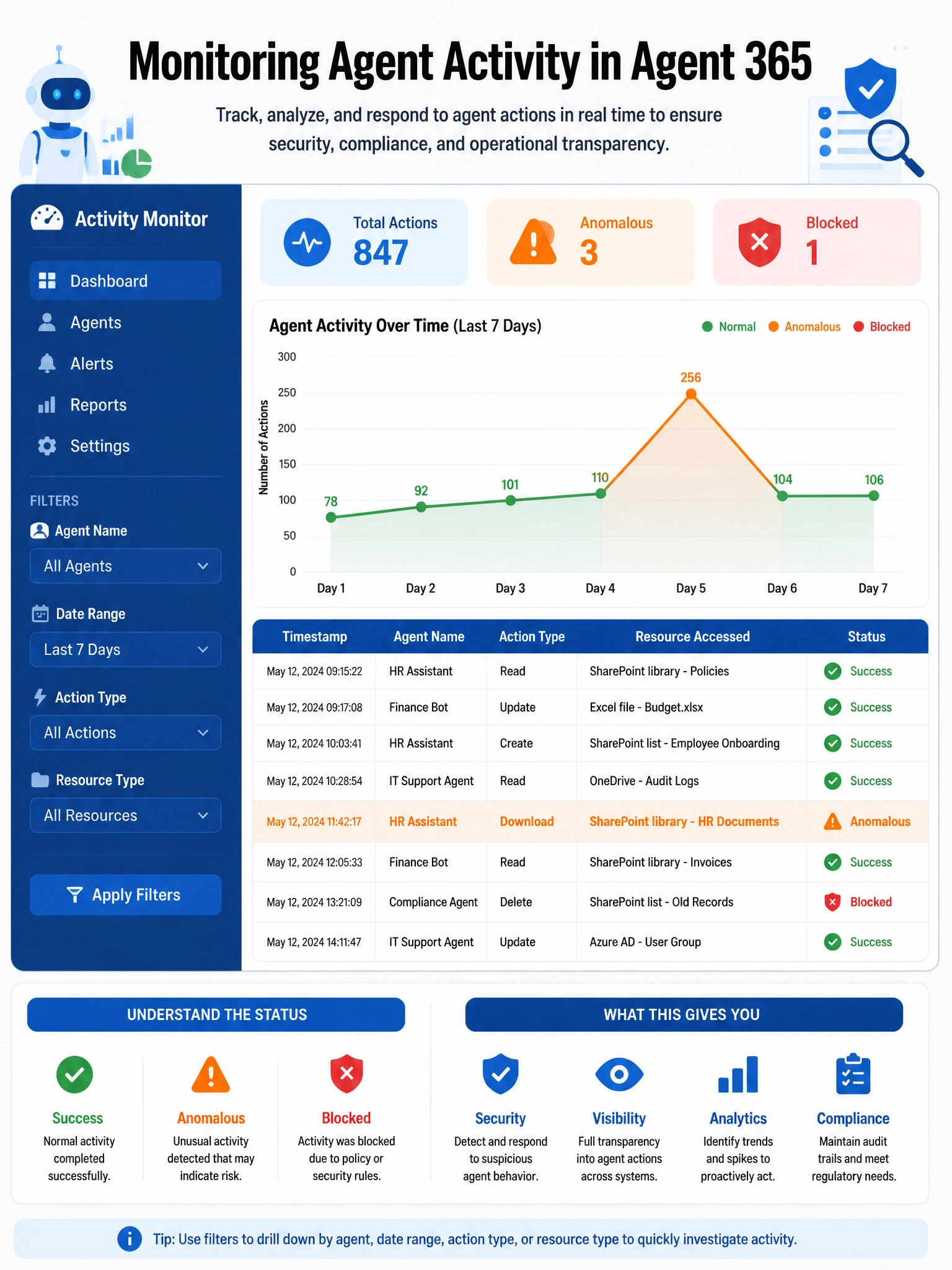
Agent 365 is your eyes and ears on what agents are actually doing inside your tenant. The activity monitoring dashboard gives you a timeline of everything an agent touched — think of it as CCTV footage for your AI agents.
Full explanation below image
Full Explanation
Agent 365, the dedicated agent governance hub in the Microsoft 365 admin center, includes an agent activity monitoring dashboard specifically designed for tracking what actions agents have taken, which resources they have accessed, which tools they have invoked, and what data they have processed. This gives compliance teams and administrators a purpose-built view of agent behavior, including anomalous activity like accessing SharePoint libraries outside the agent's expected operational scope. Activity logs in Agent 365 are designed to answer 'what did this agent do and when?' in an agent-aware context.
Option A, Microsoft Defender for Cloud Apps activity logs, provide broader cloud app activity and can surface API calls and access patterns for connected apps. However, they are not the purpose-built tool for agent-specific activity monitoring in Microsoft 365 and may require significant configuration to scope to a specific agent's behavior.
Option C, Microsoft Entra ID sign-in logs filtered to the agent's application ID, show authentication events — when the agent authenticated and from where. They do not show resource-level activity such as which specific SharePoint libraries were accessed or what actions were taken after authentication.
Option D, SharePoint admin center site collection access reports, show which users and applications accessed SharePoint content, but they are scoped to SharePoint only. They do not provide a holistic view of agent activity across all Microsoft 365 workloads, and they are not agent-aware in the same way as Agent 365 monitoring.
Exam tip: For investigating agent-specific activity — what an agent did, what it accessed, what tools it used — Agent 365's activity monitoring is the correct answer. This is the purpose-built governance console for agent observability in Microsoft 365.