
Fabrikam's compliance team requires that Global Administrator access only be granted when operationally necessary. The policy mandates that users must provide a business justification, receive manager approval before activation, and have access automatically revoked after 8 hours. What should the admin configure?
Select an answer to reveal the explanation.
Short Explanation and Infographic
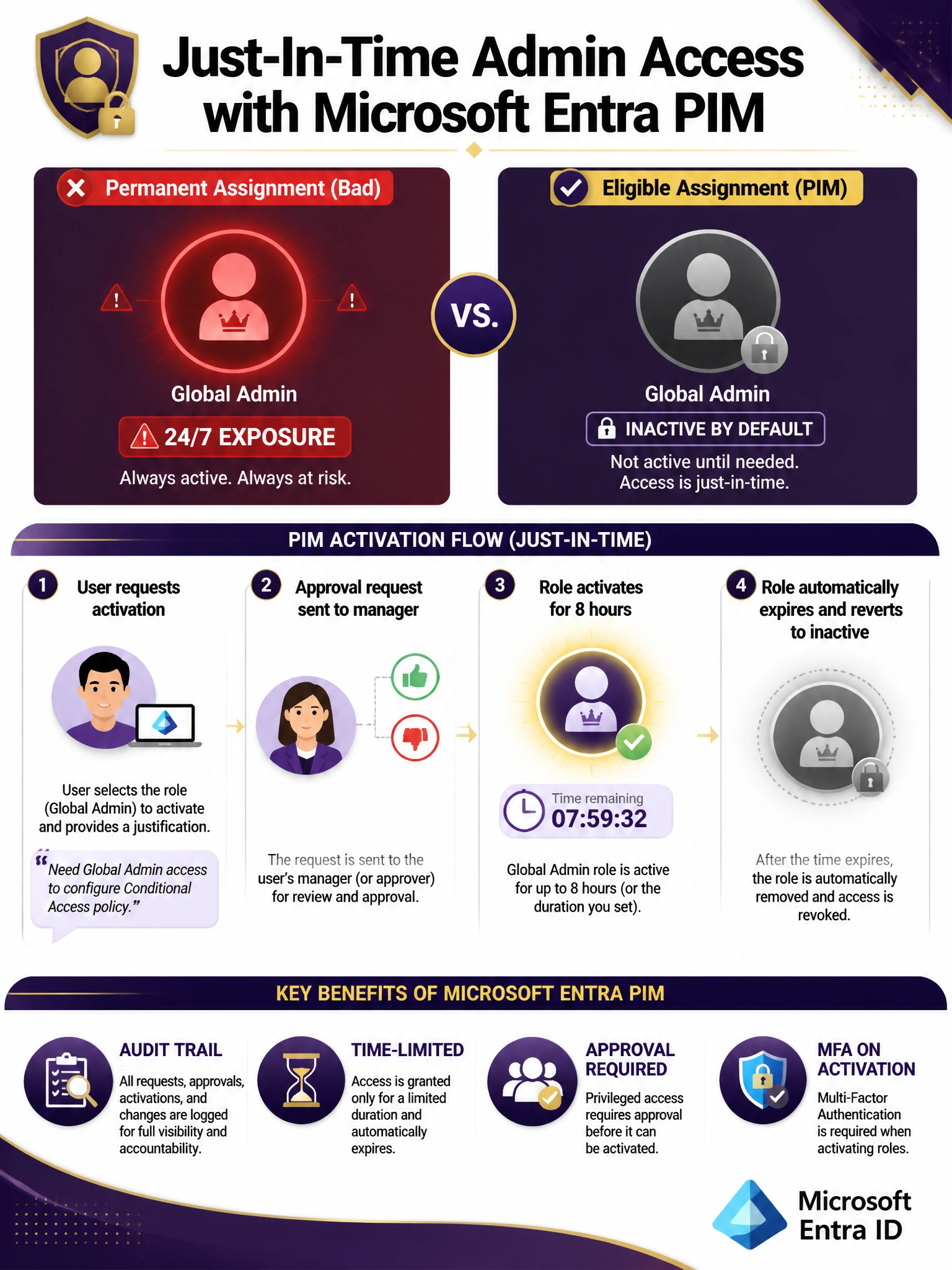
PIM is your bouncer for privileged roles — nobody gets in without showing ID (justification), getting the nod from the manager (approval), and agreeing to leave at closing time (8-hour max). Eligible assignments mean the role sits in your back pocket until you actually need it, then poof — it activates and auto-expires. That's just-in-time (JIT) access in a nutshell.
Full explanation below image
Full Explanation
Microsoft Entra Privileged Identity Management (PIM) is purpose-built for this scenario. When a role is configured as 'eligible' rather than 'active' (permanent), users must explicitly activate it. PIM role settings allow administrators to require justification, require approval from designated approvers, configure MFA on activation, and set a maximum activation duration (up to the configured limit, which can be 8 hours or less). This provides the complete just-in-time (JIT) and just-enough-access (JEA) model required by the compliance policy.
Option A (Conditional Access blocking outside business hours) does not solve the problem. A Conditional Access policy can restrict when sign-ins occur, but it cannot enforce approval workflows, justification requirements, or automatic role expiration. It also permanently blocks access rather than enabling on-demand activation.
Option B (replacing with Security Administrator) reduces privilege but does not implement the JIT model. Security Administrator is a permanent assignment in this scenario, which still violates the principle of least privilege and the compliance requirement for time-limited access. Also, Security Administrator lacks all the capabilities of Global Administrator that may genuinely be needed during activation.
Option D (ID Protection user risk policies) is an important security control, but it is reactive — it responds to detected risk rather than proactively controlling how and when privileged roles are used. It does not provide approval workflows or activation time limits.
Exam tip: When you see requirements involving just-in-time access, approval workflows, time-limited role activation, or justification requirements for privileged roles — the answer is always Microsoft Entra Privileged Identity Management (PIM). PIM works for both Entra ID roles and Azure resource roles.