
A healthcare organization's Copilot Studio agent assists clinicians with medication reference queries. Following a regulatory audit, the compliance team must demonstrate that every agent interaction can be traced to a specific user identity, that the exact AI-generated response delivered to each clinician is retained for seven years, and that any instance where the agent's safety filters blocked a response is logged. The current configuration uses standard Copilot Studio telemetry sent to Application Insights. Which gap must be addressed to meet all three audit requirements?
Select an answer to reveal the explanation.
Short Explanation and Infographic
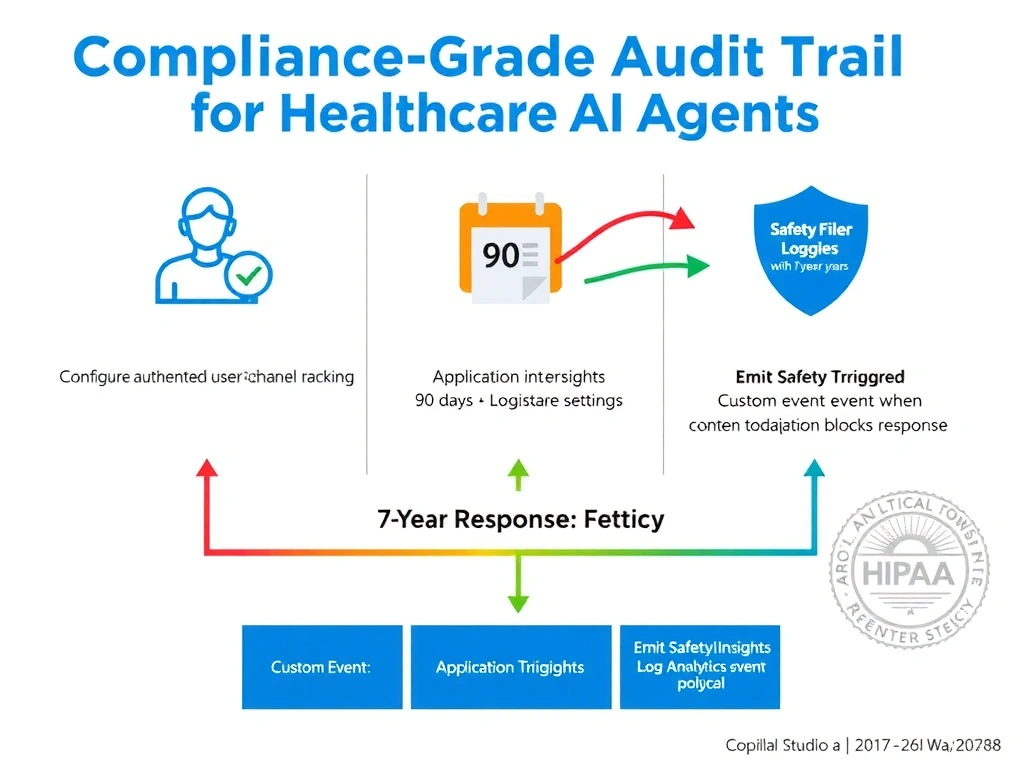
Application Insights is like a security camera with a 90-day tape that records the lobby but not the actual conversation in the room. For seven-year medical compliance, you need a longer tape (Log Analytics retention policy) and a microphone in the room (custom events capturing the full response text) — plus a dedicated log entry every time the safety system intervenes.
Full explanation below image
Full Explanation
This question identifies three specific audit requirements and tests whether you know the default capabilities and gaps of Application Insights for compliance-grade logging:
1. Seven-year retention: Application Insights has a default data retention of 90 days, configurable up to 730 days (2 years) in most configurations. It does not natively support seven-year retention. The correct architecture is to route telemetry to a Log Analytics workspace, where data retention can be configured up to seven years (or use Azure Monitor Logs with long-term retention). This satisfies the seven-year requirement.
2. Full AI response text: Standard Copilot Studio telemetry captures conversation metadata — turn counts, session IDs, topic names, satisfaction scores — but does not capture the full text of each AI-generated response by default. To retain the exact response delivered to each clinician, you must emit custom events that include the response text as a custom property, or export conversation transcripts to a separate store (such as Azure Blob Storage or Dataverse) with appropriate retention.
3. Safety filter trigger logging: When Copilot Studio's content moderation blocks a response, this is not automatically logged as a distinct event in Application Insights. You must configure the agent to emit a custom event — such as 'SafetyFilterTriggered' — when a content moderation decision blocks a generative response.
Option A is partially correct — user identity tracking is a real gap in default Application Insights telemetry. However, the question asks which gap 'must be addressed to meet ALL THREE requirements.' User identity alone does not address the seven-year retention or the safety filter logging gaps. Option A addresses only one of the three.
Option C is incorrect. Azure Application Insights and Log Analytics are Azure services that can operate under a HIPAA Business Associate Agreement (BAA) when the Azure environment is properly configured. The claim that Application Insights cannot be HIPAA-compliant is false — it is widely used in healthcare architectures with appropriate BAA coverage.
Option D is incorrect and an overreach. HIPAA does not prohibit generative AI responses — it requires that PHI be handled appropriately and that audit trails exist. Redesigning to deterministic-only topics would eliminate the core value of the agent and is not a compliance requirement.
Exam tip: Seven-year retention is a HIPAA-specific requirement (medical records). In exam scenarios involving healthcare and long retention, always look for answers that address Log Analytics workspace retention configuration — Application Insights alone does not get you there. Also remember: full response text capture requires custom events, not standard telemetry.