
A developer is integrating a Copilot Studio agent with ServiceNow as an enterprise knowledge source. The organization has 15 ServiceNow Knowledge Base articles in the 'IT Operations' category that should be searchable by the agent. Users are reporting that the agent returns correct answers for some IT articles but cannot find information from the most recently published 5 articles, even though those articles are marked 'Published' in ServiceNow. After investigating, the developer finds that the custom connector used to query ServiceNow is filtering with a hard-coded knowledge base sys_id from the initial setup. What is the most complete corrective action?
Select an answer to reveal the explanation.
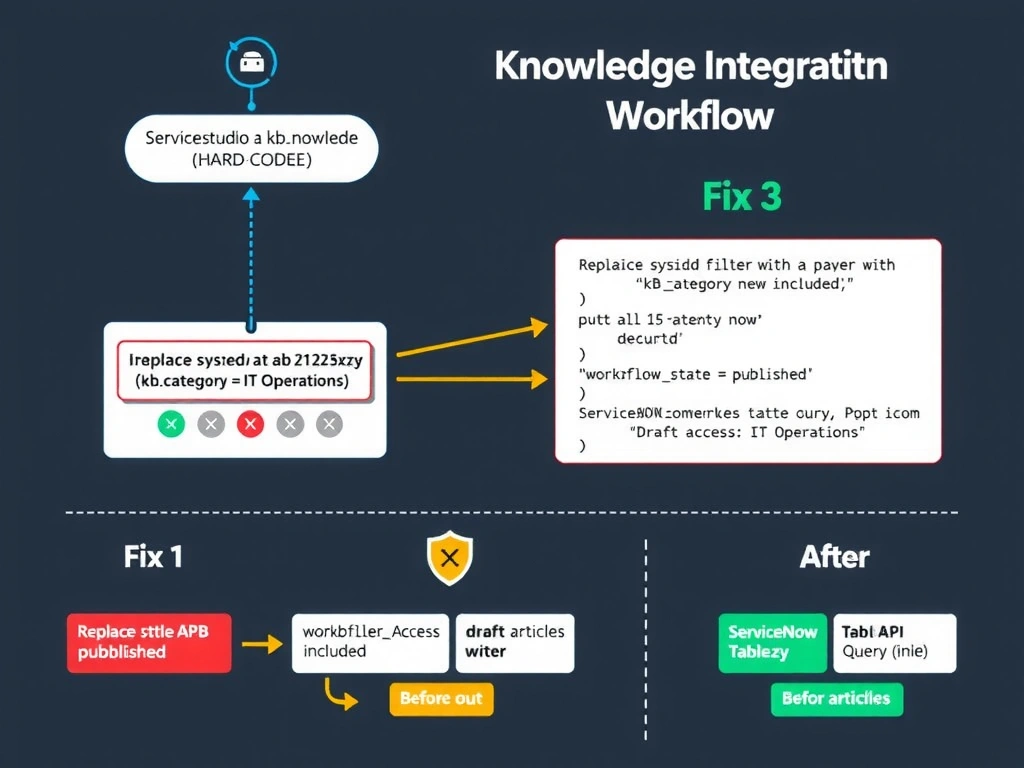
Short Explanation and Infographic
The hard-coded sys_id is the smoking gun, but the real fix needs three bullets: switch to a category filter so future articles in the same category are automatically included, keep the published-state filter so drafts stay out, and verify access controls because ServiceNow's knowledge base permissions can silently block newly published articles from being read by the connector's service account.
Full explanation below image
Full Explanation
ServiceNow knowledge base queries via custom connectors typically target the kb_knowledge table using the Table API. The issue described has a compound root cause: a hard-coded sys_id that points to a specific set of articles rather than a query-based approach that would naturally include new articles.
Option C is correct because it addresses all dimensions of the problem. Replacing the hard-coded sys_id filter with a category-based filter (kb_category = 'IT Operations') means that any new article published to that category is automatically included in future queries without connector changes. Adding or confirming the workflow_state=published filter ensures that draft articles (which authors may be working on) are not surfaced to end users. The third element — verifying that the connector's ServiceNow service account has read access to the newly published articles — is critical and often overlooked: ServiceNow has its own knowledge base access controls separate from general user permissions. If the connector's service account was not granted access to a new knowledge base or article category, it will silently receive zero results for those articles rather than returning an authentication error.
Option A is excessive. Rebuilding the entire connector from the OpenAPI specification is a high-effort change that is not necessary if the existing connector's query parameters can simply be updated. This approach also risks introducing new bugs and requires retesting the entire integration.
Option B is a partial improvement — making the sys_id a dynamic parameter rather than hard-coded allows the agent to pass different sys_ids. However, this still requires the developer to know and maintain sys_id values in the agent's configuration. It does not solve the fundamental problem: new articles added to the IT Operations category will have new sys_ids that the developer must manually add. A category-based filter is more maintainable.
Option D is incorrect. While Power Automate does offer a ServiceNow connector, it is a general-purpose ITSM connector for creating/updating incidents and change requests — it does not automatically sync or provide a built-in full-text search across knowledge base articles in the way described. Custom connector solutions remain appropriate for knowledge base search scenarios. The claim that it 'automatically syncs without manual configuration' is not accurate for this use case.
Exam tip: For ServiceNow integration questions on AB-620, know that: (1) knowledge base queries go through the ServiceNow Table API against the kb_knowledge table; (2) the workflow_state field distinguishes published from draft articles; (3) ServiceNow has separate knowledge base access controls that apply independently of connector authentication; (4) category-based filters are more maintainable than sys_id-based filters for dynamic content collections.