
A Copilot Studio developer is building an IT support agent. In a topic that collects the user's issue category, the developer needs to write a Power Fx condition that routes the conversation differently based on two variables: Topic.IssueType (a text variable that can be 'Hardware', 'Software', or 'Network') and Topic.Priority (a number variable from 1–5 where 5 is highest). The routing rule is: if the issue is Hardware or Network AND the priority is 4 or higher, route to the escalation branch; otherwise continue to the standard branch. Which Power Fx expression correctly implements this logic?
Select an answer to reveal the explanation.
Short Explanation and Infographic
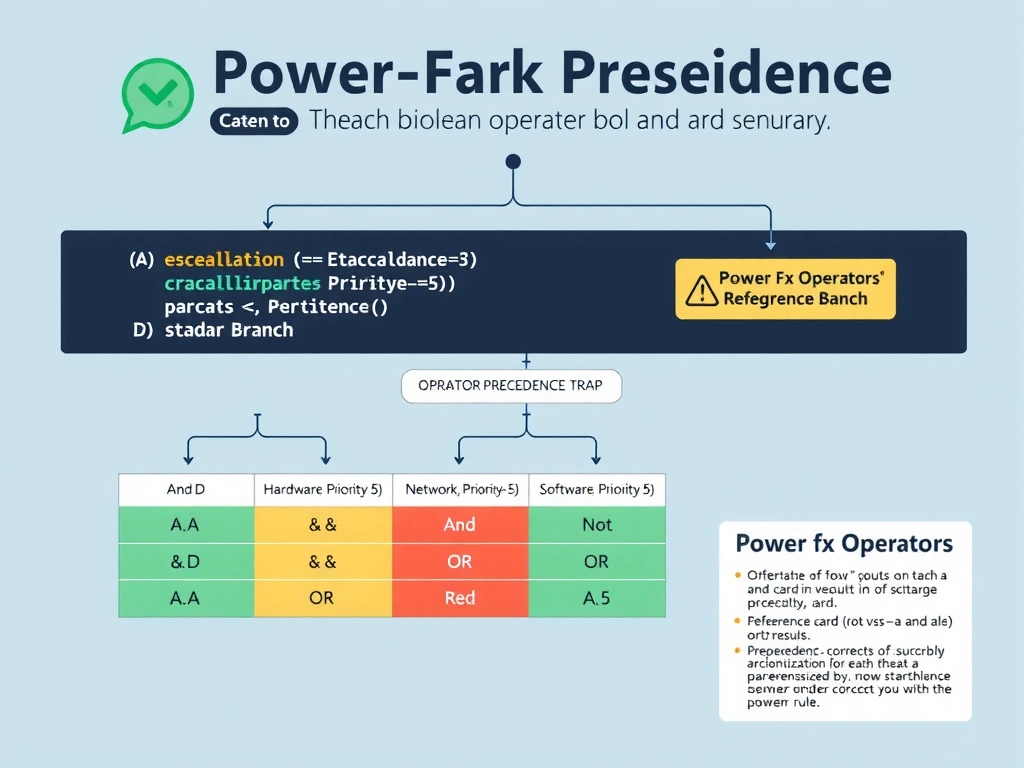
Power Fx uses English-word operators (And, Or, Not) — not the C-style double ampersands you'd write in JavaScript. More importantly, And binds tighter than Or, so you must parenthesize the Or clause first or you'll accidentally route Hardware-with-any-priority to escalation while Network needs priority 4. Parentheses are the difference between a correctly built fence and one with a gap.
Full explanation below image
Full Explanation
Power Fx is a spreadsheet-inspired formula language that uses word-form boolean operators and case-insensitive string comparisons. Understanding operator precedence is critical when writing compound conditions.
Option A is correct. The expression (Topic.IssueType = "Hardware" Or Topic.IssueType = "Network") And Topic.Priority >= 4 correctly uses parentheses to evaluate the Or clause first (grouping the two issue types), then applies the And with the priority check. This ensures that both conditions — correct issue type AND sufficient priority — must be true simultaneously for the escalation branch to trigger.
Option B is incorrect. Power Fx does not support the && operator or the In [...] array syntax used in JavaScript or C#. The correct boolean operator is And (not &&), and membership testing uses the In operator against a table or collection, not a bracket-delimited array literal. Using && will cause a formula error.
Option C is incorrect. The If() function in Power Fx takes the form If(condition, trueResult, falseResult) and returns a value, not a boolean for routing. More critically, Or "Network" is not valid syntax — the Or operator requires two full boolean expressions on each side, not a bare string literal. This formula will produce a formula parse error.
Option D is incorrect and is the most dangerous distractor. Without parentheses around the Or clause, Power Fx's operator precedence evaluates And before Or, making the expression equivalent to Topic.IssueType = "Hardware" Or (Topic.IssueType = "Network" And Topic.Priority >= 4). This means any Hardware issue — regardless of priority — will route to escalation, even low-priority ones, which violates the design requirement.
Exam tip: Power Fx operator precedence on the AB-620 exam is a common trap. Always parenthesize compound Or conditions when combined with And. Also know that Power Fx string equality is case-insensitive by default, and = is used for equality (not ==). The language reference distinguishes between And/Or/Not (English) and &&/||/! (symbol form) — both work in full Power Apps canvas, but Copilot Studio currently supports only the English-word operators.