
An enterprise architect is selecting the right automation approach for four different business processes. The organization has Copilot Studio with computer-use agent capabilities, Power Automate with standard connectors, and the ability to build custom connectors. For which of the following scenarios is a computer-use agent the most appropriate and justifiable choice compared to the alternatives?
Select an answer to reveal the explanation.
Short Explanation and Infographic
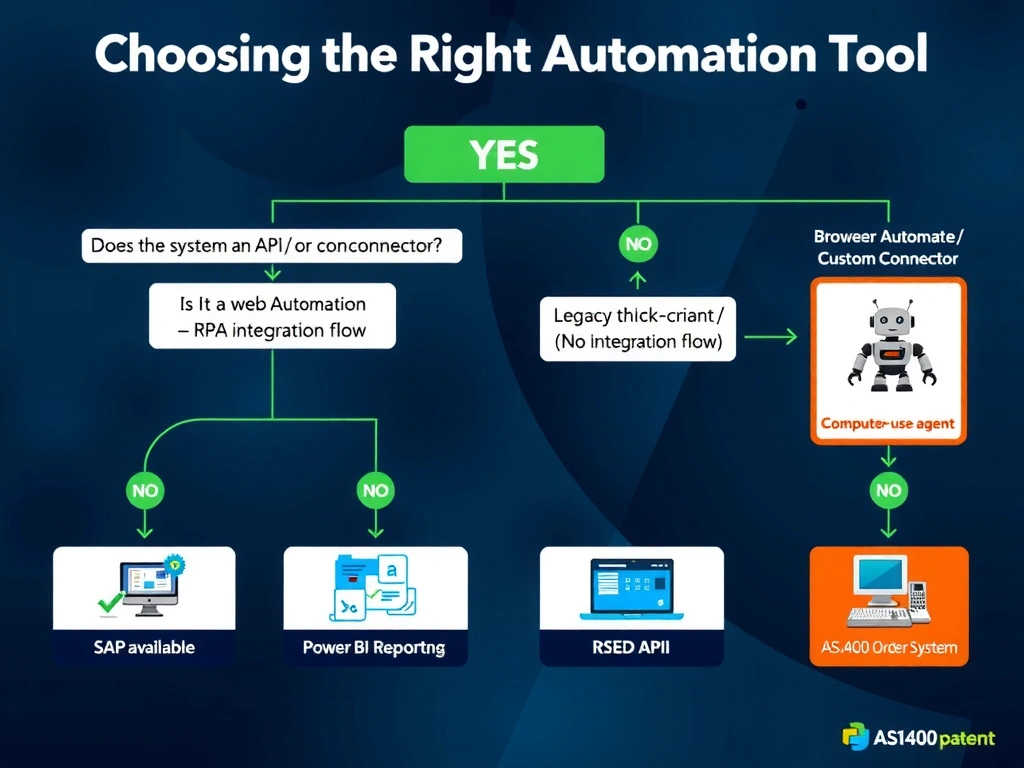
Computer-use agents are the tool of last resort — reach for them when there is truly no API, no connector, and no integration surface to grab onto. An ancient AS/400 thick-client application with zero integration options is precisely the scenario where screen automation is the only key that fits the lock. Any scenario with an available API, connector, or native scheduling is better served by those purpose-built tools.
Full explanation below image
Full Explanation
Computer-use agents shine in a very specific niche: automating systems that have no programmatic integration interface. The vision-based interaction model is slower, more fragile, and more expensive than API-based integration, so it should only be chosen when APIs and connectors are genuinely unavailable.
Option C is correct because an AS/400-based thick-client Windows application from 20 years ago is the canonical example of a system with no integration surface. There is no REST API, no SOAP service, no database query layer accessible to Power Automate, and no connector. The only way to interact with the system is through its user interface — exactly what a computer-use agent is designed for. This is the justified use case.
Option A is incorrect. SAP Concur has a certified Power Automate connector and a documented REST API. Using a computer-use agent here would be an anti-pattern: slower, fragile, and hard to maintain compared to the structured API integration that already exists.
Option B is incorrect. Microsoft Teams has both a native notification connector and full Graph API support for sending messages and meeting reminders. A computer-use agent would add unnecessary complexity and cost compared to a simple Power Automate flow using the Teams connector.
Option D is incorrect. Power BI's native report subscription and scheduled delivery features handle this use case without any custom automation. Building a computer-use agent to screenshot and email Power BI reports would be a textbook over-engineering example.
Exam tip: For computer-use agent questions, the AB-620 exam tests your judgment on when this approach is appropriate. The decision hierarchy is: (1) native platform feature, (2) standard connector, (3) custom connector over an API, (4) Power Automate with desktop flows (for traditional RPA), (5) computer-use agent as last resort. Know that 'no API' and 'legacy thick client' are the key qualifying phrases that signal computer-use agent territory.