
A government agency is integrating a Copilot Studio agent with an internal REST API that enforces mutual TLS (mTLS) authentication. The API requires that the calling client present a valid client certificate signed by the agency's internal Certificate Authority. The certificate and private key are stored in Azure Key Vault. The agent must authenticate using this certificate without storing it in any environment variable or configuration file. Which implementation approach supports mTLS client certificate authentication for this scenario?
Select an answer to reveal the explanation.
Short Explanation and Infographic
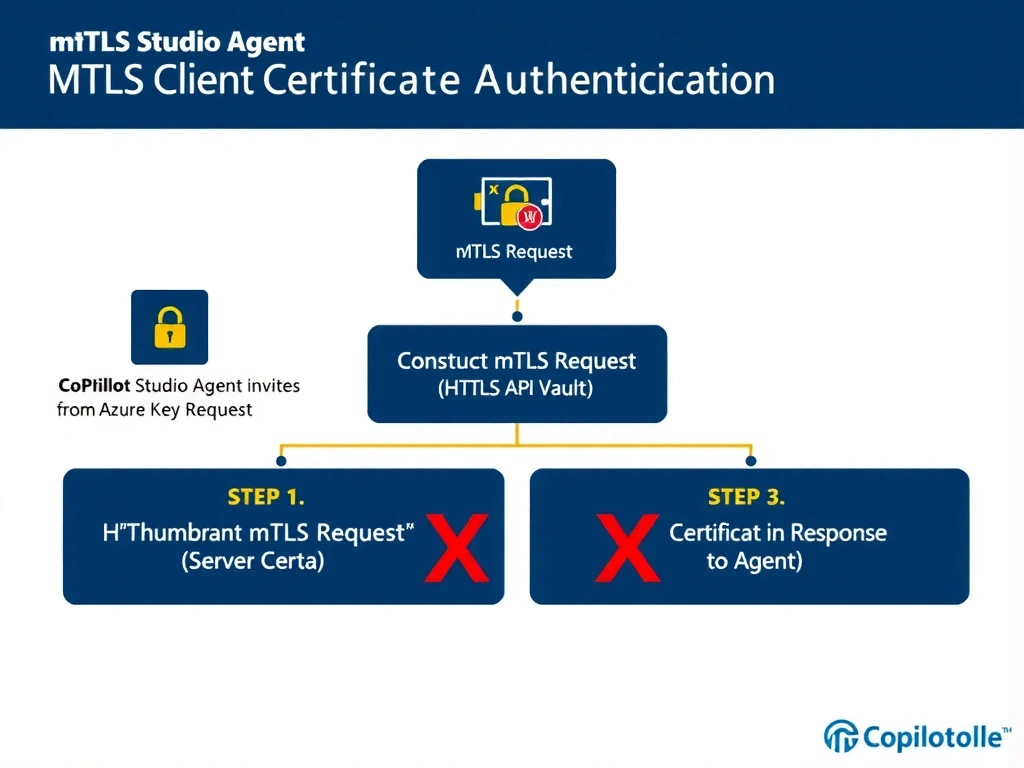
Mutual TLS is like a two-way handshake at a secure facility — both parties show their ID badges. The agent's 'badge' is the client certificate stored in Azure Key Vault. Since Power Platform custom connectors don't natively support presenting client certificates for mTLS, a Power Automate flow that fetches the cert from Key Vault and constructs the mTLS call at runtime is the practical workaround. It keeps the certificate out of config files and leverages the Key Vault connector's managed identity integration.
Full explanation below image
Full Explanation
Mutual TLS (mTLS) requires that both the server and the client present valid certificates during the TLS handshake. For Copilot Studio agents connecting to internal APIs that enforce mTLS, the key challenge is that native Power Platform custom connectors do not natively support client certificate presentation as part of the connector authentication framework.
Option C is correct because it uses a Power Automate flow to handle the mTLS handshake outside of the custom connector layer. The flow uses the Azure Key Vault connector to retrieve the client certificate and private key at runtime. The flow then constructs the REST API HTTP request, attaching the certificate for mTLS. Because the flow runs with managed identity or a service principal that has access to the Key Vault, the certificate never needs to be stored in environment variables or configuration files — it is retrieved dynamically at runtime. The flow returns the API response as structured output to the agent topic, completing the integration.
Option A is incorrect because a certificate thumbprint is an identifier for a certificate, not the certificate itself. Including a thumbprint in an Authorization header does not perform mTLS authentication — the TLS layer requires the actual certificate and private key during the handshake, not a reference to it in an HTTP header. This approach would not satisfy the mTLS requirement.
Option B is incorrect because Basic Auth sends a username and password, not a client certificate. Including a base64-encoded public key as the username field does not constitute mTLS — the server cannot use a base64 string in an HTTP header to verify a client certificate. Furthermore, the public key alone is insufficient for mTLS; the private key is required to complete the handshake, and transmitting it in a header would be a critical security violation.
Option D is incorrect because the OAuth 2.0 client credentials flow uses a client ID and client secret (or optionally a certificate) to obtain a bearer token for API calls — it is not the same as mTLS. OAuth client credentials authenticate to an authorization server to get a token; mTLS authenticates the client at the TLS transport layer. Even if the API accepted OAuth client credentials with a certificate, uploading the certificate to the API key settings in Power Platform admin center is not the correct configuration path, and it would store the certificate in the platform configuration rather than in Key Vault.
Exam tip: mTLS is a transport-layer authentication mechanism, not an application-layer auth scheme like OAuth or API keys. Power Platform custom connectors handle application-layer auth (Basic, OAuth, API Key). For transport-layer security like mTLS, a Power Automate flow that programmatically constructs the TLS connection with the client certificate is the integration path. Always retrieve sensitive certificates from Azure Key Vault at runtime, never store them in environment variables.