
A manufacturing company wants to integrate their SAP S/4HANA system with a Copilot Studio agent so employees can query production order status through natural language. The SAP system exposes OData APIs and is hosted on-premises behind the corporate firewall. The company does not want to expose SAP APIs directly to the internet. Which integration architecture enables the agent to securely access SAP data without direct internet exposure of the SAP endpoint?
Select an answer to reveal the explanation.
Short Explanation and Infographic
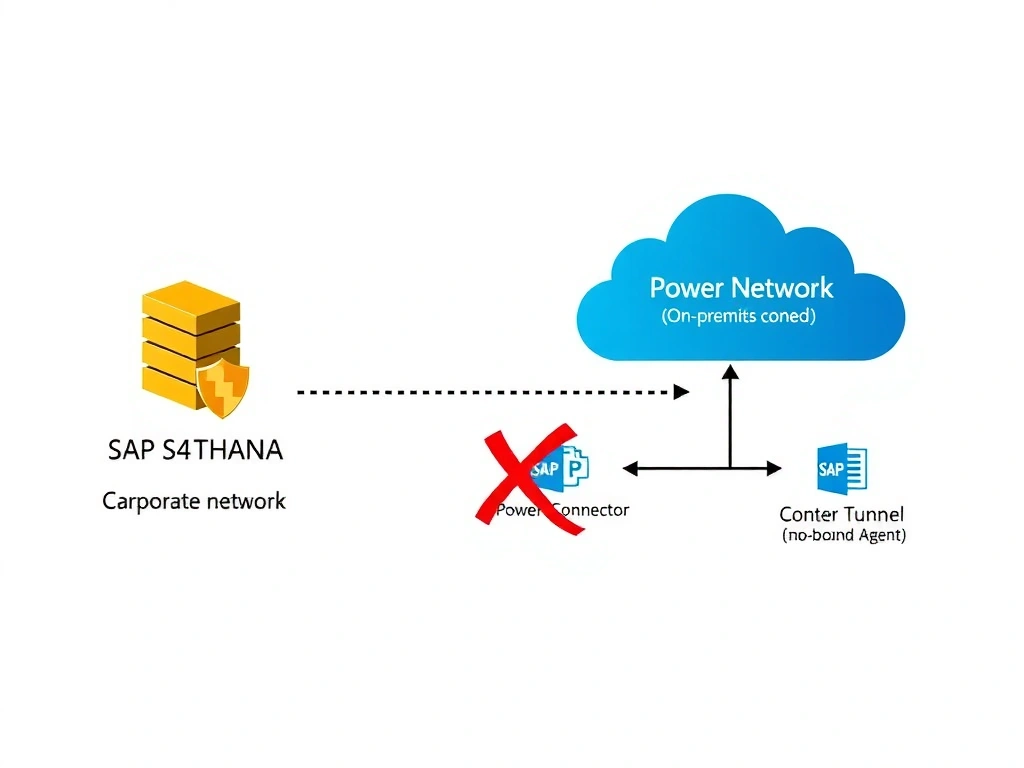
Connecting a Copilot Studio agent to an on-premises SAP system through the firewall is like mailing a letter through a secure internal courier rather than the public postal service — the on-premises data gateway is that courier, routing requests from the Power Platform cloud through the corporate network to SAP without opening any public ports. The connector talks to the gateway, the gateway talks to SAP, and the whole path stays inside the corporate perimeter. For actions (not knowledge), the connector lives in a Power Automate flow that the agent calls.
Full explanation below image
Full Explanation
When SAP S/4HANA is hosted on-premises and the organization does not want to expose its OData APIs to the internet, the on-premises data gateway is the correct connectivity solution within the Power Platform ecosystem. The gateway acts as a secure bridge between cloud services (Power Platform, Copilot Studio) and on-premises data sources without requiring inbound firewall rules.
Option D is correct because it follows the proper on-premises integration pattern. The on-premises data gateway is installed on a corporate network server that has network access to the SAP system. A custom connector is then created in Power Platform, configured to reference the SAP OData endpoint. The connector uses a gateway connection to route its HTTP calls through the on-premises data gateway rather than directly to the internet. Because Copilot Studio actions cannot directly invoke custom connectors that require gateway connections without a flow intermediary in all scenarios, a Power Automate flow wraps the connector calls and is invoked from the agent topic. This is the end-to-end supported pattern for on-premises connectivity.
Option A is incorrect because port-forwarding the SAP server through the corporate firewall is exactly what the question prohibits — it exposes the SAP endpoint to internet traffic, creating a significant security risk. Direct exposure of internal OData APIs to the public internet violates the stated requirement.
Option B is incorrect in principle — using Azure API Management with VNet integration and ExpressRoute is a valid enterprise pattern, but it routes traffic from the cloud to on-premises through Azure rather than using the Power Platform's native gateway solution. This approach is significantly more complex, requires Azure networking expertise, and introduces additional infrastructure cost. It also exposes a public APIM endpoint, which partially contradicts the goal of not exposing SAP APIs to the internet (even if APIM adds a protection layer). For the AB-620 exam, the on-premises data gateway is the canonical Power Platform answer for this scenario.
Option C is directionally correct in mentioning the on-premises data gateway and custom connector, but it states the connector is added directly 'as an action in the Copilot Studio agent' without the Power Automate flow intermediary. In practice, custom connectors that use gateway connections are invoked through Power Automate flows, not directly as agent actions (direct connector support in agent actions has specific limitations). Option D is more complete and architecturally precise.
Exam tip: On-premises data gateway is the Power Platform answer for connecting to any on-premises system (SAP, SQL Server, file shares) without public internet exposure. The pattern is always: gateway installed on-premises → custom connector configured with gateway connection → Power Automate flow wraps the connector → agent topic invokes the flow. SAP's OData API surface makes it compatible with standard OData custom connectors.