
A developer needs to configure a Copilot Studio agent deployed in Microsoft Teams so that it accesses the user's own Microsoft 365 calendar data. Each user should see only their own calendar events, not a shared service account's calendar. The connection must use the user's identity at runtime without requiring them to re-enter credentials each session. Which authentication configuration achieves this requirement?
Select an answer to reveal the explanation.
Short Explanation and Infographic
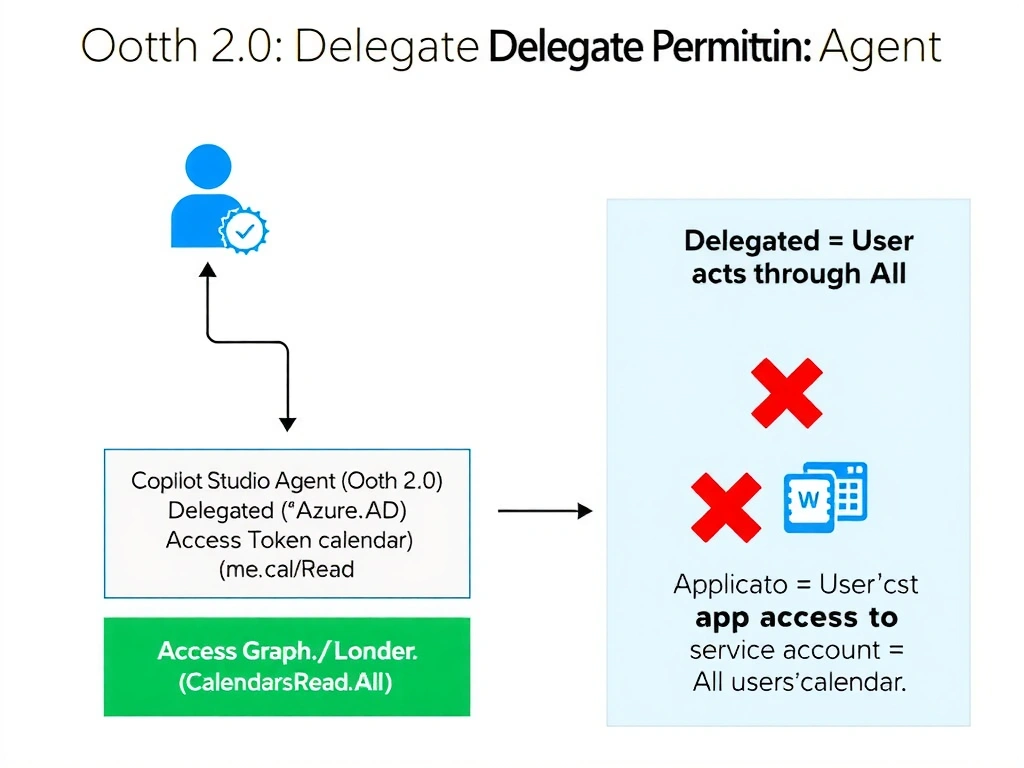
OAuth delegated permissions are like giving someone their own key to their own house — the app acts on their behalf, using their identity and their permissions, not a master key the landlord holds. Application permissions are the master key — they work for any tenant, but that breaks the 'only see your own data' requirement. The magic words on the exam are 'user-delegated token' and 'Calendars.Read' (not Calendars.Read.All) — that's how you know the agent is acting as the user, not as an admin.
Full explanation below image
Full Explanation
Microsoft identity platform OAuth 2.0 supports two types of permissions: delegated permissions and application permissions. Understanding which to use is fundamental to agent authentication design.
Option A is correct because configuring the agent with Azure AD OAuth 2.0 using a delegated permission scope (Calendars.Read) means the agent requests a token on behalf of the signed-in user. The user's own identity is used to authorize the calendar read — they see only their own calendar data. The 'Require users to sign in' setting in Copilot Studio triggers the OAuth authorization code flow at the start of the conversation, obtaining a user-delegated access token. When deployed in Teams, Teams Single Sign-On (SSO) can be leveraged to automatically pass the user's Teams identity to the agent, eliminating the need for repeated credential entry across sessions.
Option B is incorrect because application permissions (Calendars.Read.All) allow the app to read any user's calendar without a signed-in user context. This is a service-to-service permission that uses a client secret or certificate for authentication — it does not scope the data to the conversation user's identity. A developer would need to explicitly filter calendar reads by UPN, and this approach violates the principle of least privilege by granting access to all calendars.
Option C is incorrect because the shared mailbox option in a connector is designed for accessing a mailbox that multiple users share, not for accessing each user's personal calendar. Mapping calendar data via a Power Fx lookup on the user's email does not override the shared mailbox authentication context — the connector still authenticates as the shared mailbox account, not as the individual user.
Option D is incorrect because using a service account in a Power Automate flow to read user calendar data is equivalent to application-level access — the service account acts as a privileged identity reading on behalf of users. This approach breaks the user-delegated access requirement and introduces security risks by centralizing a privileged service account credential. It also adds unnecessary flow overhead for a scenario that should be handled natively by the agent's authentication layer.
Exam tip: The key distinction is delegated vs. application permissions. Delegated = user's identity, limited to their own data, requires sign-in. Application = service identity, can access any data, requires admin consent. Scope names matter: Calendars.Read (delegated) vs. Calendars.Read.All (application). If the question says 'each user sees only their own data,' it's always delegated/OAuth with user sign-in.