
A customer experience manager at Woodgrove Bank reviews their Copilot Studio loan inquiry agent monthly. Last month's data shows the agent had a resolution rate of 68%, but user satisfaction scores are significantly lower than expected. The manager suspects users are being routed to human agents too often for questions the agent should handle. Which two Copilot Studio Analytics metrics should the manager examine together to confirm this hypothesis?
Select an answer to reveal the explanation.
Short Explanation and Infographic
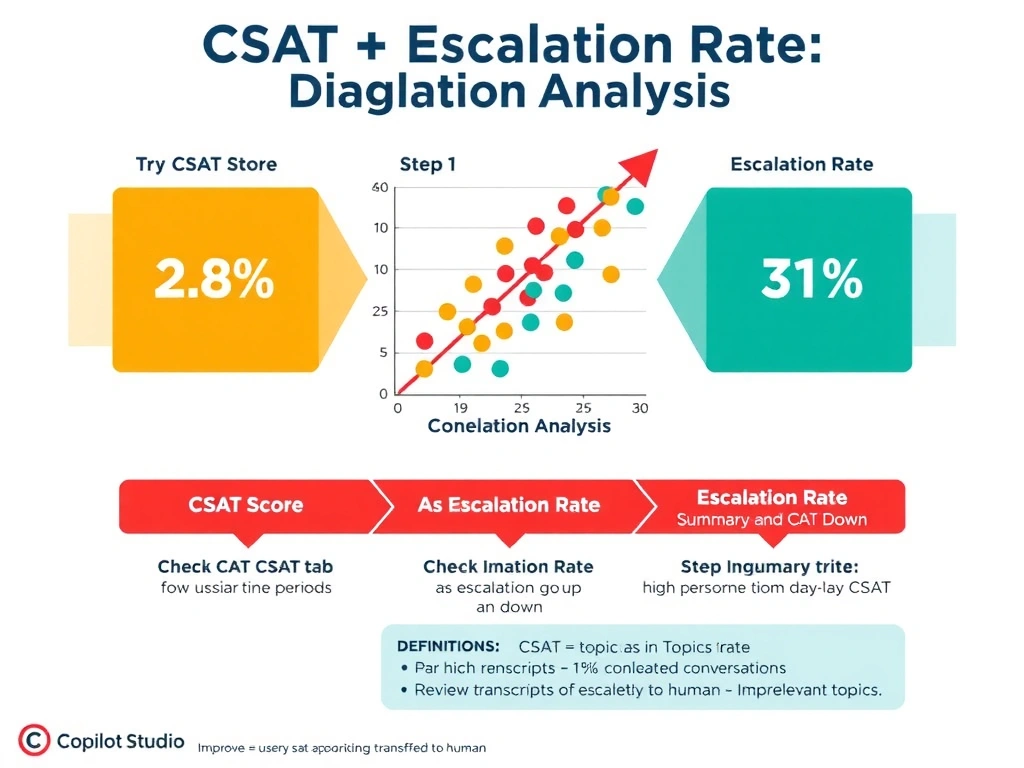
CSAT and escalation rate are the two sides of the same coin when users are unhappy and getting transferred. Low CSAT tells you users are unsatisfied; high escalation rate tells you why — the agent keeps punting to a human instead of handling it. Together, they confirm whether the agent is the problem or just the messenger.
Full explanation below image
Full Explanation
Customer Satisfaction (CSAT) score and escalation rate are complementary metrics that, when examined together, reveal whether agent limitations are driving user dissatisfaction.
CSAT score is collected via an optional end-of-conversation survey in Copilot Studio. Users rate their experience, typically on a 1-5 star scale or a thumbs up/down. A declining CSAT trend signals that users are not getting the help they need.
Escalation rate measures the percentage of conversations that were transferred to a human agent. A high escalation rate — particularly for topic categories the agent should handle — indicates the agent is either not recognizing the intent, not having relevant content, or failing to complete transactions autonomously.
In this scenario, examining both metrics together would confirm or deny the hypothesis: if CSAT is low AND escalation rate is high on loan inquiry topics the agent was designed to resolve, the manager has evidence that unnecessary escalations are causing dissatisfaction. The next step would be to use the Conversations tab and Topics analytics to identify which specific topics are triggering the most escalations.
Option A (total sessions and average response length) is incorrect. Response length is not a standard Copilot Studio Analytics metric and does not indicate why users are dissatisfied or whether escalations are excessive.
Option C (groundedness and fluency scores) is incorrect. These are AI quality metrics configured in Azure AI Foundry for evaluation pipelines — they are not available as standard Copilot Studio Analytics dashboard metrics. They also address factual accuracy and writing quality, not escalation behavior.
Option D (topics triggered and conversation duration) is incorrect. While useful for understanding efficiency, these metrics do not directly address user satisfaction or the escalation pattern the manager is investigating.
For the AB-620 exam: know that CSAT in Copilot Studio is measured in the Customer Satisfaction analytics tab and requires enabling the satisfaction survey option in the agent settings. Escalation rate appears in the Summary tab and Topics tab. These two metrics together answer the question 'are users unhappy because the agent is failing them?'