
The operations manager at AdventureWorks wants to review the exact messages exchanged between customers and their Copilot Studio booking agent over the past week, including which topics were triggered, how the conversations ended, and whether any conversations were escalated to a human. Where in Copilot Studio should the manager navigate to access this information?
Select an answer to reveal the explanation.
Short Explanation and Infographic
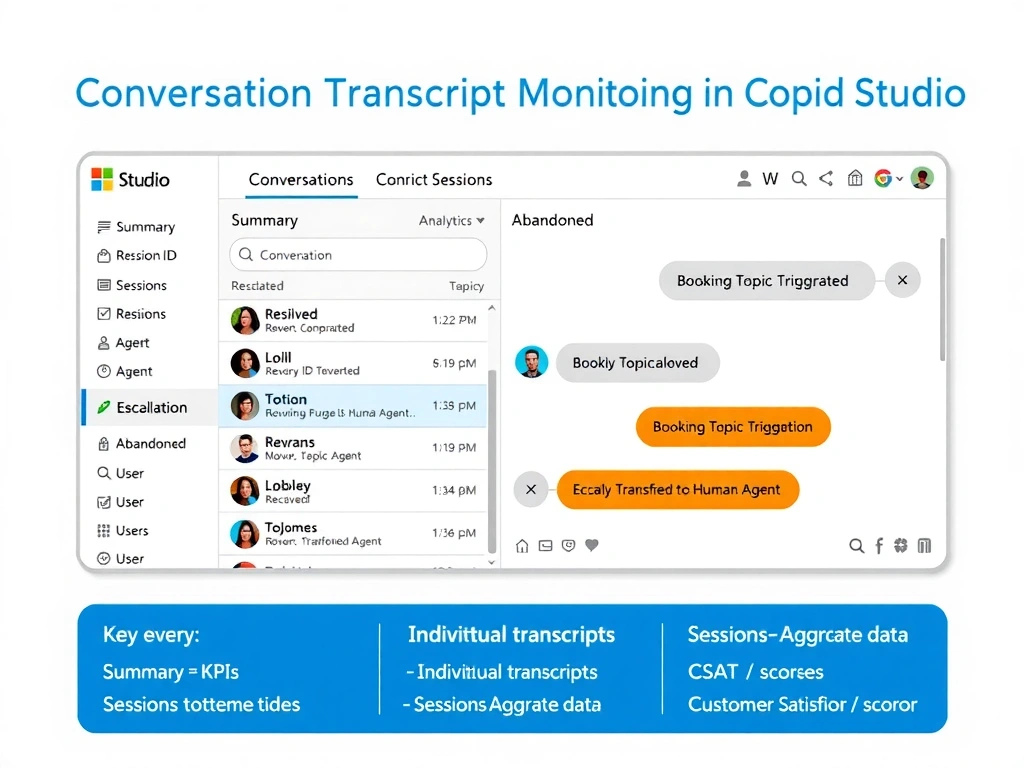
The Conversations tab in Copilot Studio Analytics is the playback button for real customer interactions — you can open any conversation, read the full transcript, see which topics fired, and check whether it resolved or escalated. It is the difference between looking at a summary report and actually reading the case file.
Full explanation below image
Full Explanation
In Copilot Studio, the Analytics section contains several tabs for monitoring agent performance. The Conversations tab (sometimes called 'Conversation Transcripts' depending on the version) provides access to individual session-level records. Each record includes the full message exchange, the topics that were triggered during the session, the conversation outcome (resolved, escalated, or abandoned), and the session timestamp.
Operations managers use this view for quality assurance — reviewing what the agent actually said, checking whether it handled edge cases correctly, and identifying conversations where the outcome was unexpected. The escalation status field directly answers whether the conversation was transferred to a live agent.
Option A (Topics list view) is incorrect. The Topics section shows aggregate topic trigger counts and allows editing of topic flows. It does not display individual conversation transcripts.
Option B (Analytics > Sessions tab) is partially misleading. While a Sessions view exists in some versions of Copilot Studio and can provide download options, the primary interface for reading individual conversation details including transcripts, outcomes, and escalation status is the Conversations tab. The exam tests the correct location for this specific use case.
Option D (Test pane history) is incorrect. The test pane in Copilot Studio is a development tool used by makers to test the agent during building. It does not retain production customer conversations and is not accessible by operations managers as a monitoring interface.
For the AB-620 exam: Copilot Studio Analytics has three primary tabs to know — Summary (high-level KPIs), Conversations (individual transcripts and outcomes), and Sessions (aggregate session data). When the question involves reading actual conversation content, the answer is always the Conversations or transcripts view.