
A Copilot Studio agent needs to integrate with two different backend systems: (1) a REST API that creates CRM leads in real time when a user provides contact information, and (2) a legacy Windows desktop application that processes refund requests through a local UI with no API. A developer is deciding which type of Power Automate flow to use for each integration. What is the correct choice?
Select an answer to reveal the explanation.
Short Explanation and Infographic
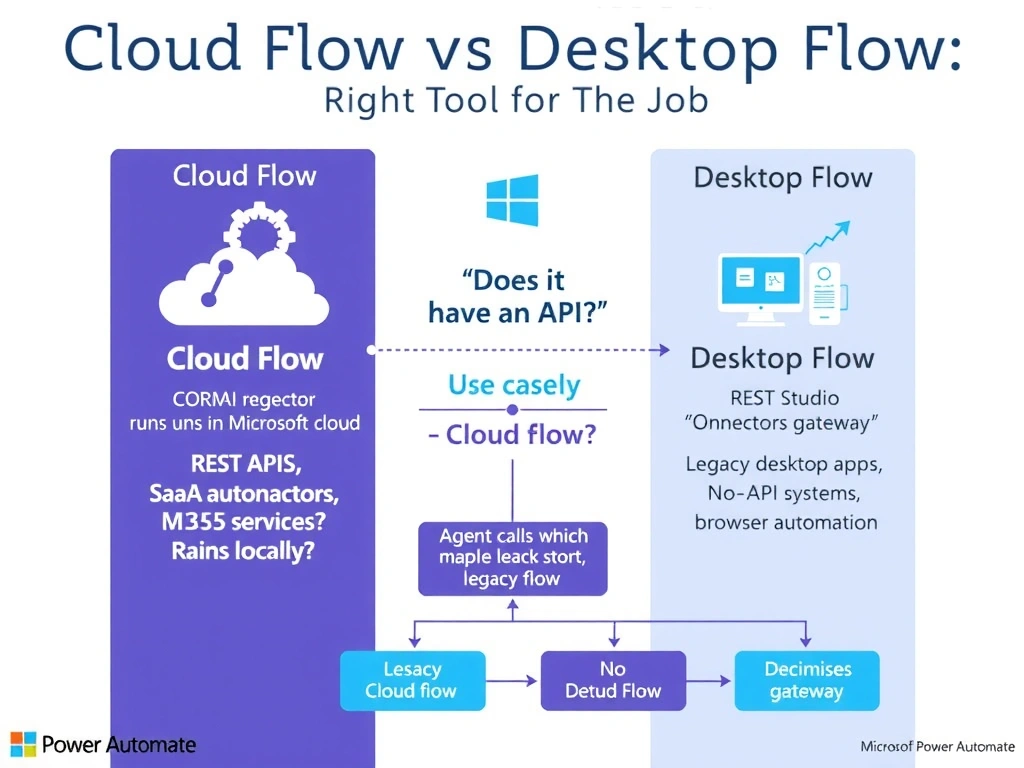
Cloud flows live in the cloud and speak API fluently. Desktop flows run on a local machine and can click through Windows apps like a patient robot. Use the right tool for the right job — APIs get cloud flows, legacy UIs get desktop flows.
Full explanation below image
Full Explanation
Power Automate has two distinct flow types suited for different integration scenarios. Cloud flows run in Microsoft's cloud infrastructure and are ideal for integrating with internet-accessible services via connectors and APIs. They have built-in connectors for hundreds of services (Salesforce, Dynamics, REST HTTP calls, etc.) and are the correct choice for integrating with a CRM via REST API. They can also be invoked directly from Copilot Studio using the 'Run a flow from Copilot Studio' trigger.
Desktop flows (also called robotic process automation or RPA flows) run on a Windows machine (physical or virtual) using Power Automate Desktop and an on-premises data gateway. They can record and replay interactions with any Windows application — including legacy apps with no API, old thick-client software, and mainframe terminal emulators. They interact with the UI the way a human would: clicking buttons, entering text in fields, and reading screen content.
For this scenario: the CRM integration uses a REST API, making a cloud flow the correct choice. The legacy Windows application has no API and requires UI automation, making a desktop flow the correct choice. The two flows can be chained — the Copilot Studio agent calls a cloud flow, which calls the desktop flow via the 'Run a desktop flow' action when local processing is needed.
Option A is incorrect because there is no 'RDP connector' in Power Automate for controlling desktop applications from cloud flows. Remote Desktop is a separate protocol and not a Power Automate connector for UI automation.
Option B is incorrect because using a desktop flow for REST API calls is technically possible (a browser automation flow could navigate to an API endpoint) but is unnecessarily complex, slow, and fragile compared to a cloud flow's native HTTP connector.
Option D is incorrect because there is no 'Legacy Application' connector in the Power Platform connector catalog. Legacy system integration without APIs specifically requires desktop flows.
Exam tip: Cloud flow = API/connector-based, runs in cloud, real-time. Desktop flow = UI automation, runs on-premises machine, requires gateway. Both can be called from Copilot Studio, but desktop flows are triggered through a cloud flow intermediary.