
A developer publishes a Copilot Studio agent to the website channel and provides the embed code to the web team. After embedding the iframe on the company's public website (www.contoso.com), the chat widget does not load — the browser console shows a security error. The agent is also intended to be embedded on the company's internal portal (intranet.contoso.com). What must the developer configure in Copilot Studio to allow the agent to load on both sites?
Select an answer to reveal the explanation.
Short Explanation and Infographic
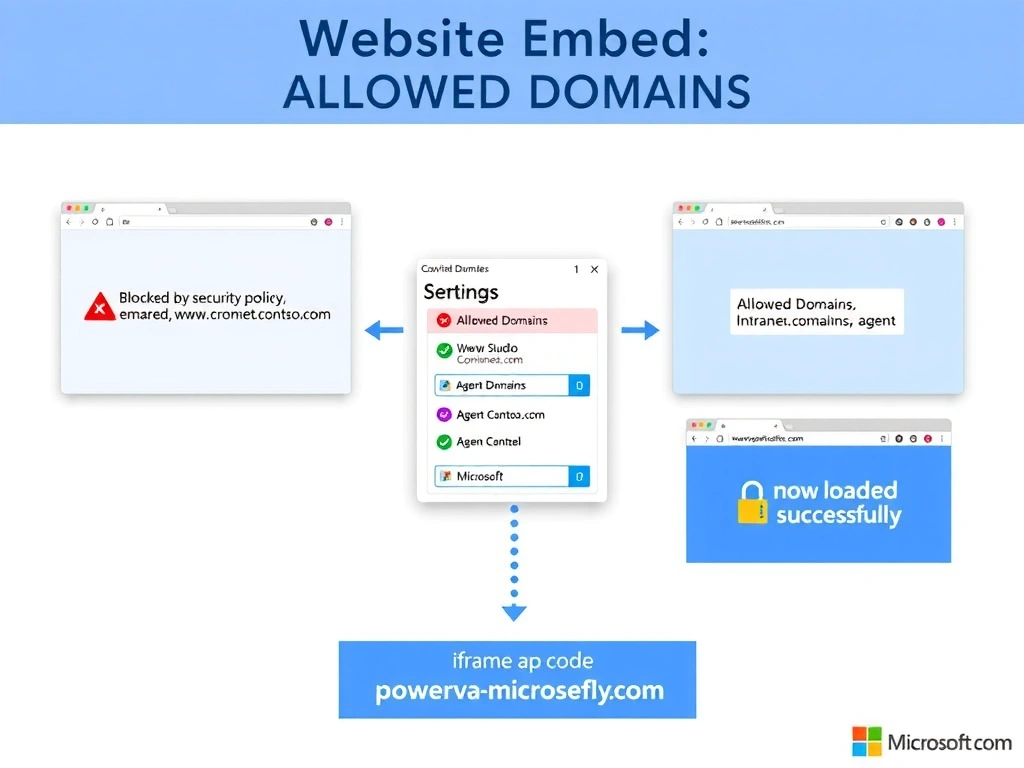
The allowed domains list is the guest list for the agent's party — if your domain isn't on it, the bouncer (browser security) turns you away at the door. Add both sites to the list and the chat widget loads without complaint on either.
Full explanation below image
Full Explanation
When a Copilot Studio agent is published to the website channel, the platform enforces a security control that restricts which websites can embed the agent's chat widget. This is implemented through an 'Allowed domains' (or 'Security' / 'Authorized domains') list in the website channel configuration within Copilot Studio. Only pages served from listed domains can successfully load the agent widget; all others are blocked by the browser's security policies.
The developer must navigate to the website channel settings in Copilot Studio and add both www.contoso.com and intranet.contoso.com to this list. Once saved, the agent's embed iframe will load on pages from both origins.
Option A is incorrect because Azure API Management CORS policies control which origins can make API calls to an API Management-fronted backend, not which websites can embed a Copilot Studio agent. The agent's embed widget does not run through API Management.
Option C is incorrect because while updating the host website's Content-Security-Policy header to allow the Copilot Studio iframe domain is also necessary (if the host site has a strict CSP), it is not the Copilot Studio configuration that must be changed. The browser error described — a security error when loading the widget — is caused by the agent's domain restriction, not the host site's CSP. Both may need to be addressed, but the Copilot Studio allowed domains list is the required configuration change within the platform.
Option D is incorrect because Copilot Studio does not generate domain-specific embed codes. There is a single embed code per agent, and domain restrictions are managed through the allowed domains configuration — not by generating unique codes.
Exam tip: The allowed domains configuration is in the Copilot Studio website channel settings, not in Azure, not on the host website. It is a publish-side control, not a host-side control.