
A Copilot Studio developer is connecting an agent to Azure AI Search. The company's product catalog index has fields named 'product_name', 'category', 'price', and 'description'. The agent needs to return only products in the 'Electronics' category, and results should be ranked by semantic relevance to the user's query rather than simple keyword matching. When configuring the Azure AI Search knowledge source, what two settings must be correctly configured to meet these requirements?
Select an answer to reveal the explanation.
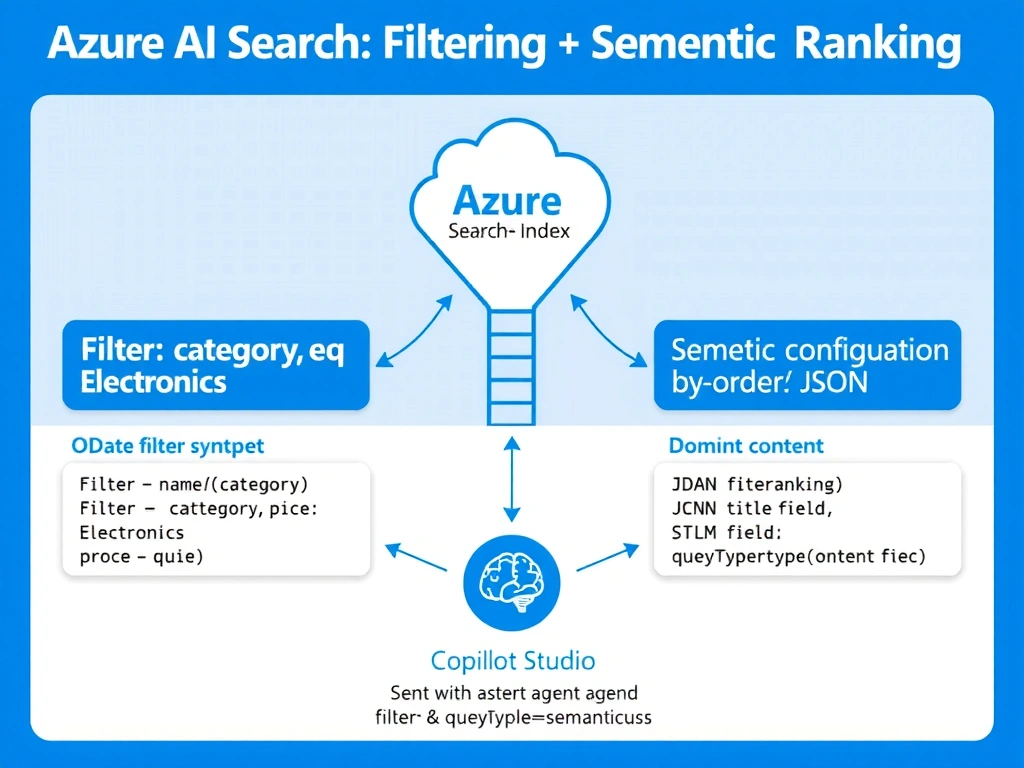
Short Explanation and Infographic
Think of an index filter like a WHERE clause in SQL — it narrows the row set before ranking happens. Semantic ranking is a separate switch you flip on the index that upgrades keyword matching to meaning-based scoring. Both levers are independent and both are required here.
Full explanation below image
Full Explanation
Azure AI Search supports two distinct concerns: filtering (which documents are eligible) and ranking (how eligible documents are ordered). A filter expression using OData syntax — such as category eq 'Electronics' — runs server-side before any scoring, so only matching documents reach the ranking stage. This is the correct and efficient way to scope results to a category.
Semantic ranking is a separate capability that must be enabled at the index level by creating a semantic configuration (a named set of title, keyword, and content field mappings). When the agent's Azure AI Search connection sends queries with queryType=semantic and references this configuration, Azure's language models re-rank the top results by meaning, not just term frequency.
Option A is incorrect because 'Full-text search' mode does not provide semantic relevance — it is the default keyword mode. Making 'category' searchable would let users search within it, not filter by it.
Option C is incorrect because synonym maps and scoring profiles address keyword expansion and numeric boosting, not semantic meaning-based ranking. A scoring profile alone cannot replicate semantic re-ranking.
Option D is incorrect because adding a custom indexer skill for tagging does not filter at query time, and switching to 'simple' query type actually reduces ranking sophistication rather than improving it.
Exam tip: Filtering and semantic ranking are configured in two different places — filter expressions go in the query (or the agent's knowledge source filter setting), while semantic ranking is enabled on the index definition itself and then referenced by name at query time.