
A logistics company wants to deploy a Copilot Studio field operations agent to their custom iOS and Android mobile app used by truck drivers. The mobile app is built natively and does not use a browser or Microsoft Teams. The agent must be accessible within the native app experience, with the mobile app handling the UI and passing user messages to the agent. Which Copilot Studio channel and integration approach should the developer use?
Select an answer to reveal the explanation.
Short Explanation and Infographic
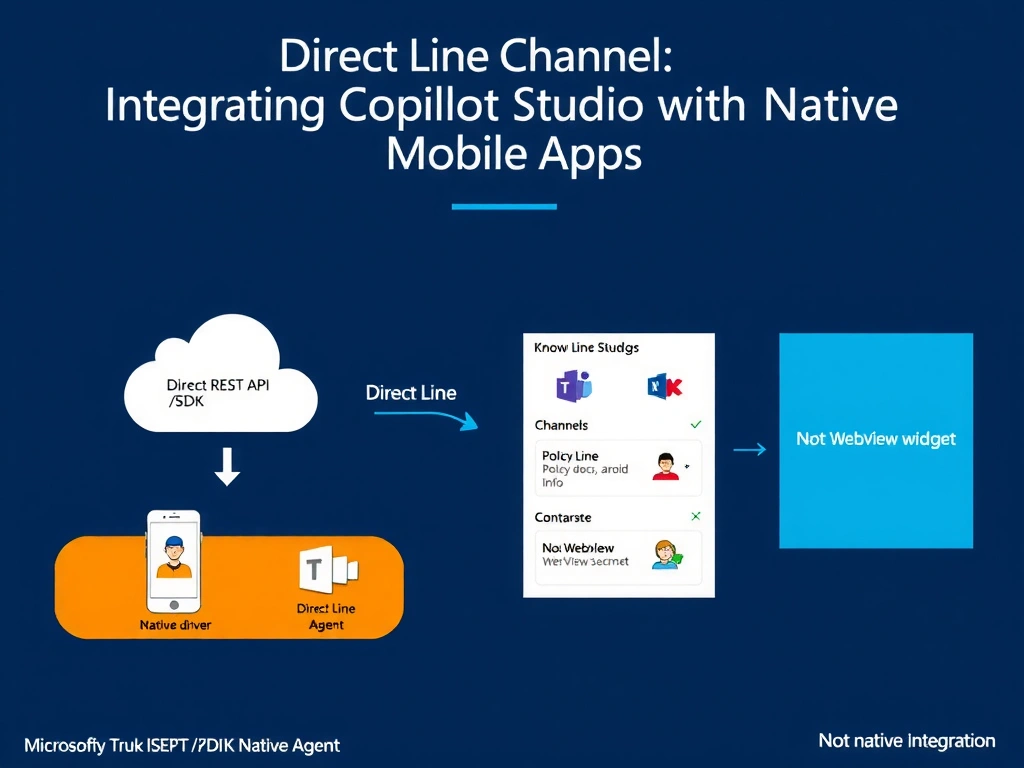
Direct Line is the developer's API key to the agent—it's the raw messaging channel that lets any custom app, native or otherwise, talk directly to the agent without needing Teams, a browser, or any Microsoft UI.
Full explanation below image
Full Explanation
Copilot Studio exposes the Direct Line channel as the programmable, framework-agnostic way to connect any custom application to an agent. Direct Line provides a REST API and corresponding SDKs that allow developers to send user messages to the agent and receive bot responses in raw JSON format, giving the host application complete control over the UI rendering and user experience.
Option B is correct because the native iOS/Android mobile app can integrate with the Direct Line REST API (or use the Bot Framework Direct Line SDK for mobile) to authenticate with the agent's Direct Line secret, send user text or events, and receive structured responses that the app renders natively. This gives the logistics company full control over the driver-facing UI without requiring any Microsoft-provided UI components.
Option A is wrong because requiring drivers to install and use Microsoft Teams changes the product's scope and adds a dependency on a third-party app. The scenario explicitly states the company has a custom native app and wants the agent embedded within it—not redirected to Teams. This also means drivers need a Microsoft 365 license, which may not be appropriate for frontline workers.
Option C is wrong in that it is technically possible but not the best answer for a native app scenario. Embedding a WebView with the web chat widget preserves Microsoft's chat UI inside the native app, which creates inconsistent UX (the WebView looks different from native UI components) and loses deep integration possibilities such as passing native app data to the agent or rendering agent responses using native UI controls. Direct Line is the more appropriate, fully custom integration.
Option D is wrong because the Telephony channel converts the agent to a voice-based IVR system accessible via phone calls. The scenario describes a native mobile app with a text/conversation interface, not a phone call system. Telephony would completely change the interaction modality and is not appropriate here.
Exam tip: Direct Line is the answer whenever a scenario describes a custom application (native app, kiosk, IoT device, custom portal) that needs to integrate with a Copilot Studio agent programmatically. The Direct Line secret is obtained from the Copilot Studio Channels settings and used to authenticate API calls. Know the distinction: web embed = managed UI for websites; Direct Line = raw API for custom applications.