
A Copilot Studio developer is building an agent deployed in Microsoft Teams. The agent sends an adaptive card with an approval request to a manager. When the manager clicks 'Approve' or 'Reject', the card must update in-place in the Teams chat (without sending a new message), and the response must be sent back to the agent for processing. Which action type should the developer use in the adaptive card to enable this in-place card refresh behavior in Teams?
Select an answer to reveal the explanation.
Short Explanation and Infographic
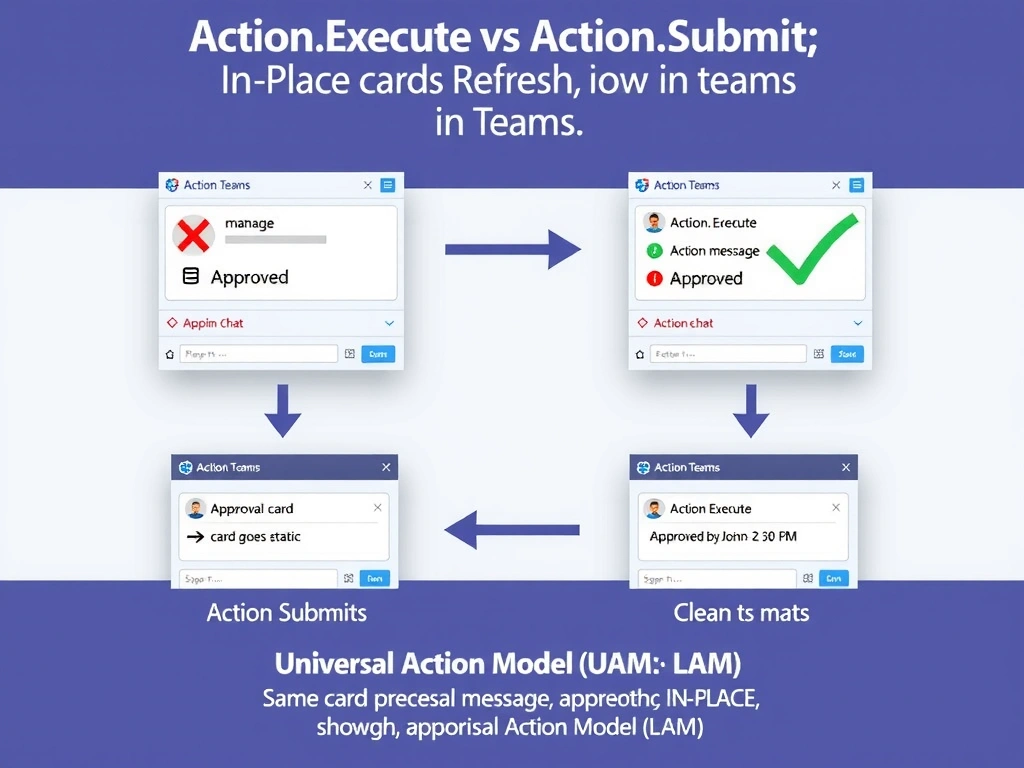
Action.Execute is the 'smart update' button—it's the newer Universal Action Model action that tells Teams to swap out the card with a refreshed version right where it sits, no new message noise needed. Action.Submit is the older model that can't do this.
Full explanation below image
Full Explanation
Microsoft Teams supports the Adaptive Cards Universal Action Model (UAM), which introduces Action.Execute as a successor to Action.Submit for scenarios requiring in-place card updates. When a user interacts with an Action.Execute button, Teams sends the action to the bot/agent's backend. The backend can respond with a new adaptive card payload, and Teams replaces the original card in-place—no new message is posted to the chat. This is ideal for approval workflows where you want the card to show updated status ('Approved by John - 2:30 PM') rather than cluttering the chat with follow-up messages.
Option C is correct because Action.Execute is specifically designed for the Teams in-place card refresh pattern. It is part of the Universal Action Model (UAM), which standardizes how actions work across different Adaptive Card host applications. When the manager clicks 'Approve', Action.Execute sends the decision to the agent, which responds with a refreshed card payload showing the updated approval status.
Option A is wrong because Action.Submit returns data to the agent but does NOT support in-place card refresh in Teams. After Action.Submit, the card becomes static (no longer interactive), and any response from the agent is sent as a new message—the original card is not updated. This creates additional message clutter.
Option B is wrong because Action.OpenUrl with a webhook is a workaround pattern that requires external infrastructure (a webhook endpoint and Teams API calls) to update the card. It is significantly more complex than Action.Execute, requires separate Azure services, and introduces additional latency and failure points.
Option D is wrong because Action.ShowCard simply reveals a nested sub-card for progressive disclosure—it does not submit data to the agent. Even with Action.Submit inside the sub-card, in-place refresh is not possible (same limitation as option A).
Exam tip: For Teams-specific in-place card updates, the answer is Action.Execute (Universal Action Model). Know the distinction: Action.Submit = legacy, no in-place refresh; Action.Execute = modern, supports in-place refresh. This distinction is frequently tested on Teams + Adaptive Cards scenarios.