
A developer is configuring a Copilot Studio agent that should retrieve answers from an internal SharePoint site containing company policies. The SharePoint site is restricted to authenticated employees only. The agent must respect SharePoint's existing permissions—employees should only see content they are individually authorized to access. Which configuration enables this user-level permission trimming when using SharePoint as a knowledge source?
Select an answer to reveal the explanation.
Short Explanation and Infographic
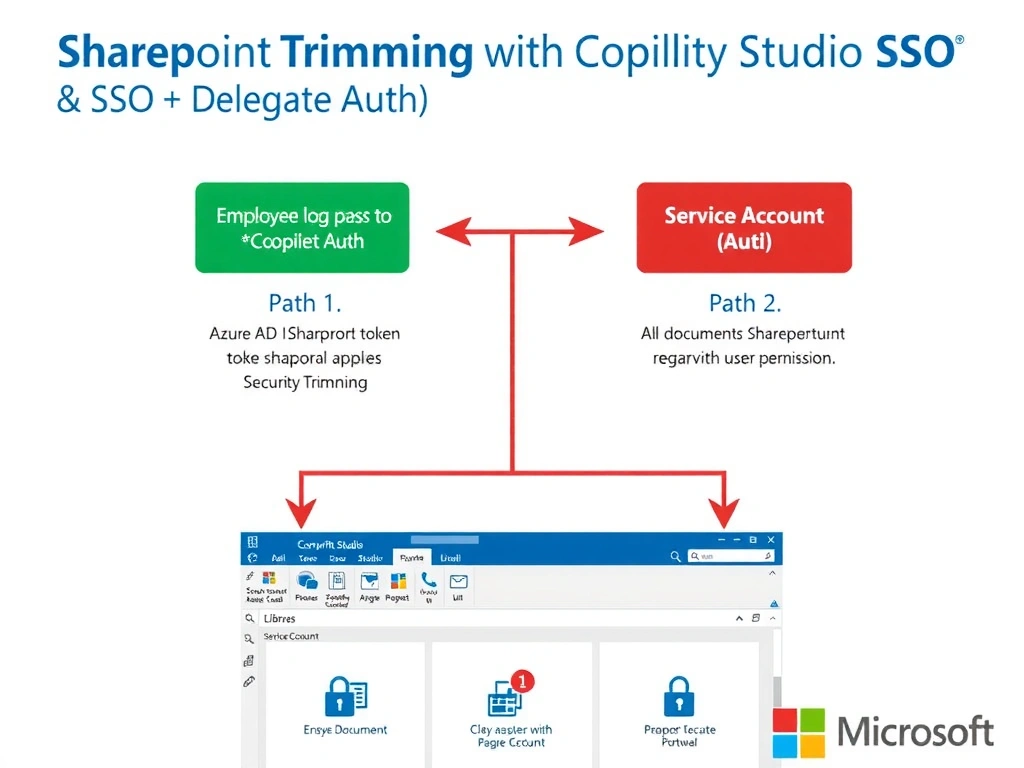
SharePoint security trimming is like a locked filing cabinet where every employee has a different key—when you use the employee's own Azure AD credentials, SharePoint automatically shows them only the files their key opens.
Full explanation below image
Full Explanation
SharePoint Online has built-in permission trimming: when content is queried on behalf of a specific authenticated user, SharePoint returns only the documents that user has permission to view. To leverage this in Copilot Studio, the agent must be configured to query SharePoint using the end user's own identity rather than a service account. This is achieved by enabling user authentication (Azure AD SSO) on the agent and configuring the SharePoint knowledge source to use delegated permissions.
Option A is correct because configuring the SharePoint knowledge source with user authentication and Azure AD SSO ensures that every SharePoint query is executed using the signed-in employee's identity token. SharePoint's native security trimming then automatically filters results to only return documents that employee is authorized to see—no custom filtering logic is required.
Option B is wrong because indexing via a service account retrieves all content that the service account can access (typically everything), and the index itself has no concept of individual user permissions. Manual category filters in Copilot Studio are not equivalent to SharePoint security trimming—they are crude approximations that could expose documents a user shouldn't see or hide documents they should.
Option C is wrong because content moderation in Copilot Studio is designed to filter harmful or inappropriate language/topics, not to enforce document-level access control based on SharePoint permissions. It has no knowledge of which user is authorized to see which document.
Option D is wrong because building a Power Automate flow to check group membership is a fragile, custom reimplementation of what SharePoint already does natively through security trimming. It adds latency, complexity, and maintenance burden, and is unlikely to correctly replicate all SharePoint permission inheritance scenarios (site permissions, library permissions, item-level permissions).
Exam tip: SharePoint security trimming only works automatically when the agent uses delegated user authentication. Service account (application) authentication bypasses trimming. The exam frequently tests this distinction: delegated auth = user-level permissions; application auth = service account permissions (usually broader).