
A financial services company is building a Copilot Studio agent for internal employees only. The agent must verify that users are authenticated corporate employees before allowing them to query sensitive HR data, and employees should not be prompted to sign in separately—they are already signed in via their corporate Azure AD credentials. Which authentication configuration should the developer select?
Select an answer to reveal the explanation.
Short Explanation and Infographic
SSO is like a hotel key card that already has your floor unlocked—you don't stop at the front desk again just to visit HR. Azure AD SSO passes the employee's existing corporate token silently to the agent, no extra login required.
Full explanation below image
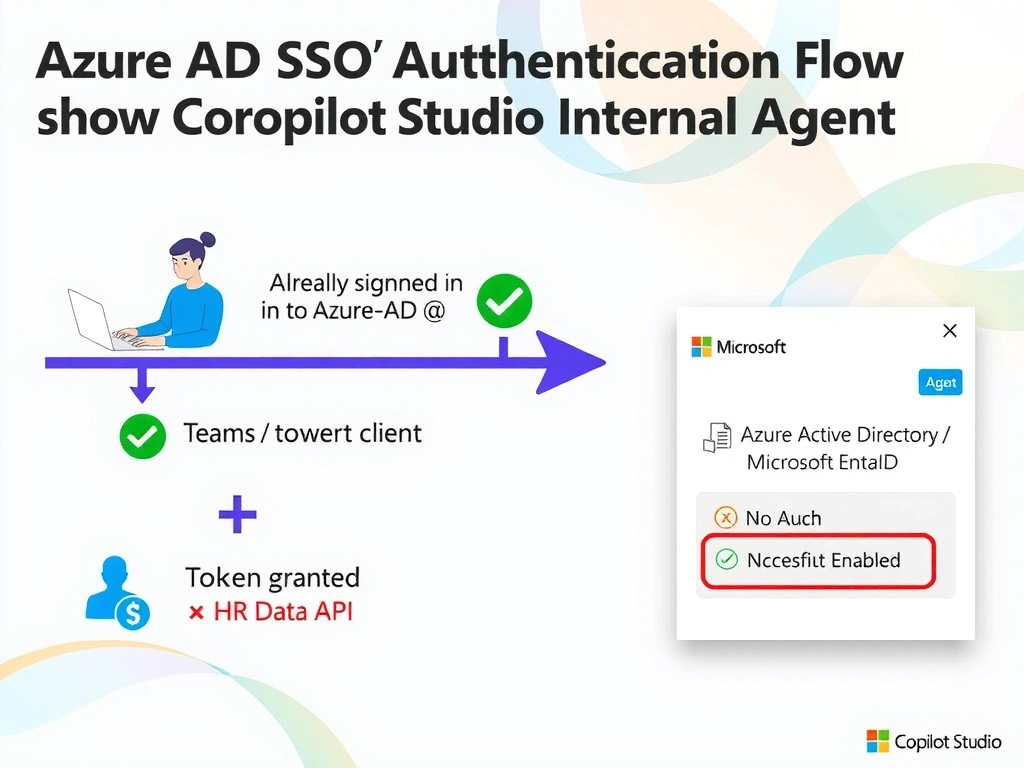
Full Explanation
Copilot Studio supports several authentication modes. For internal employee-facing agents where users already have an active Azure AD (Microsoft Entra ID) corporate session, Single Sign-On (SSO) is the correct choice. SSO passes the user's existing identity token from their corporate session to the agent transparently, eliminating redundant login prompts while still providing strong authentication.
Option D is correct because configuring the agent with Azure Active Directory / Microsoft Entra ID authentication and enabling SSO allows the Teams or browser client to silently pass the user's corporate token to the agent. The agent can then use this token to call secure APIs (such as HR data connectors) on the user's behalf without requiring the user to re-authenticate.
Option A is wrong because 'No authentication' provides zero identity verification at the application layer. IP allowlisting is a network-level control that does not identify individual users and cannot be used to personalize access to sensitive data like HR records.
Option B is wrong because a custom app registration with client credentials uses a service principal (app identity), not a user identity. This would authenticate the application itself rather than the individual employee, and all users would appear as the same service account—making user-level data access impossible.
Option C is wrong because 'Require users to sign in' with manual prompting defeats the SSO goal. The scenario explicitly states employees should not be prompted to sign in separately. This option creates friction and a worse user experience when SSO is available.
Exam tip: For internal agents deployed via Microsoft Teams where users are already signed in to their corporate tenant, SSO is the answer. It combines security (real Azure AD identity) with seamless UX (no extra login). Watch for 'employees already signed in'—that phrase is the SSO signal.