
A Copilot Studio developer is building an internal IT support agent. When users submit a hardware request form via an adaptive card, the agent must capture the selected asset type and urgency level, then route the request to the correct fulfillment topic. Which adaptive card element type and action type should the developer configure to ensure input values are passed to the topic?
Select an answer to reveal the explanation.
Short Explanation and Infographic
Think of an adaptive card like a paper form: the Input.ChoiceSet is the checkbox list, and Action.Submit is the mailbox that sends the filled-out form back to the agent. Without Submit, the agent never sees what the user picked.
Full explanation below image
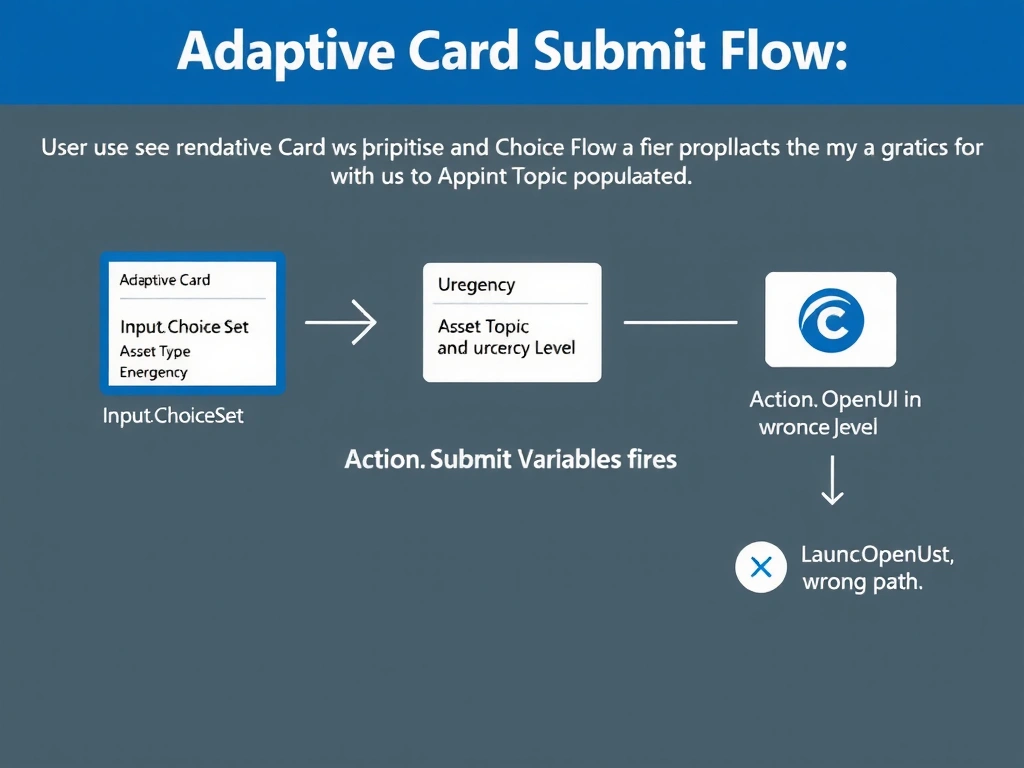
Full Explanation
In Copilot Studio, adaptive cards serve as rich interactive forms inside a conversation. When a card is rendered to the user, any Input.* elements (Text, ChoiceSet, Toggle, Date, etc.) collect user values. However, those values only reach the agent topic when the card uses an Action.Submit action—this is what triggers the card to send its collected input back to the bot runtime as variables the topic can consume.
Option B is correct because Input.ChoiceSet provides a dropdown or radio-button style selection for the asset type and urgency fields, and Action.Submit packages all collected inputs and posts them back to the active topic, where they are available as Power Fx variables.
Option A is wrong because Action.OpenUrl merely launches a browser URL—it does not return any data to the agent. The inputs would be lost.
Option C is wrong because Action.ShowCard is a presentation action that reveals an embedded child card. It does not submit values to the bot; it is useful for progressive disclosure of additional form fields, not for routing logic.
Option D is wrong because Action.Execute is part of the Adaptive Cards Universal Action Model (UAM) used with Bot Framework Skills and some Teams scenarios, but it is not the standard mechanism for passing card input values to a Copilot Studio topic. It can cause unpredictable behavior in Copilot Studio without additional backend configuration.
Exam tip: On the AB-620 exam, always pair Input.* elements with Action.Submit when you need the agent to receive user-entered data. Action.OpenUrl and Action.ShowCard are output/navigation actions, not data-submission mechanisms.