
You deploy a Copilot Studio agent in Microsoft Teams for employees. You want the agent to access each employee's personal OneDrive files without requiring a separate login prompt within the conversation. Which configuration enables this silent authentication experience?
Select an answer to reveal the explanation.
Short Explanation and Infographic
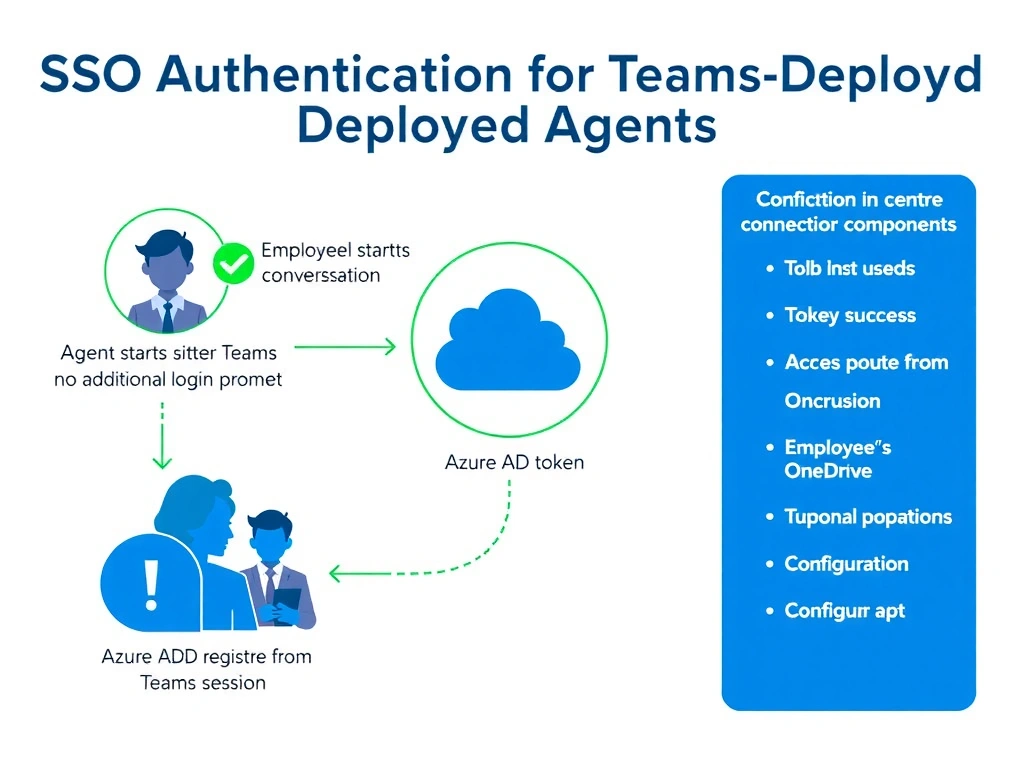
SSO in Teams is like a VIP badge that works everywhere — once the employee is signed into Teams, the agent silently borrows that authentication token to access OneDrive on their behalf. No new login prompt, no friction, no credential storage.
Full explanation below image
Full Explanation
Copilot Studio supports Single Sign-On (SSO) for Teams-deployed agents. When configured with Azure AD (Microsoft) authentication and SSO enabled, the agent can obtain the user's authentication token directly from their active Teams session without prompting for additional login. This token can then be used for delegated API calls — such as accessing the user's OneDrive via the Microsoft Graph API or a connector configured with user-delegated authentication.
The configuration involves: setting the agent authentication to 'Authenticate with Microsoft' or 'Manual (AAD V2)', enabling SSO in the Teams channel configuration, and registering an Azure AD app registration with the appropriate API permissions (e.g., Files.ReadWrite for OneDrive access).
Option A ('No authentication' with service account) — using a shared service account for OneDrive means the agent accesses the service account's OneDrive, not each employee's personal OneDrive. This breaks the personalization requirement entirely.
Option C (credentials in Dataverse) — storing credentials in a database is a severe security anti-pattern. Never store user passwords or OAuth tokens in application tables.
Option D (custom website with Microsoft login) — this approach requires a different channel deployment and still presents a login page (not silent SSO). The question specifically asks about the Teams experience.
Exam pattern: Teams + SSO + Azure AD auth = silent authentication using existing Teams session. This is the enterprise-standard pattern for Teams-deployed authenticated agents.