
Your Copilot Studio agent uses an environment variable to store the base URL of a backend API. The development environment points to dev.api.contoso.com and production should point to api.contoso.com. When you deploy the solution from dev to prod, what happens to the environment variable value?
Select an answer to reveal the explanation.
Short Explanation and Infographic
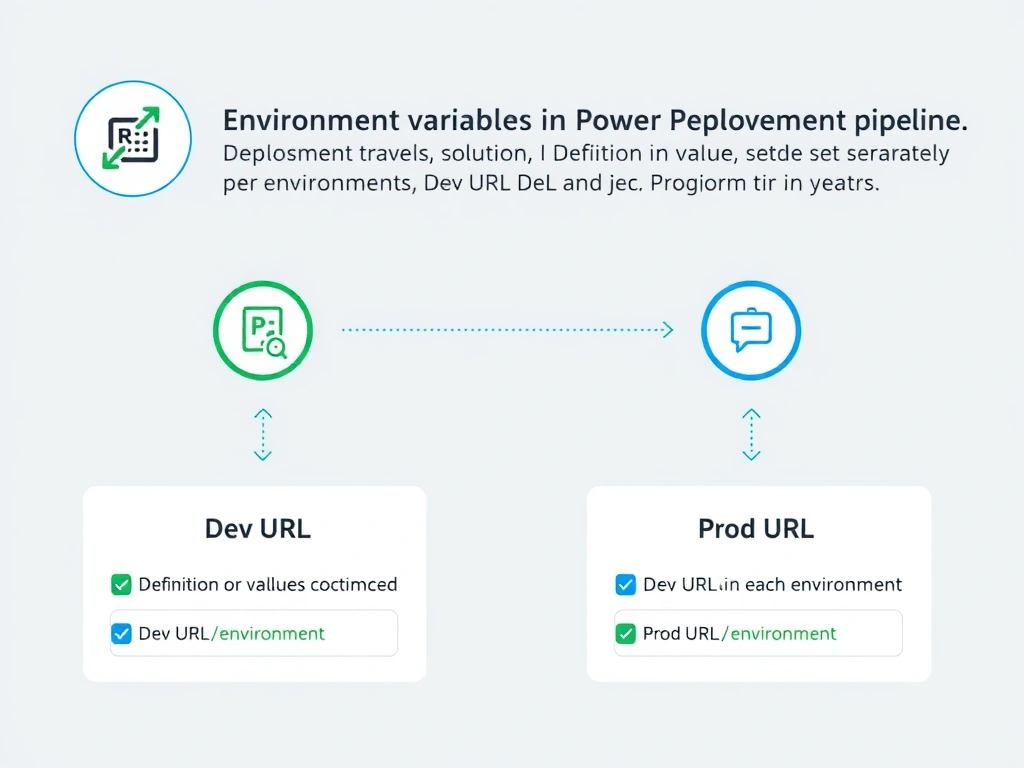
Environment variable definitions travel in the solution like an empty jar — the label and shape deploy, but the contents (the actual value) stay in each environment. Production administrators set the production value after deployment, keeping environment-specific config separate from the deployed artifact.
Full explanation below image
Full Explanation
Power Platform environment variables have two parts: the definition (name, type, description) and the current value. When a solution containing an environment variable is deployed, the definition is created or updated in the target environment. The value, however, is environment-specific and is set independently in each environment.
This design is intentional and correct behavior for ALM: development, test, and production should point to different backend endpoints, secrets, and configuration. If values traveled with the solution, deployments would overwrite production configurations with development values — a dangerous outcome.
After deploying the solution to production, an administrator opens the environment variable in the production environment's solution layer and sets the value to api.contoso.com. The agent in production then reads this value at runtime.
Option A (automatic URL detection based on environment name) — Power Platform has no such auto-detection capability.
Option C (dev URL overrides production) — the deployed value does not overwrite an existing production value. If a current value is already set in production, it is preserved. Only if no current value exists will the default value (if defined in the definition) apply.
Option D (not supported) — environment variables are fully supported in Copilot Studio solutions and are the recommended mechanism for environment-specific configuration.
Exam rule: environment variable definition deploys with solution; value is set per-environment post-deployment.