
A Copilot Studio topic calls an external REST API via an HTTP action. Occasionally the API returns a 503 (Service Unavailable) error. You want the agent to retry the call once before informing the user of a service outage. Which design approach achieves this?
Select an answer to reveal the explanation.
Short Explanation and Infographic
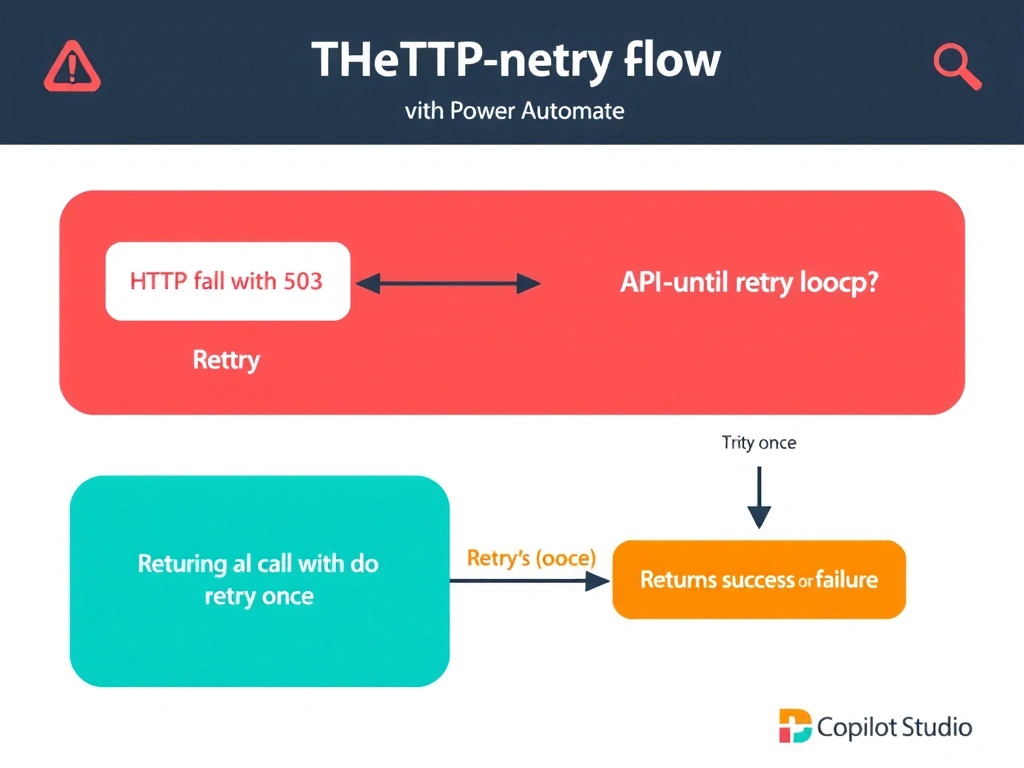
Copilot Studio's native HTTP action nodes don't have built-in retry configuration — Power Automate is where retry logic lives. Wrap the call in a Flow with a retry policy or do-until loop, and let Copilot Studio call the Flow. The Flow handles the retry mechanics and returns success or failure.
Full explanation below image
Full Explanation
Copilot Studio's HTTP action nodes provide basic request/response functionality but do not natively expose retry configuration properties. For resilient HTTP calls that should retry on transient failures (like 503 errors), the recommended pattern is to encapsulate the HTTP call in a Power Automate cloud flow.
Power Automate has robust retry and error handling capabilities: you can set a retry policy on HTTP actions (number of retries, retry interval), use Scope actions with 'Configure run after' settings to handle failures, or implement a Do-Until loop that retries a fixed number of times. The flow returns a status to the Copilot Studio topic indicating success or failure, and the topic branches accordingly.
Option A (built-in retry count property on HTTP action node) — this property does not exist in Copilot Studio's HTTP action configuration as of current platform capabilities.
Option C (second identical HTTP action node) — using a second action is a one-time retry attempt, but it's brittle (hardcodes exactly one retry), clutters the canvas, and doesn't handle the error detection cleanly.
Option D ('Auto-retry on failure' toggle) — this setting does not exist in Copilot Studio's agent HTTP settings.
Design principle: complex HTTP orchestration (retry, error handling, conditional logic) → Power Automate flow. Simple one-and-done REST call → native HTTP action. Use the right tool for the complexity level.