
A Copilot Studio agent retrieves a list of open IT tickets from a REST API action. You want to display each ticket as a visually formatted card (with title, status color, and a 'View Ticket' button) rather than a plain text list. What should you configure in the topic to achieve this?
Select an answer to reveal the explanation.
Short Explanation and Infographic
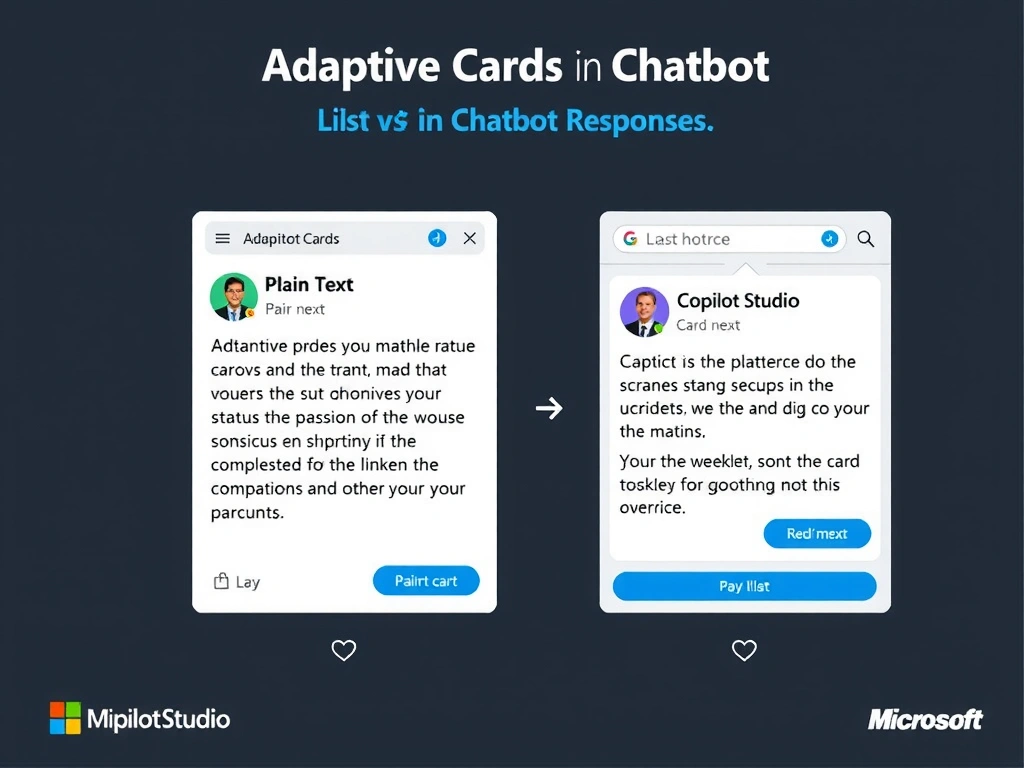
Adaptive Cards are the Swiss Army knife of chat UI — they're a JSON-based card format that renders buttons, colored status fields, images, and inputs across Teams, web chat, and other channels. Bind your ticket data variables to an Adaptive Card template and the agent hands the user a polished, interactive card instead of a plain list.
Full explanation below image
Full Explanation
Copilot Studio supports Adaptive Cards — a cross-platform card format developed by Microsoft — for rich message formatting. An Adaptive Card node in a topic lets you define a card layout using a visual editor or JSON template, and bind dynamic data (from variables populated by API calls or user input) to card elements.
For IT ticket display: each ticket can be a card with a title (bound to ticket.title variable), a status badge (bound to ticket.status with color coding), and an action button ('View Ticket' with a URL bound to ticket.url). The agent renders these as interactive cards in supported channels like Teams or the web chat widget.
Option A (HTML responses from the API) — REST APIs returning HTML are not rendered by Copilot Studio. The platform uses its own message format, not raw HTML injection in conversation.
Option C ('Rich Media' channel setting) — no such specific setting exists that enables rich card rendering. Card rendering is determined by the topic configuration and the channel's capabilities.
Option D (pre-rendered image attachment) — static images cannot be interactive (no clickable buttons), cannot display dynamic data, and are poor accessibility practice.
Exam note: Adaptive Cards = dynamic, interactive, channel-aware rich message format. Used for structured data display with buttons and formatted elements. Supported in Teams, web chat, and most modern channels.