
A Copilot Studio topic calls an action that requires three inputs: customer ID, product SKU, and order date. Instead of asking for each in separate turns, you want the agent to collect all three in a single conversational exchange if the user provides multiple pieces in one message. Which feature enables this?
Select an answer to reveal the explanation.
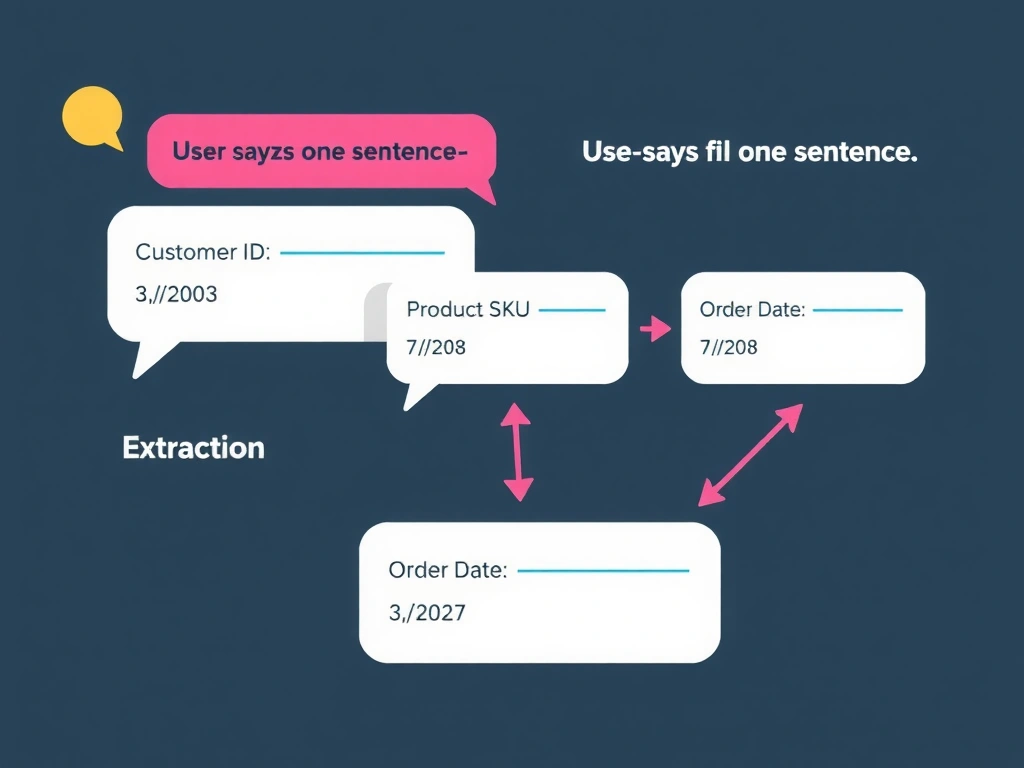
Short Explanation and Infographic
Slot filling is the agent's ability to listen for multiple pieces of information in one breath — if the user says 'check order 12345 for SKU ABC on Jan 15th,' the agent fills all three slots at once instead of asking three separate questions. Entities (built-in or custom) define what patterns to extract.
Full explanation below image
Full Explanation
Slot filling in Copilot Studio refers to the agent's ability to extract multiple required inputs from a single user utterance. When a question node is configured with an entity type (e.g., Number for customer ID, Product for SKU, Date for order date), the agent performs entity extraction on each user message. If the user provides multiple values in one message, multiple slots are filled simultaneously.
The agent only asks follow-up questions for slots that remain unfilled. This creates a natural, efficient conversation — if the user volunteers all information upfront, no additional prompting is needed.
Option A (condition nodes checking variable population) is a manual implementation of the same concept but requires complex branching for every combination of what the user might have provided. Slot filling automates this elegantly.
Option C (Power Automate flow for parsing) adds unnecessary round-trip latency and complexity. Entity extraction is built into Copilot Studio's NLU layer — no flow needed.
Option D ('All Required' node type) does not exist as a Copilot Studio canvas element.
For the exam: slot filling = entity extraction filling multiple action inputs from a single user turn. Configure question nodes with appropriate entity types. Built-in entities include: Number, Date/Time, Age, Currency, Email, URL. Custom entities can be created for domain-specific values like product SKUs.