
A manager asks you to describe what a computer-use agent in Copilot Studio can realistically do. Which combination of actions is within the scope of computer use capability?
Select an answer to reveal the explanation.
Short Explanation and Infographic
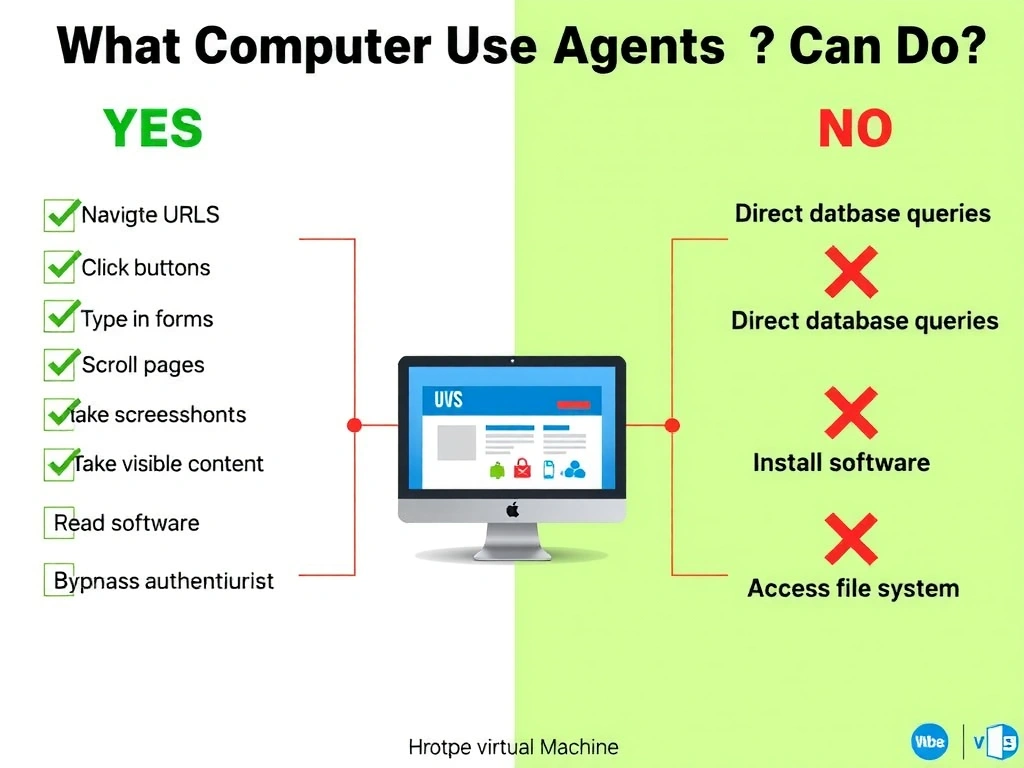
Computer use is pure screen-level automation — the agent sees pixels and moves a virtual mouse and keyboard. It navigates URLs, finds elements, types, clicks, and takes screenshots to confirm results. It's not a backdoor into databases or system internals.
Full explanation below image
Full Explanation
Computer use capability in Copilot Studio enables agents to perform human-like interactions with graphical interfaces in a hosted, sandboxed virtual machine environment. The supported action set includes: navigating to URLs in a browser, clicking buttons, links, and other UI elements, typing text into input fields and text areas, scrolling pages, selecting dropdown values, taking screenshots to observe current state, and making decisions based on what's visible on screen.
This is fundamentally a screen automation capability — it works on any UI the agent can see in the hosted browser, regardless of whether the target application has an API.
Option A (Azure SQL T-SQL queries) would require a database connector or HTTP action — not computer use. Computer use does not have direct database connectivity.
Option C (installing software / modifying registry) is explicitly outside the scope of the sandboxed hosted machine. The environment is read-optimized for UI interaction, not system administration. Installing software is blocked.
Option D (bypassing authentication) — computer use still operates through normal browser authentication flows. The agent can fill in credentials during a session (using secured variables), but it does not bypass authentication mechanisms.
Key exam scope list: navigate, click, type, scroll, select, screenshot — YES. Direct DB access, system changes, auth bypass — NO.