
The operations team at Lucerne Publishing wants to receive an automated alert when their Copilot Studio agent's escalation rate exceeds 30% in any given hour. How should this alert be configured?
Select an answer to reveal the explanation.
Short Explanation and Infographic
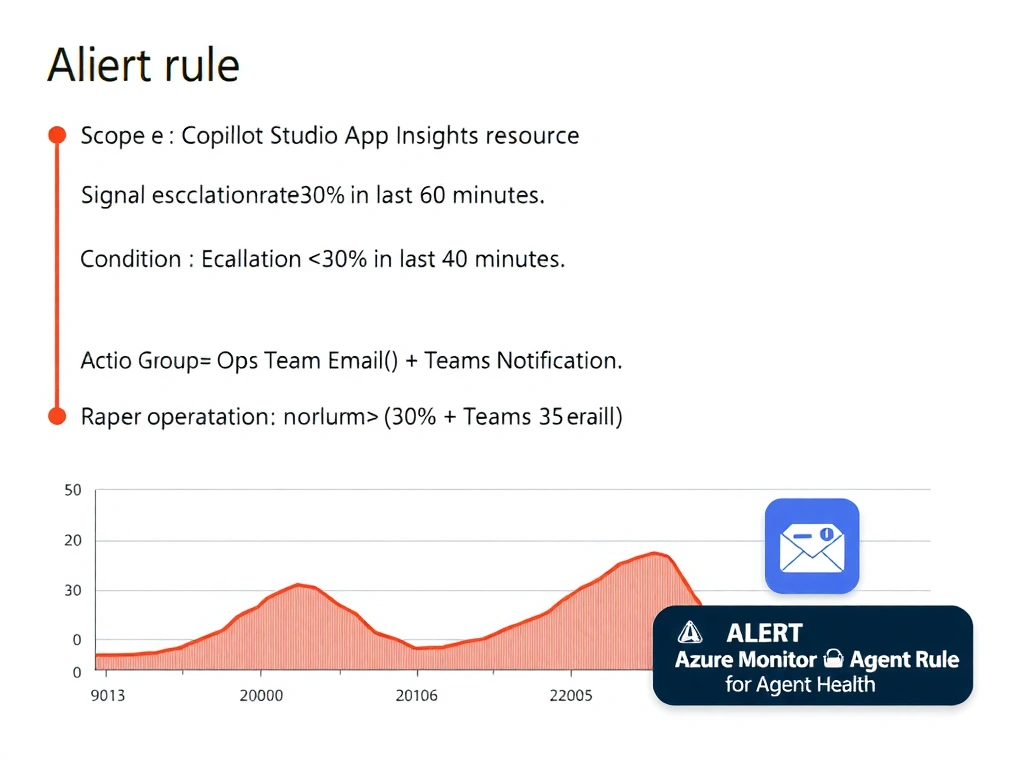
Azure Monitor alert rules are the enterprise-grade alarm system for AI workloads — you define the threshold, the time window, and who to notify. Copilot Studio doesn't have a built-in escalation alert toggle. The correct answer is B.
Full explanation below image
Full Explanation
## Why B is Correct With Azure Application Insights connected to the Copilot Studio agent, telemetry flows to Azure Monitor. You can create an Azure Monitor alert rule that evaluates a metric or log query (e.g., percentage of sessions ending in escalation) over a defined time window (1 hour). When the threshold is crossed, the alert rule triggers an action group — sending an email, Teams message, or webhook notification to the operations team.
## Why the Distractors Are Wrong A ('Alert me on escalation' toggle): No such toggle exists in Copilot Studio's native settings as of the AB-620 exam scope. Escalation alerting requires Azure Monitor integration.
C (Scheduled Power Automate flow + Analytics API): This is a viable workaround but is more complex to build and maintain than a native Azure Monitor alert rule. Power Automate flows can fail independently, and the Analytics API has polling limitations.
D (Fallback topic sends email per escalation): The Fallback topic fires on unmatched intents — not on escalations. Additionally, sending an email per escalation would flood the inbox; the requirement is an alert only when the rate exceeds 30%, which requires aggregation over time.
## Exam Tip For threshold-based, time-window alerts on agent metrics: Azure Monitor alert rules + Application Insights telemetry. Know that this requires the Application Insights integration to be configured first.