
Veridia Telecom has deployed a Copilot Studio agent to handle billing, technical support, and account management inquiries for residential customers. After two weeks in production, the operations team suspects that certain conversation topics are failing at a higher rate than others — specifically, customers seem to be escalating to human agents unusually often after asking about bill disputes. The product owner, Keiko, wants to confirm this hypothesis and identify which specific topics are performing poorly. Where in Copilot Studio should Keiko look to find topic-level performance data, escalation rates, and resolution metrics?
Select an answer to reveal the explanation.
Short Explanation and Infographic
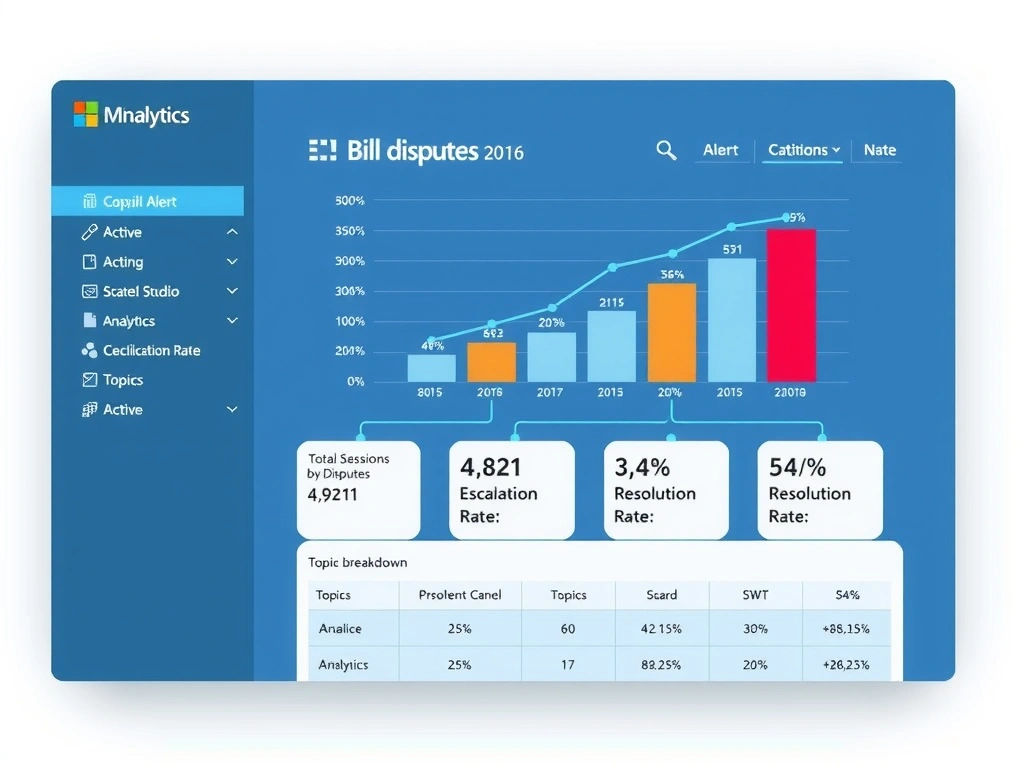
The Analytics section in Copilot Studio is like the agent's operations control room — it shows live and historical performance data including which topics users visit, where they escalate to humans, and what gets resolved. The Evaluation section shows pre-deployment AI scores from test sets, not live production data. Correct answer: A.
Full explanation below image
Full Explanation
Copilot Studio's Analytics section is the primary interface for monitoring a deployed agent's real-world performance. It provides dashboards covering conversation volumes, topic engagement rates, session outcomes (resolved vs. escalated vs. abandoned), and escalation triggers. When Keiko wants to confirm that bill dispute topics are causing disproportionate human escalations, Analytics is the right place to look.
Option A is correct because the Analytics dashboards break down performance by topic, showing metrics such as how often a topic is triggered, how often conversations that reach a specific topic result in escalation to a human agent, and what percentage of those sessions are marked resolved. This is exactly the data needed to confirm Keiko's hypothesis and prioritize which topics to fix first.
Option B is incorrect because the Evaluation section shows AI-scored metrics (groundedness, relevance, coherence) from pre-deployment test set runs. These are quality scores based on synthetic test data, not live production conversation data. Evaluation tells you 'how good is the agent in theory?'; Analytics tells you 'how is the agent actually performing in production?'
Option C is incorrect because the Topics section in Copilot Studio is the authoring interface for building conversation flows. While it may show some debugging information, it is not a monitoring dashboard. Live production performance metrics are not surfaced at the per-topic authoring level in Topics.
Option D is incorrect because the Publish section handles deployment configuration — which channels the agent is available on, connection settings, and version management. It is not a monitoring dashboard and does not surface conversation-level performance data or escalation rates.
Exam tip: On the AB-620 exam, distinguish between pre-deployment evaluation (Evaluation section, test sets, AI scores) and post-deployment monitoring (Analytics section, live conversation data, resolution and escalation rates). Questions that mention 'production', 'after deployment', 'live performance', or 'real users' point to Analytics, not Evaluation.