
Silverstone Legal's security team is reviewing the OAuth 2.0 scopes requested by a new Copilot Studio agent. The agent only reads case documents from SharePoint Online document libraries — it never creates, modifies, or deletes any content. The current app registration requests 'Sites.FullControl.All' and 'Files.ReadWrite.All' from Microsoft Graph. The security team has flagged this as over-privileged. Which minimum set of Microsoft Graph OAuth scopes should the developer configure to satisfy the principle of least privilege for this read-only agent?
Select an answer to reveal the explanation.
Short Explanation and Infographic
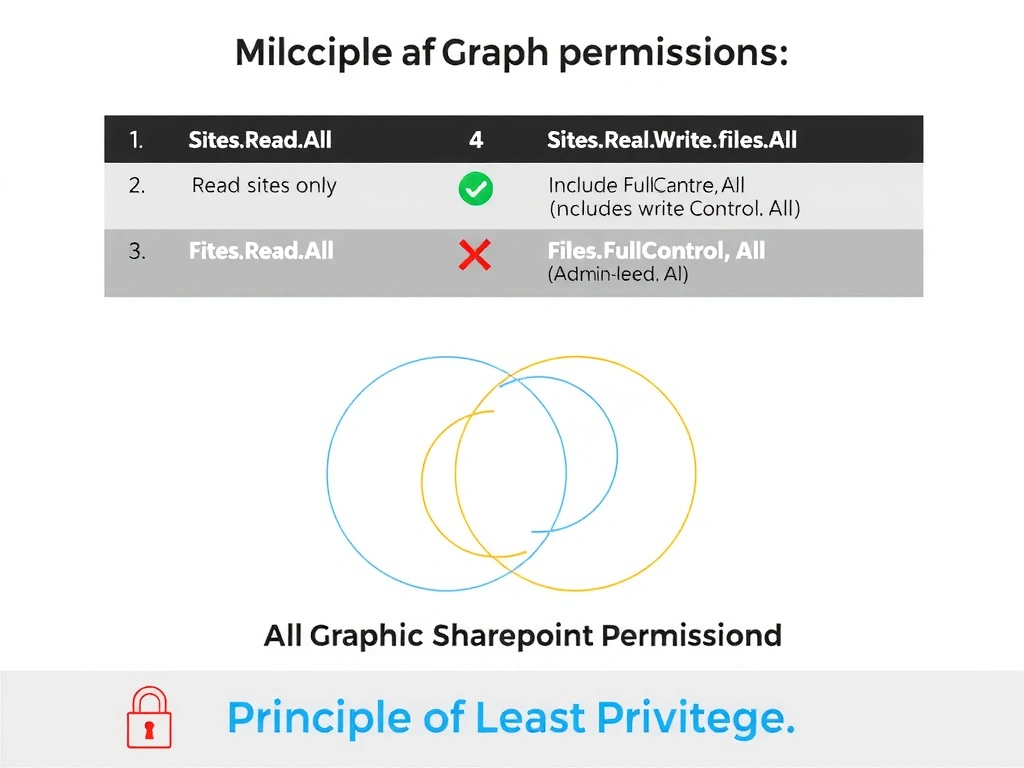
Read-only access to SharePoint sites and their files needs exactly two read-scoped permissions: Sites.Read.All to enumerate sites/libraries and Files.Read.All to read document content. Option A is correct — no write, manage, or full-control permissions are needed for a pure read scenario.
Full explanation below image
Full Explanation
The principle of least privilege states that an application should be granted only the minimum permissions required to perform its intended function. For an agent that exclusively reads files from SharePoint Online document libraries using Microsoft Graph, the required permissions are:
- Sites.Read.All: Allows the application to read properties and items in all site collections. This grants access to enumerate SharePoint sites and their document libraries. - Files.Read.All: Allows the application to read all files that the signed-in user can access (for delegated) or all files in all site collections (for application permissions). This is what allows reading document content.
These two scopes together cover the full read-only use case without granting any write, delete, or administrative capabilities.
Option A is correct and represents the minimum necessary scope set.
Option B is wrong. Sites.Manage.All grants the ability to create, edit, and delete items and lists in all site collections. This is far more than read-only access — a read-only agent has no need for manage permissions. Granting this violates least privilege and poses a security risk if the agent is compromised.
Option C is wrong. Sites.ReadWrite.All grants both read and write access to all site collections. While it technically includes read access, the 'Write' component gives the agent permission to modify SharePoint content — which the agent never needs to do. Over-provisioning write permissions for a read-only agent violates least privilege.
Option D is wrong. User.Read is irrelevant to SharePoint file access (it allows reading the signed-in user's basic profile). Sites.FullControl.All is the most privileged SharePoint Graph permission — it grants the ability to modify permissions, site settings, and all content. This was one of the permissions the security team specifically flagged as over-privileged.
Exam tip: Microsoft Graph permissions follow a tiered naming pattern: Read → ReadWrite → Manage → FullControl (most to least restrictive). The '.All' suffix means the app can access all instances of that resource type (not just the user's own). Always match the permission tier to the minimum required operation: reading files needs only Read-scoped permissions.