
A developer at Redwood Financial is building a Copilot Studio agent that delivers investment product summaries to advisors via Microsoft Teams. The summaries include bold headings, bullet-point lists, and hyperlinks to product documents. The developer wants the formatting to render properly in the Teams chat window rather than displaying as raw symbols. Which Send Message response type should the developer configure in the topic node to support this formatted output?
Select an answer to reveal the explanation.
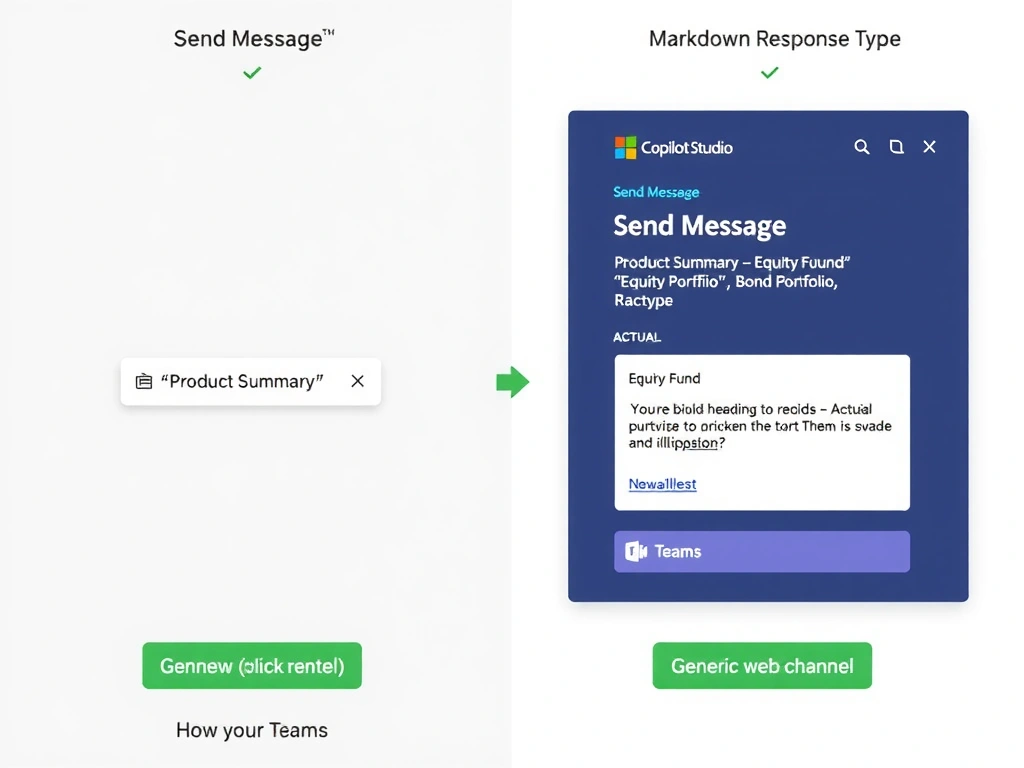
Short Explanation and Infographic
Markdown in Copilot Studio is like writing formatted text with simple symbols that Teams knows how to render — asterisks become bold, dashes become bullets. Option C is correct; the Markdown response type in a Send Message node renders rich text formatting in Teams and other Markdown-aware channels.
Full explanation below image
Full Explanation
Copilot Studio's Send Message node offers several response formats. When a developer wants to include bold text, bullet lists, numbered lists, and hyperlinks, the Markdown response type is the correct choice. In the authoring canvas, the developer selects 'Message' and enables the Markdown toggle (or selects the rich-text editor mode that outputs Markdown syntax). In Microsoft Teams, Markdown is natively rendered — text becomes bold, - item becomes a bullet, and [Link text](URL) becomes a clickable hyperlink.
Option C is correct and directly solves the requirement for formatted output in Teams.
Option A is wrong. Plain text response types render everything as literal characters — asterisks, hyphens, and brackets appear as-is, not as formatting. There is no formatting, bold, or hyperlinks in plain text.
Option B is wrong. Adaptive Cards are designed for structured data presentation with predefined card schemas (title, subtitle, facts, actions, images). They render as interactive card UI elements, not as flowing text with inline formatting. While Adaptive Cards are powerful, they require the developer to define a card schema — they do not support inline Markdown-style formatting within running text paragraphs. Adaptive Cards are the correct answer for form submission or data display, not for richly formatted prose output.
Option D is wrong. SSML (Speech Synthesis Markup Language) is a markup language for controlling text-to-speech audio output — it controls pronunciation, speed, pitch, and pauses in voice channels. It has no effect on visual text formatting in chat channels like Teams and would not render bold text or bullet lists.
Exam tip: Match response types to their purpose: Plain text = no formatting; Markdown = rich text formatting in text channels; Adaptive Card = structured interactive UI card; SSML = voice/audio formatting. The channel matters too — Markdown renders in Teams but may not in all channels. Know which channels support Markdown rendering.