
A solutions architect is evaluating whether a Copilot Studio computer-use agent can automate a complex onboarding workflow that involves four sequential tasks: (1) extracting new-hire data from an Excel spreadsheet, (2) entering that data into a legacy HR application that has no API or connector, (3) navigating to a web portal to generate a security badge request, and (4) sending a confirmation email in Outlook. The agent must complete all four tasks without human intervention. Which statement accurately describes a fundamental limitation the architect must address before approving this design?
Select an answer to reveal the explanation.
Short Explanation
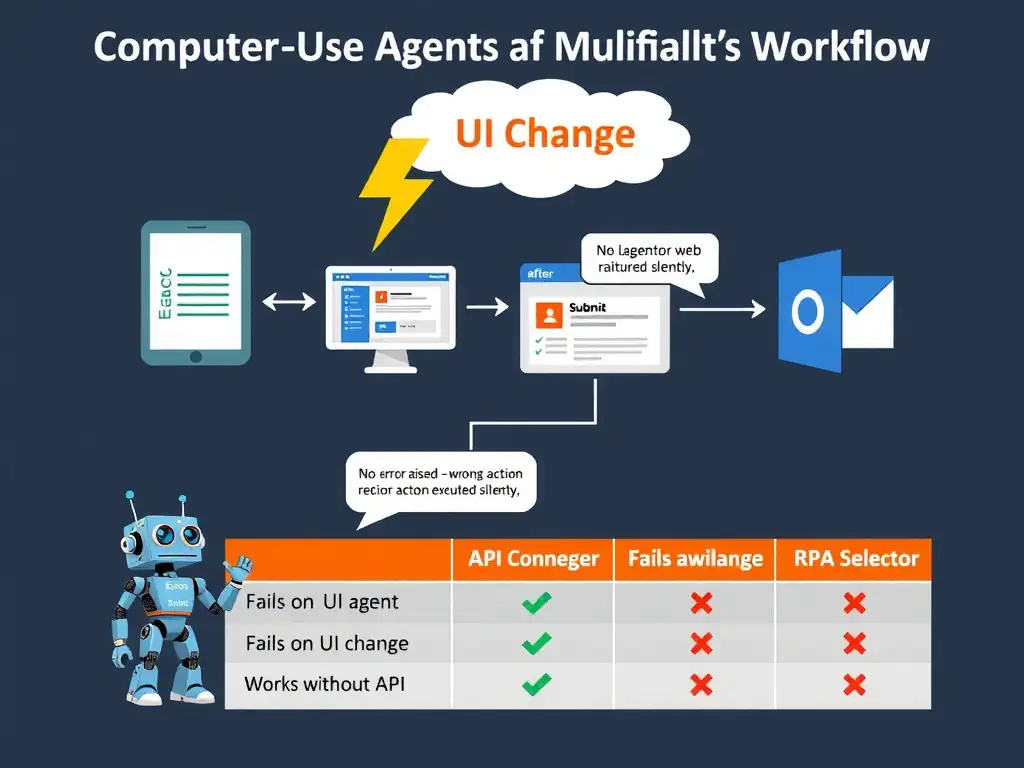
A computer-use agent navigates by eyesight — it clicks whatever it sees on screen. That's powerful for apps without APIs, but you need to know a button moved three pixels or a new modal dialog can shatter the workflow silently. Selector-based RPA at least throws an 'element not found' error; pure vision agents just click the wrong thing and keep going.
Full Explanation
Computer-use agents operate by capturing screenshots, interpreting the visual state of the screen using a vision model, and then issuing mouse/keyboard actions. This makes them uniquely capable of automating applications that lack APIs or connectors — exactly what the legacy HR application in this scenario requires. However, this approach carries a fundamental fragility that any architect must account for.
The accurate statement is the one noting that computer-use agents depend on visual screen interpretation, which means UI layout changes in any of the four applications—such as a legacy HR app update or portal redesign—can silently break the automation without any error alert, requiring ongoing visual regression testing to maintain reliability. The entire automation chain is brittle to UI changes. If the legacy HR application is patched and a field moves, if the web portal refreshes its CSS and a button label changes, or if a new confirmation dialog appears after the badge request, the computer-use agent may click the wrong element, skip a step, or enter data into the wrong field — all without raising an exception. Unlike traditional RPA with element selectors (which fail loudly when a control ID changes), vision-based agents proceed based on probability: they choose the action most likely to be correct given the screenshot. A subtle UI change may shift that probability to the wrong action without generating an error.
The statement claiming computer-use agents cannot interact with Microsoft 365 applications such as Excel or Outlook because those interactions require Graph API connectors, not screen-based automation, is incorrect. Computer-use agents can interact with Excel, Outlook, and other M365 desktop applications — they see the screen and click like a human user. That statement confuses the Graph API connector approach (which is more reliable and preferred) with the screen-automation approach, but both are technically possible.
The statement claiming computer-use agents require a dedicated Azure Virtual Machine SKU of at least 8 vCPUs to process screen captures at acceptable latency, making the solution prohibitively expensive, is incorrect. Computer-use agents in the Microsoft ecosystem run on managed infrastructure; the architect does not provision raw VM SKUs. Latency and compute are managed by the platform, and costs are based on agent session consumption, not raw compute.
The statement claiming computer-use agents cannot execute sequential multi-application workflows because each computer-use action is stateless, losing screen context between tool calls and unable to maintain application state across steps, is incorrect. Computer-use agents can maintain sequential multi-step workflows by re-capturing the screen state before each action. The agent's planner processes the current screenshot and the task instruction together before each step, providing effective state awareness within a workflow run. The agent does not 'forget' state between steps in the same session.
Exam tip: On the certification exam, computer-use agent questions will test your awareness of the reliability vs. accessibility trade-off. APIs and connectors are always preferred; computer-use is the fallback for legacy systems. When computer-use is used, know that visual drift, modal dialogs, multi-monitor issues, and dark mode/theme changes are documented reliability risks.