
A company is deploying a Copilot Studio agent to answer employee questions from a large internal knowledge base. The product owner wants the agent to dynamically select the best source—whether a knowledge base article, a Power Automate flow, or a topic—to answer each question without requiring explicit topic triggers. Which node type and mode should the developer configure to achieve this behavior?
Select an answer to reveal the explanation.
Short Explanation
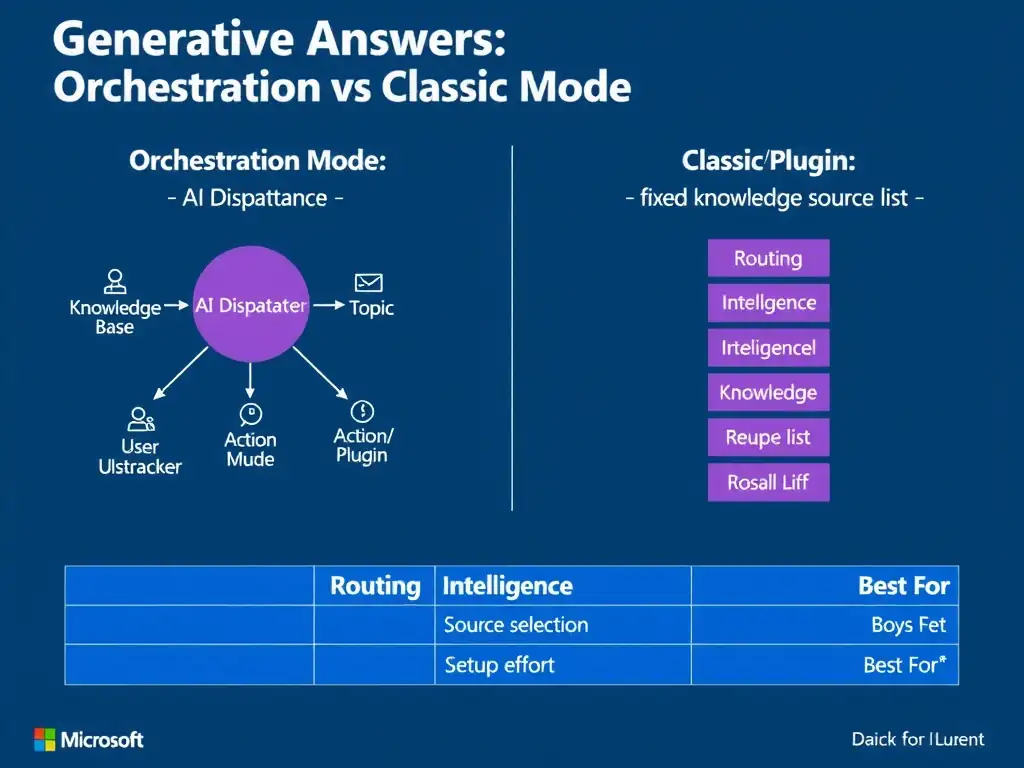
You want the agent to choose the best resource on its own, so enable the Generative answers node in Orchestration mode. It reads the user's intent and routes each question to the knowledge source, topic, or action without you pre-building every trigger path.
Full Explanation
Copilot Studio's Generative answers node can operate in two modes: Classic and Orchestration. Orchestration mode is the more powerful of the two—it uses a large language model to interpret the user's intent and dynamically route the request to the most appropriate resource, which may be a knowledge source, a defined topic, or an action such as a connector or plugin. This eliminates the need to write exhaustive trigger phrase lists for every possible user question.
The Generative answers node in Orchestration mode is correct because it is specifically designed for scenarios where the agent must intelligently select between multiple resources at runtime. The developer does not need to pre-map every utterance; the AI handles disambiguation automatically.
The Question node set to 'Multiple Choice' and configured to branch to the appropriate topic is wrong because it requires the developer to enumerate every possible choice in advance and forces users to select from a menu. This is rigid and does not scale to a large knowledge base.
Adding a Condition node after each topic to check whether knowledge base results exist before showing a response is wrong because it creates a reactive check but still requires topics to be explicitly triggered first. It does not enable proactive dynamic routing.
Configuring the Fallback topic to call a Power Automate flow that searches the knowledge base and returns results is wrong because using the Fallback topic as the primary routing mechanism is an anti-pattern for general query handling. Fallback fires only when no topic matches, making it a last-resort handler—not a dynamic orchestrator. It also adds unnecessary latency and complexity via Power Automate for every query.
Exam tip: Orchestration mode is the go-to answer whenever the scenario requires the agent to 'decide on its own' what to do with an utterance. Classic mode is appropriate when the developer wants to control the exact knowledge sources used and have more predictable, scoped responses.