
A Power Platform Pipelines deployment of an updated Copilot Studio agent to production causes unexpected agent behavior. The previous version was working correctly. What is the recommended recovery approach using Power Platform's built-in capabilities?
Select an answer to reveal the explanation.
Short Explanation
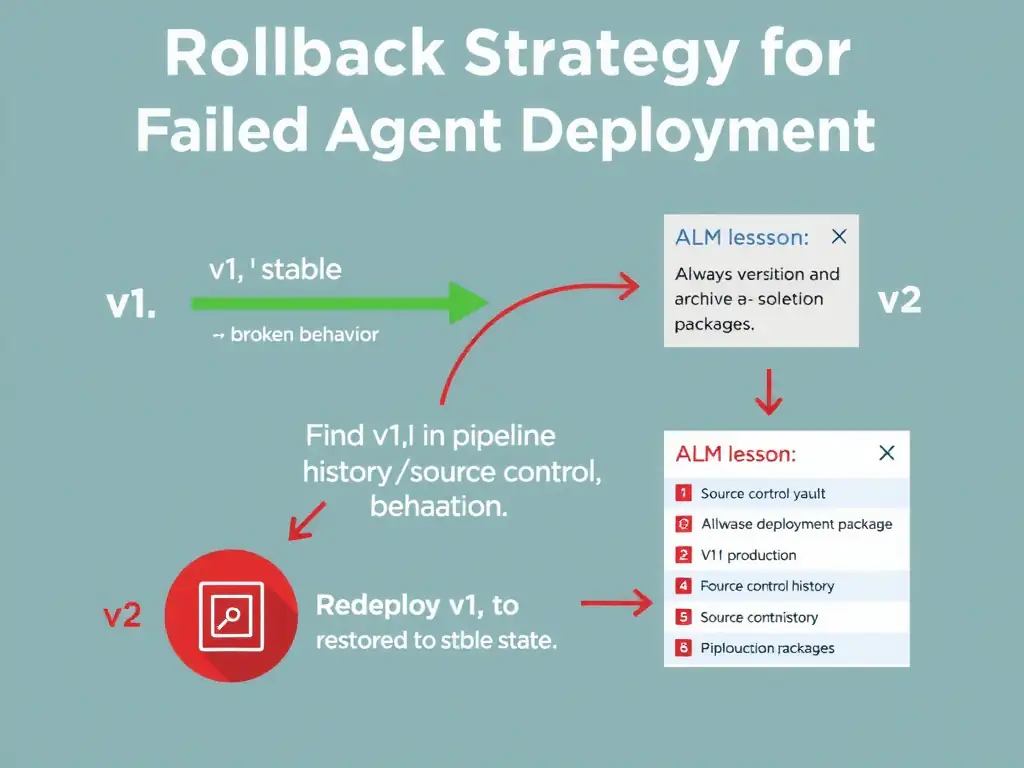
Rollback in Power Platform is a re-deploy — you redeploy the known-good previous version over the broken current one. Power Platform Pipelines keeps deployment history, or you can redeploy from the solution stored in your source control system. The managed solution import overwrites the current state.
Full Explanation
Power Platform does not have a built-in one-click rollback button in the traditional sense. However, recovery from a bad deployment follows a straightforward process: identify the last known-good solution version from pipeline deployment history, source control like Azure DevOps/GitHub, or a backup export, and redeploy that version to production. Importing a managed solution into an environment that already has that solution updates or overwrites the components with the imported version. The recommended recovery approach is to redeploy the previous version's solution package from the pipeline's deployment history or from source control, which will overwrite the current managed solution. If Power Platform Pipelines keeps run history with artifacts, you can redeploy a previous pipeline run. Alternatively, teams should maintain solution version artifacts in source control as part of their application lifecycle management strategy, because that is where the previous version comes from. Manually rebuilding the previous agent version from memory is manual, error-prone, and unacceptable for production recovery. Deleting the managed solution from production and waiting for the next scheduled deployment removes all of the solution's components from production, leaving the agent unavailable until the next deployment, which is worse than the broken state in most scenarios. Enabling the agent's 'Auto-restore' feature in the Copilot Studio settings to revert to the last stable version is not valid because no such feature exists in Copilot Studio. Exam application lifecycle management lesson: rollback equals redeploying the previous version. This reinforces the importance of versioning solution packages and maintaining deployment artifacts. Without stored previous versions, rollback is impossible.