
Before deploying a Copilot Studio agent solution from development to test via Power Platform Pipelines, a team lead wants to validate the solution for common issues like missing dependencies, deprecated components, and performance anti-patterns. Which tool performs this pre-deployment validation?
Select an answer to reveal the explanation.
Short Explanation
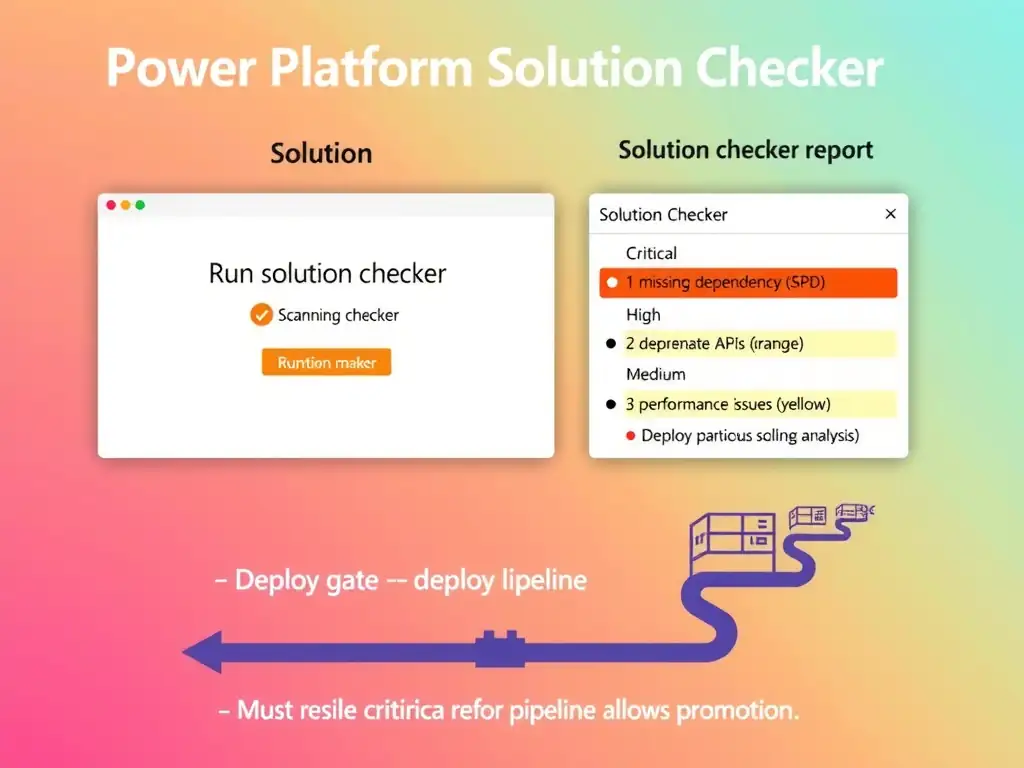
Use the Power Platform Solution Checker to analyze the solution and generate a detailed issue report. It scans for missing dependencies, deprecated APIs or connectors, performance anti-patterns, security concerns, and more, then gives severity ratings and fix guidance. Run it before every pipeline deployment.
Full Explanation
The Power Platform Solution Checker is a static analysis tool built into the maker portal. When you run it against a solution, it performs hundreds of checks covering missing component dependencies, use of deprecated APIs or connectors, performance anti-patterns, security vulnerabilities, accessibility issues, and compatibility problems. The checker generates a report with findings categorized by severity (Critical, High, Medium, Low) and provides specific guidance for remediation. Integrating Solution Checker results into the deployment pipeline as a required pass gate ensures only validated solutions are promoted.
The manual checklist review of all topic trigger phrases for conflicts addresses a narrow concern, NLU conflicts, and doesn't systematically detect the dependency, deprecation, and performance issues the question describes.
The deploy-to-a-staging-environment-first-and-test-every-topic-manually option is useful because functional testing is important, but it complements rather than replaces automated static analysis. Solution Checker catches issues before testing that would waste testing cycles.
The Copilot Studio built-in topic validation report under the Diagnostics menu option is incorrect because there is no Diagnostics menu with a topic validation report in Copilot Studio. Individual topic validation, such as checking for unconnected nodes or missing variables, exists in the authoring canvas, but that is different from solution-level validation.
Exam note: Solution Checker is pre-deployment static analysis for Power Platform solutions. Run it from the solution's kebab menu in the maker portal, and it can be automated in Azure DevOps or GitHub Actions pipelines.