
A compliance officer asks you to review what actions a computer-use agent took during a session last Tuesday, including every URL it visited and every button it clicked. Where in the Microsoft ecosystem can you find this session-level audit trail for computer use activity?
Select an answer to reveal the explanation.
Short Explanation
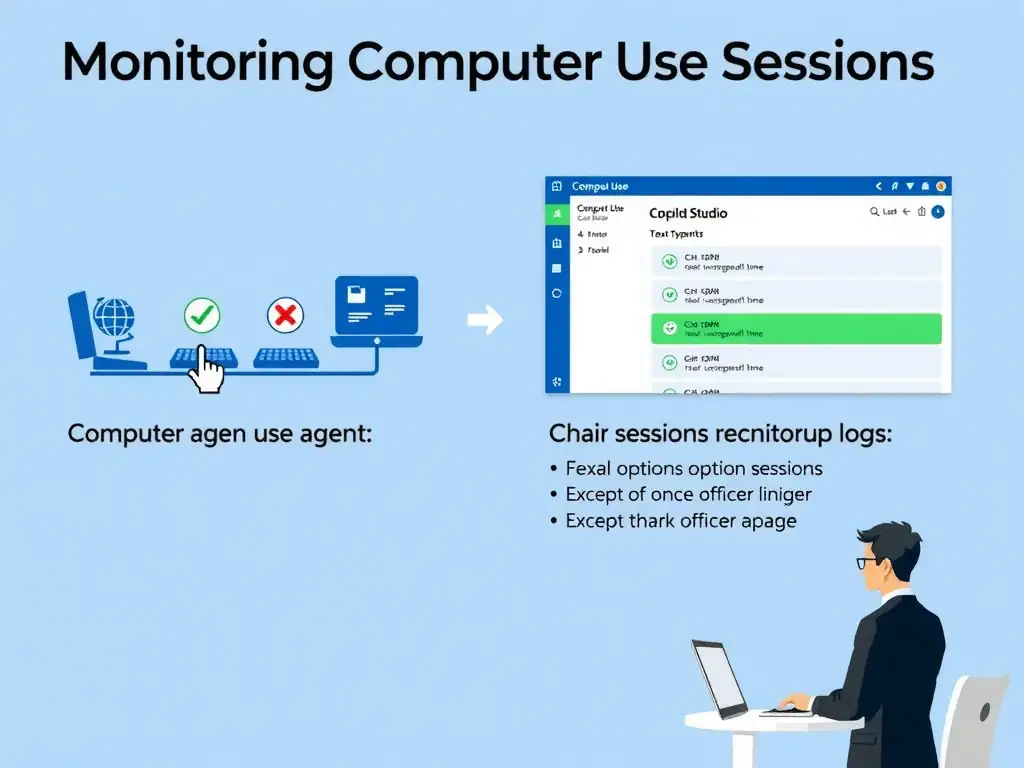
Computer use has its own monitoring layer — think of it like a DVR for the agent's screen session. You'll find action logs and session recordings in the computer use monitoring panel in Copilot Studio, showing exactly what the agent did on screen, URL by URL, click by click.
Full Explanation
When a Copilot Studio computer-use agent runs, it operates on a hosted virtual machine. That environment captures a detailed action log including: websites navigated, UI elements clicked, text typed, and screenshots at key moments. This audit trail is accessible through the computer use monitoring panel in the Copilot Studio interface, specifically through the hosted machine session recordings and action logs. The Copilot Studio Test console conversation history only records the conversational exchange between the user and agent — it does not capture GUI interactions on the hosted machine. Microsoft Purview audit logs filtered to the Copilot Studio workload records platform-level events like agent creation, policy changes, and connector usage — not the per-session screen actions of a computer-use run. The agent's conversation transcripts in the Copilot Studio Analytics dashboard show aggregate metrics — session volume, topic success rates, escalations — not granular action logs. For the exam: computer use monitoring = session recordings + action logs, found in the Copilot Studio computer use panel, not in Purview or Analytics. The compliance use case (reviewing what the agent did) maps directly to this monitoring panel. Purview is the answer for policy compliance (DLP), not session activity replay. Also note: organizations can configure retention periods for session recordings to meet compliance requirements, and access to the monitoring panel can be restricted to authorized roles.