
Farouk is deploying a Copilot Studio agent at Westbrook Consulting that uses a Copilot connector to search the user's Outlook email for client-related messages. During testing, Farouk notices that when a consultant first interacts with the agent and asks about client emails, the agent responds with an error instead of email results. The connector is correctly configured in the agent. What is the most likely cause, and what must happen for the agent to successfully access the consultant's email?
Select an answer to reveal the explanation.
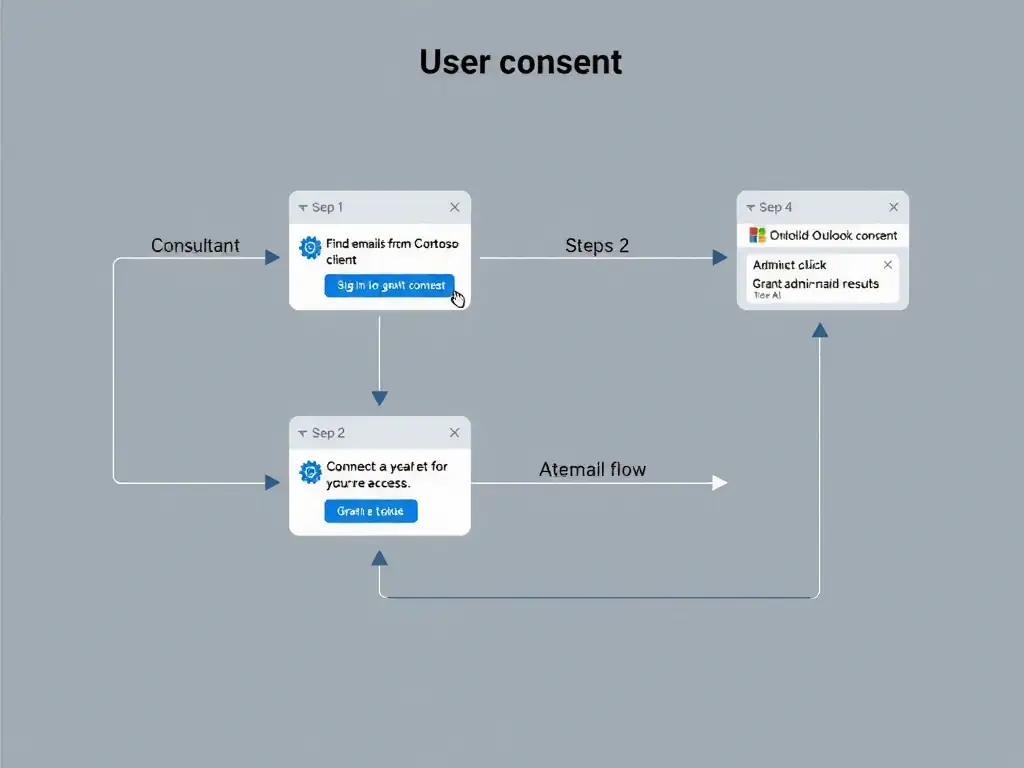
Short Explanation
If you're accessing someone's mailbox, you need their permission — that's just good security. Copilot connectors that read personal data need explicit user consent, or admin pre-consent in Entra, before they can retrieve anything. The first-use consent prompt is the gating step.
Full Explanation
Copilot connectors that access user-owned data — such as Outlook email, OneDrive files, or Teams messages — operate under the Microsoft identity platform's delegated permission model. The connector must be authorized by the individual user, or by an administrator on their behalf, before it can access their data.
The correct answer is the one stating that the Copilot connector has not been granted user-level consent, and that each consultant must approve the connector's requested permissions, such as Mail.Read, through the consent prompt in the agent experience, or an administrator must pre-consent on behalf of the organization in Entra ID. It captures both resolution paths. The standard path is the per-user consent flow: the first time a consultant interacts with the email-searching agent feature, a consent prompt appears in the agent's chat interface asking the user to sign in and approve the connector's requested Microsoft Graph permissions, such as Mail.Read and Mail.ReadBasic. Once the user consents, the connector stores the authorization token and can access their mailbox on subsequent interactions without prompting again.
The admin pre-consent path is also valid: an Entra ID Global Administrator can grant tenant-wide admin consent in the Entra ID portal for the connector's application permissions, eliminating the per-user consent prompt entirely. This is common in enterprise deployments where prompting every user is impractical.
The licensing answer is incorrect because there is no 'Copilot Connector Standard' license product. Copilot connectors are included with Copilot Studio licensing — no separate connector license is required for standard connectors.
The answer that says the error occurs because the individual user must grant consent through an authentication prompt the first time they use the connector is incomplete. It describes the user consent flow, but it omits the admin pre-consent alternative, making it less complete than the correct answer. The key distinction is that the correct answer explicitly names the permission level, Mail.Read, and both resolution methods.
The service-account answer is incorrect because Outlook Copilot connectors access individual user mailboxes using delegated authentication — they are not designed around shared service accounts. A service account approach would require a custom connector or application permission model, not a Copilot connector.
Exam tip: Whenever a question mentions a connector that accesses personal data (email, calendar, files) and describes a first-use error, the answer involves user consent or admin consent — not licensing, not service accounts.