
Marcus is building a customer service agent for Meridian Retail using Copilot Studio. The IT team has already set up a certified Power Platform connector to the company's inventory management system. Marcus wants the agent to be able to look up stock levels in real time when a customer asks. How should Marcus make the existing Power Platform connector available as an action in the agent?
Select an answer to reveal the explanation.
Short Explanation
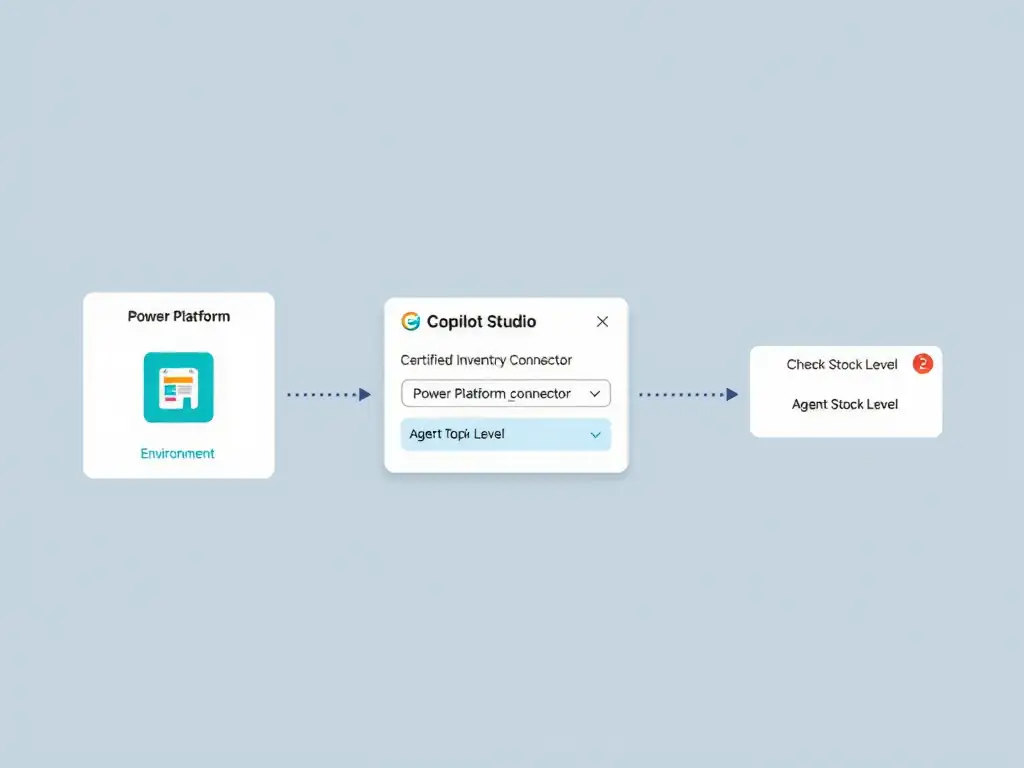
You don't rebuild a connector that's already certified in your environment. In Copilot Studio, add an action, choose Power Platform connector, find the inventory connector, pick the operation, and map inputs. It's like grabbing a tool from the workshop instead of building a new one.
Full Explanation
Copilot Studio is designed to consume existing Power Platform connectors directly. When the connector is already certified and available in the environment, the developer does not need to recreate or export it — they simply reference it when adding an action to the agent.
The correct approach is to add a new action to the agent, select 'Power Platform connector' as the action type, search for the existing inventory connector, choose the desired operation, and configure any required inputs. This action type surfaces all connectors available in the current environment. Marcus selects the inventory connector, picks the specific operation (such as 'Get stock level by SKU'), maps any required input parameters (like product ID), and the connector handles authentication and the API call automatically at runtime.
The approach of exporting the connector definition as a Swagger file, importing it into Azure API Management, and registering it as an HTTP action inside Copilot Studio is incorrect because it is unnecessary and overly complex when the connector already exists in Power Platform. That path might be used to build a new custom connector from an external API, not to reuse one that is already registered.
The approach of re-creating the connector from scratch inside Copilot Studio using the custom connector wizard is incorrect because it defeats the purpose of having a prebuilt connector. Duplicating the definition introduces maintenance debt and potential configuration drift. The correct approach is to reference the existing connector.
The approach of asking the IT team to publish the connector to the Microsoft commercial marketplace so Copilot Studio can discover it automatically without manual configuration is incorrect because marketplace publication is a process for independent software vendors who want to distribute connectors broadly. An internal enterprise connector does not need marketplace publication — it is already available within the organization's Power Platform environment.
Exam tip: Copilot Studio actions distinguish between three sourcing patterns: Copilot connectors (prebuilt gallery items), Power Platform connectors (existing environment connectors), and custom connectors (newly built). Match the action type to the connector's origin to avoid re-creation mistakes.