
A custom connector for an HTTP-triggered Azure Function uses API Key authentication with the parameter name api-key in the header, and the maker entered the function's default key when creating the connection. The function's authorization level is Function. Every test returns 401 Unauthorized. What should the developer change?
Select an answer to reveal the explanation.
Short Explanation
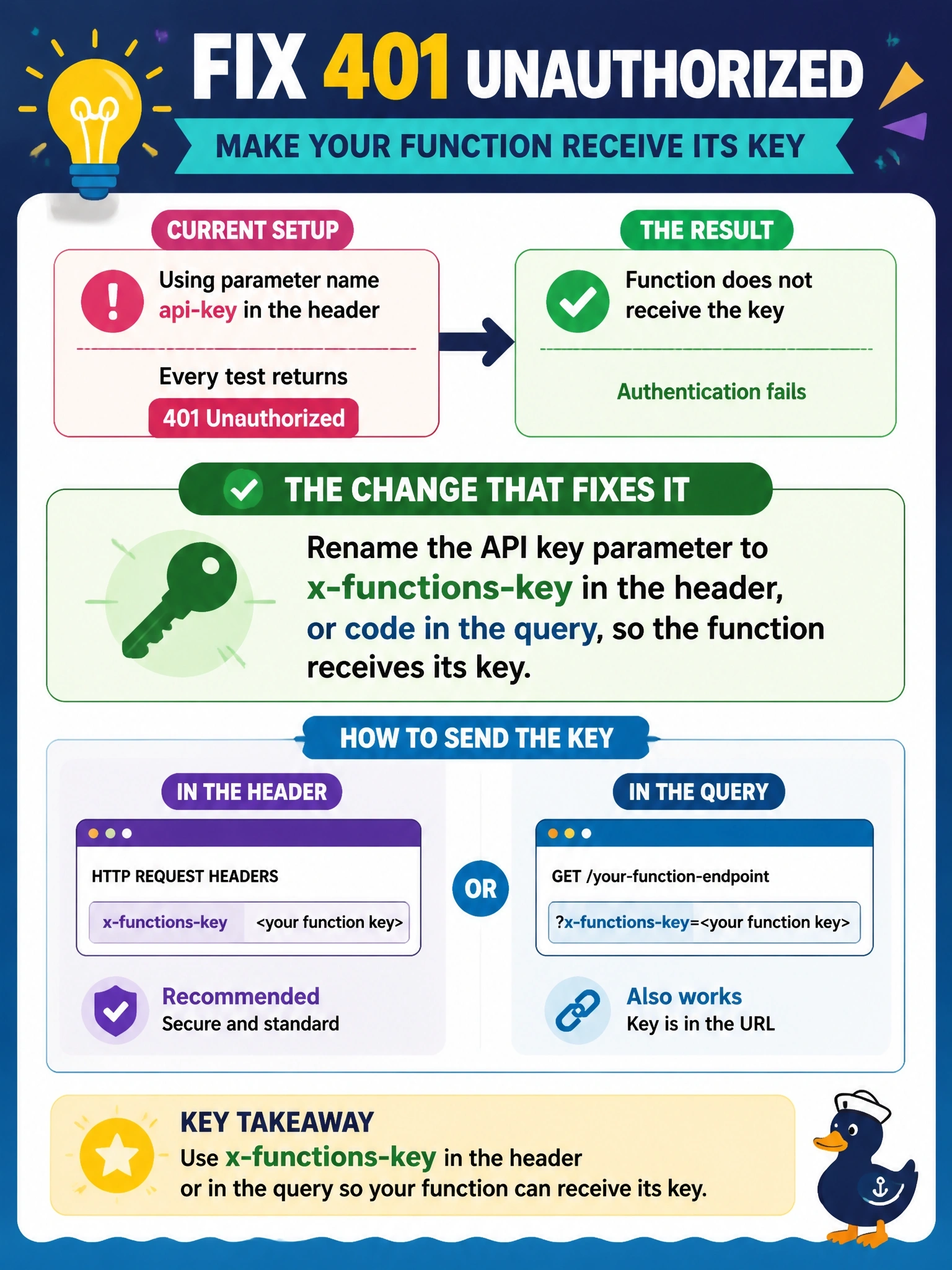
The key's right, but it's in the wrong pocket. Azure Functions look for the key in the x-functions-key header or the code query parameter, and api-key isn't either one. You rename the parameter, recreate the connection, and the 401 goes away.
Full Explanation
With the Function authorization level, the Azure Functions host requires a valid function or host key on each request and looks for it either in the x-functions-key header or in the code query string parameter. The connector's API Key settings define the name and location of the value sent, so a parameter named api-key delivers the correct key to a place the host never checks, and the request is rejected with 401. Renaming the parameter to x-functions-key with location header, or to code with location query, fixes the mismatch; existing connections may need to be recreated because the parameter definition changed. The Admin authorization level requires the master key, so it would make access stricter rather than accept arbitrary keys. Ocp-Apim-Subscription-Key is the header that API Management and Azure AI services use; the Functions host ignores it. Basic authentication sends an Authorization header with encoded credentials, which the Functions host does not treat as a function key. Exam caveat: function keys identify the key, not the user, so when per-user identity is required, use Microsoft Entra ID with App Service authentication instead. Operational check: update the parameter, recreate a test connection with the default key, and run the operation from the Test tab to confirm a 200 response.