
A company publishes its line-of-business APIs through Azure API Management. Makers in a specific Power Platform environment should get a custom connector for one of those APIs, and the API developers want to create it from the API Management side without hand-writing a definition. What should the developers do?
Select an answer to reveal the explanation.
Short Explanation
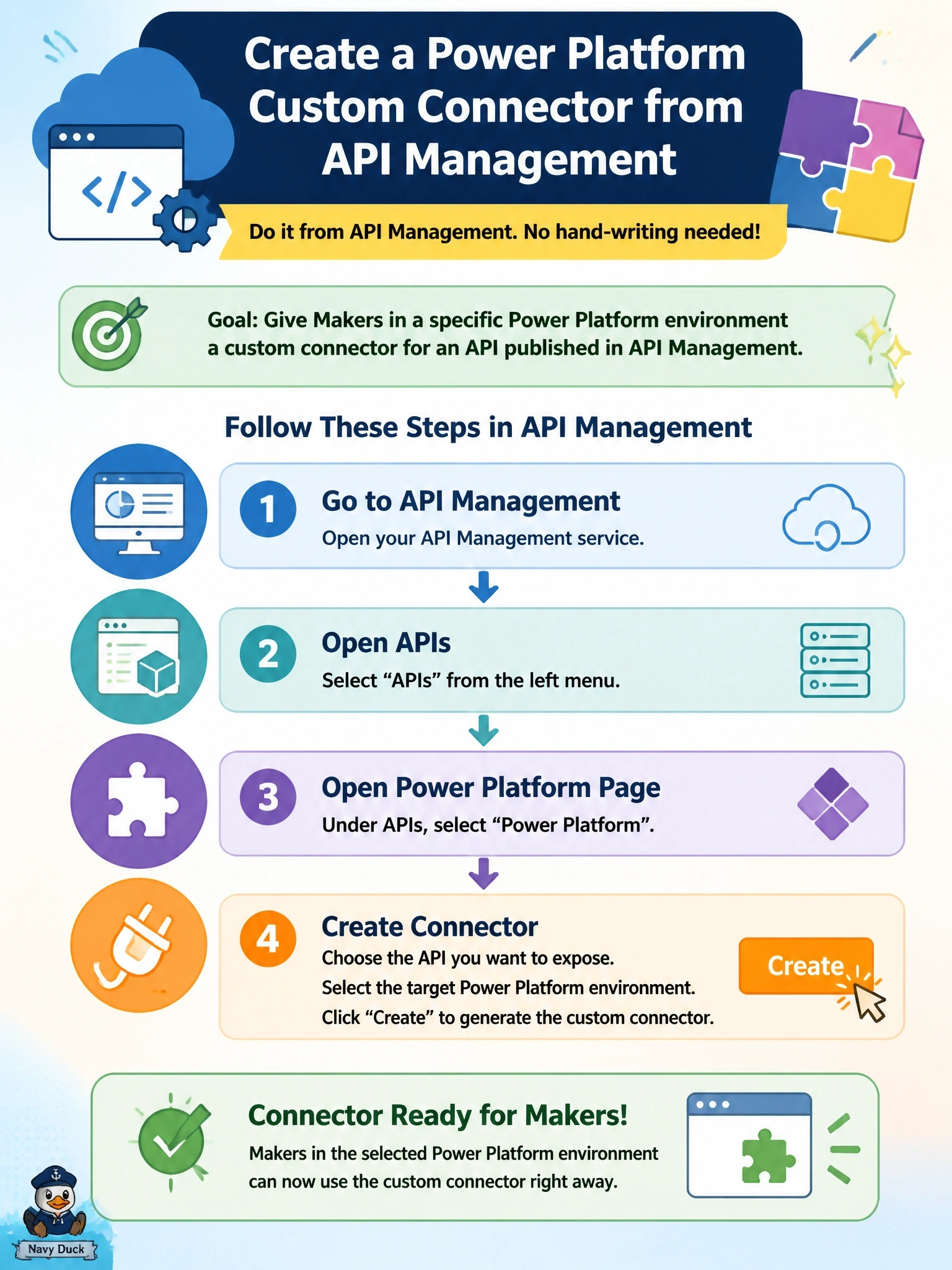
API Management already knows everything about the API, so let it do the export. Its Power Platform page creates the custom connector straight into the environment you pick. Rebuilding operations by hand is the slow, error-prone road the developers wanted to skip.
Full Explanation
Azure API Management can export an API to the Power Platform as a custom connector. In the Azure portal, under the instance's APIs section, the Power Platform page offers Create a connector, where the developer selects the API, the target Power Platform environment and a display name, and can optionally add a subscription key connection parameter or OAuth 2.0 settings when the API requires them. The connector then appears under custom connectors in Power Apps and Power Automate, where it can be edited and tested, and the same page can later update the connector to target a different API or environment. The developer portal's HTML page is documentation for people, not an OpenAPI definition, so it cannot be imported. Rebuilding every operation from blank works but discards the definition API Management already holds and introduces transcription errors. A Set host URL policy only rewrites the destination host; it does not discover operations, so an empty connector stays empty. Exam caveat: to test from the Power Apps test console, API Management needs a CORS policy and the connector needs a policy that sets an Origin header. Operational check: create the connector, open it in the maker portal, create a connection with the subscription key, and run one operation from the Test tab.