
A developer configured a custom connector with OAuth 2.0 and the Microsoft Entra ID identity provider. When a maker tries to create a connection, the Microsoft sign-in page shows an error that the redirect URI in the request does not match the redirect URIs configured for the application. What should the developer do?
Select an answer to reveal the explanation.
Short Explanation
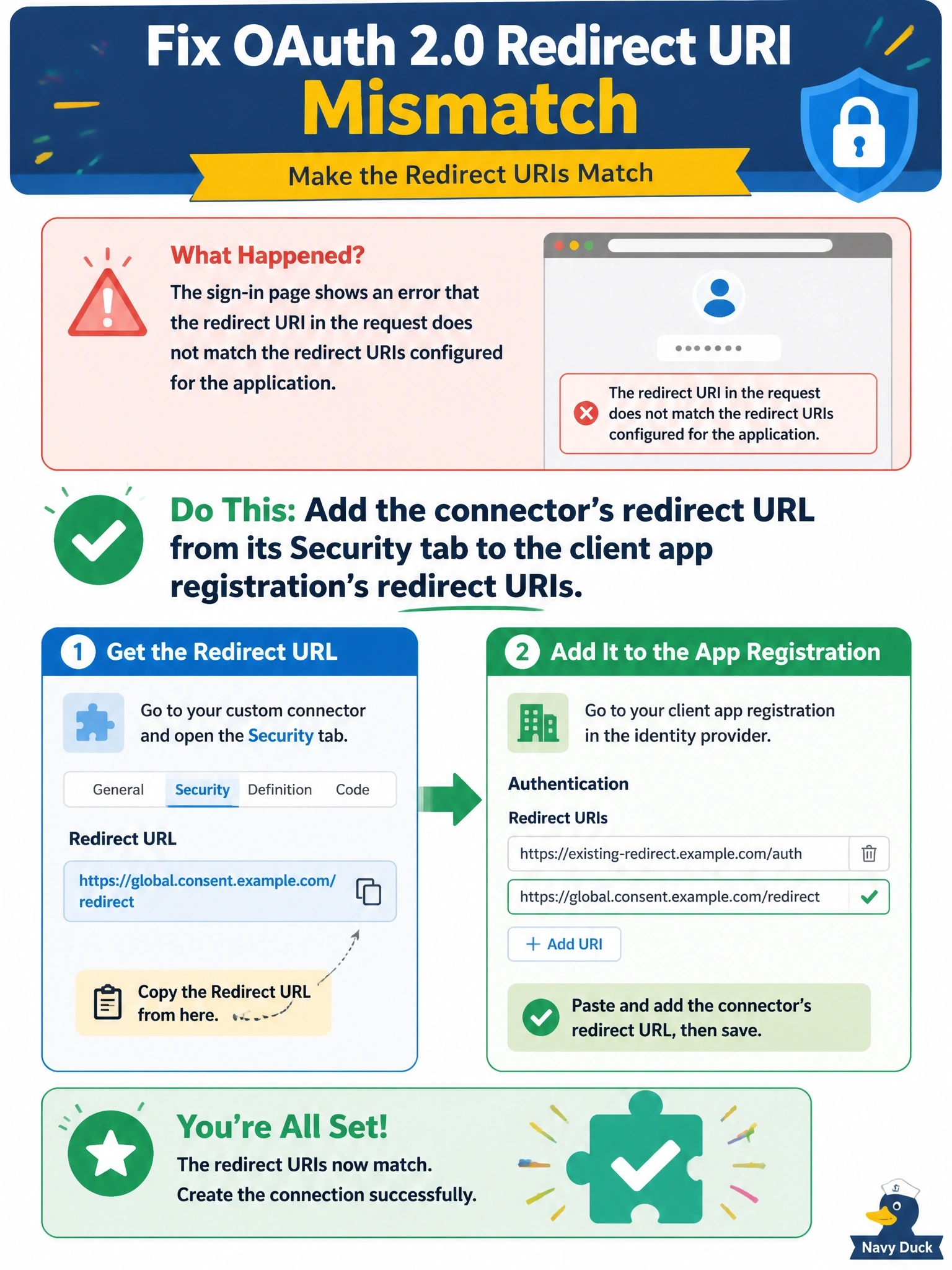
The sign-in page is literally telling you the return address doesn't match. Each custom connector gets its own redirect URL, and your app registration has to list it. Consent and secrets matter too, but they fail with different errors.
Full Explanation
During OAuth sign-in, Microsoft Entra ID only returns the authorization code to a redirect URI that is registered on the client application. Custom connectors use a per-connector redirect URL, shown on the connector's Security tab after it is saved. If that URL is missing from the app registration's redirect URIs, sign-in fails with a redirect mismatch error before any consent or token exchange happens. Adding the URL under the app registration's web platform settings fixes it. Missing admin consent produces a consent prompt or a consent-required error, not a redirect mismatch. A wrong or expired client secret fails later, when the connector exchanges the code for a token, and shows an invalid client error rather than this message. The Resource URL determines the token's audience; a wrong value causes token or API authorization errors, not a redirect mismatch at the sign-in page. Exam caveat: connectors created before the per-connector redirect change may still use the global redirect URI, so after enabling the unique redirect URL setting, the new URL must be registered and the old global one removed. Operational check: copy the redirect URL from the Security tab, add it to the app registration, then create a new connection and confirm sign-in completes and a test operation succeeds.