
A maker who does not write code wants a notification and an approval to start whenever a row in a custom Dataverse table is created or its status column changes. No developer is available to build or register anything. Which option should the maker use to listen for the Dataverse events?
Select an answer to reveal the explanation.
Short Explanation
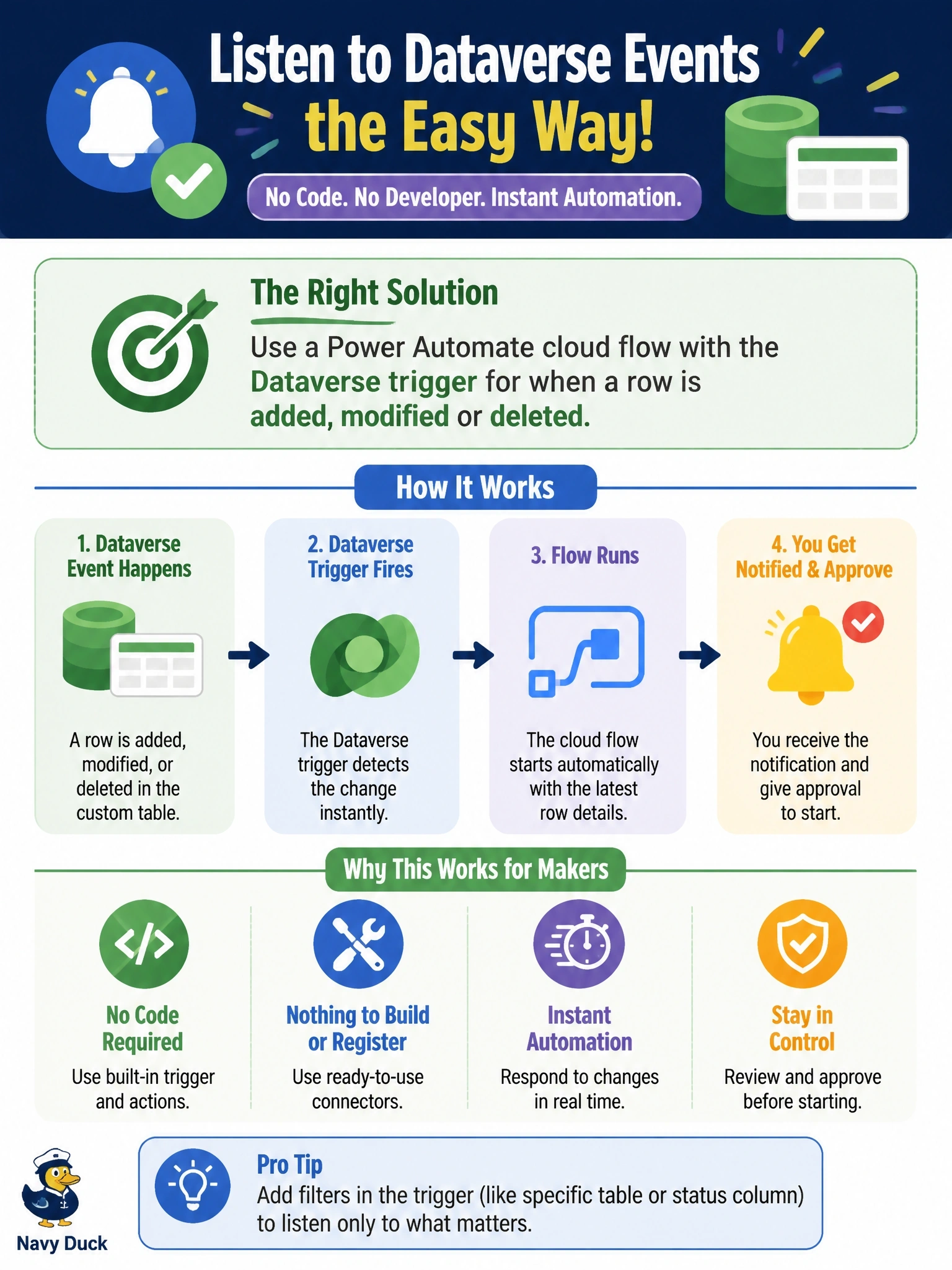
When the person doing the work is a maker, you want the no-code doorbell: a cloud flow with the Dataverse 'when a row is added, modified or deleted' trigger. It can watch specific columns too. Business rules can't send email or start approvals, and plug-ins and webhooks need a developer.
Full Explanation
Microsoft lists several ways to listen for Dataverse events: plug-ins, service endpoints such as webhooks, Service Bus and Event Hubs, and Power Automate. For a maker without code, the Dataverse connector's trigger for when a row is added, modified or deleted is the natural choice. It fires on the selected change types, can be restricted to specific columns and filter conditions so it responds to a status change, and lets the maker add notification and approval actions in the same flow. Business rules apply field logic such as validation, defaults and visibility; they cannot send notifications or start approvals. An asynchronous plug-in step requires compiled code and registration with the Plug-in Registration Tool, which the scenario rules out. A webhook posts the execution context to an HTTP endpoint that someone must build and host; a mailbox is not a webhook receiver, and registration is itself a developer task. Exam caveat: flows trigger asynchronously after the change commits, so they cannot block or roll back the operation the way a synchronous plug-in can. Operational check: create a test row and change its status, then confirm one flow run per event and that unrelated column updates do not start the flow.