
A developer adds an MCP tool to a Microsoft Foundry agent that points to a Dataverse environment's MCP endpoint. When the agent runs, it reports that no tools are available from the server, and no Dataverse calls succeed. Copilot Studio agents in the same environment use the Dataverse MCP server successfully. What should the developer check first?
Select an answer to reveal the explanation.
Short Explanation
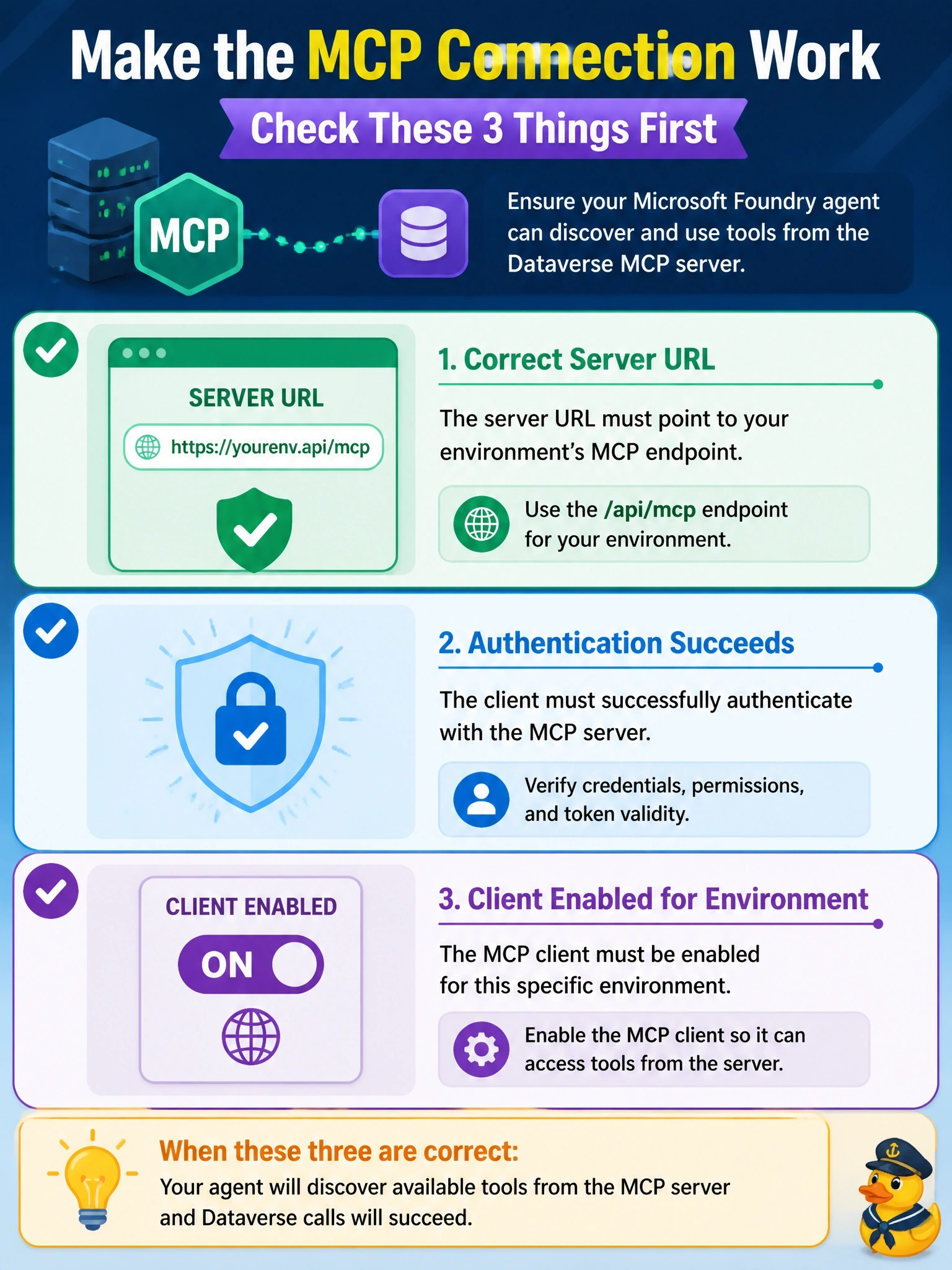
When the toolbox shows up empty, check the plumbing before the model: right address, working sign-in, and permission for this client to connect. Copilot Studio working tells you the server is on, but it's the only client enabled by default. The other options blame things that have nothing to do with listing tools.
Full Explanation
An MCP client lists tools by connecting to the server endpoint, authenticating, and calling the protocol's tool listing operation. If the endpoint is wrong, authentication fails, or the server refuses the client, the agent sees no tools. For Dataverse, the endpoint is the environment URL followed by /api/mcp; a URL for the Web API or a different environment will not serve MCP tools. The Foundry MCP tool authenticates through a project connection, which must obtain a valid Microsoft Entra ID token for an identity with access to the environment. In addition, the Dataverse MCP server enables only the Copilot Studio client by default, and an administrator must enable other MCP clients in the environment's settings, which explains why Copilot Studio works while the Foundry agent does not. Fine-tuning is unrelated to tool discovery; tools are discovered through the protocol, and a model needs no training on a schema to receive the tool list. The MCP server is not restricted to tables in managed solutions; its tools operate on tables generally, subject to the caller's security roles. Publishing to Microsoft Teams is a channel concern for some agent types and has no bearing on whether an MCP tool lists its tools in Foundry. Exam caveat: once tools appear, failures on specific calls usually point to the identity's security roles. Operational check: test the same endpoint and credentials with another MCP client to isolate agent versus server configuration.