
Several cloud flows in a solution need the same customer-matching logic, and the solution is deployed from development to test to production through managed solutions. The developer wants one copy of the logic that every flow can call, with no URLs to update after each import. What should the developer build?
Select an answer to reveal the explanation.
Short Explanation
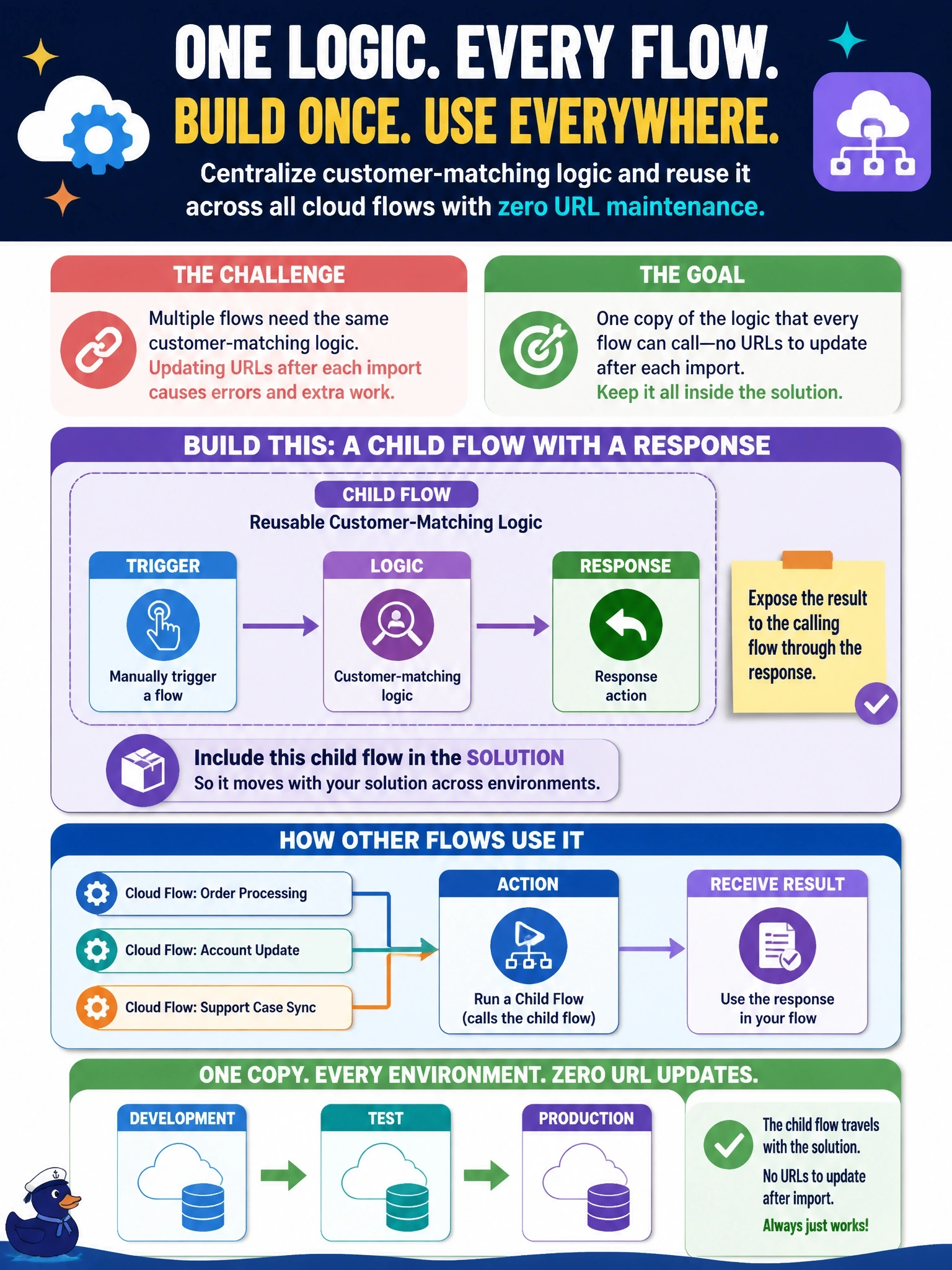
A child flow is a shared recipe card, not five photocopies taped to five fridges. Build it with Manually trigger a flow, return a response, keep it in the solution, and call it with Run a Child Flow. The HTTP trigger trick works on day one and then breaks the minute you import into another environment.
Full Explanation
Child flows provide reusable logic within a solution. The child flow uses the Manually trigger a flow trigger with defined inputs, performs the matching, and returns values through the Respond to a Power App or flow action or the Response action. Parent flows in the same solution call it with the Run a Child Flow action from the built-in Flows connector and use its outputs. When the solution is exported and imported into another environment, the parent and child flows are linked automatically, so no URLs or identifiers need updating. Calling a flow through its HTTP trigger URL hard-codes an environment-specific address; after import the URL differs and every caller must be edited or parameterized, and the HTTP trigger introduces a premium connector and its own security considerations. A template creates independent copies, which reintroduces duplication; a fix to the matching logic would not reach flows created earlier. A desktop flow is for automating desktop and legacy applications through UI or scripts on a machine; using one for matching logic adds a machine dependency and Power Automate for desktop licensing without any benefit. Exam caveat: the child flow's run-only user settings must use embedded connections for connectors other than built-in ones and Dataverse. Operational check: import the managed solution into test and confirm a parent flow runs the child without any post-import edits.