
A cloud flow uses the Dataverse trigger When a row is added, modified or deleted with Change type set to Modified on the account table. It should react only when the credit limit changes, but it currently runs every time any column on the account is updated. What should the developer change?
Select an answer to reveal the explanation.
Short Explanation
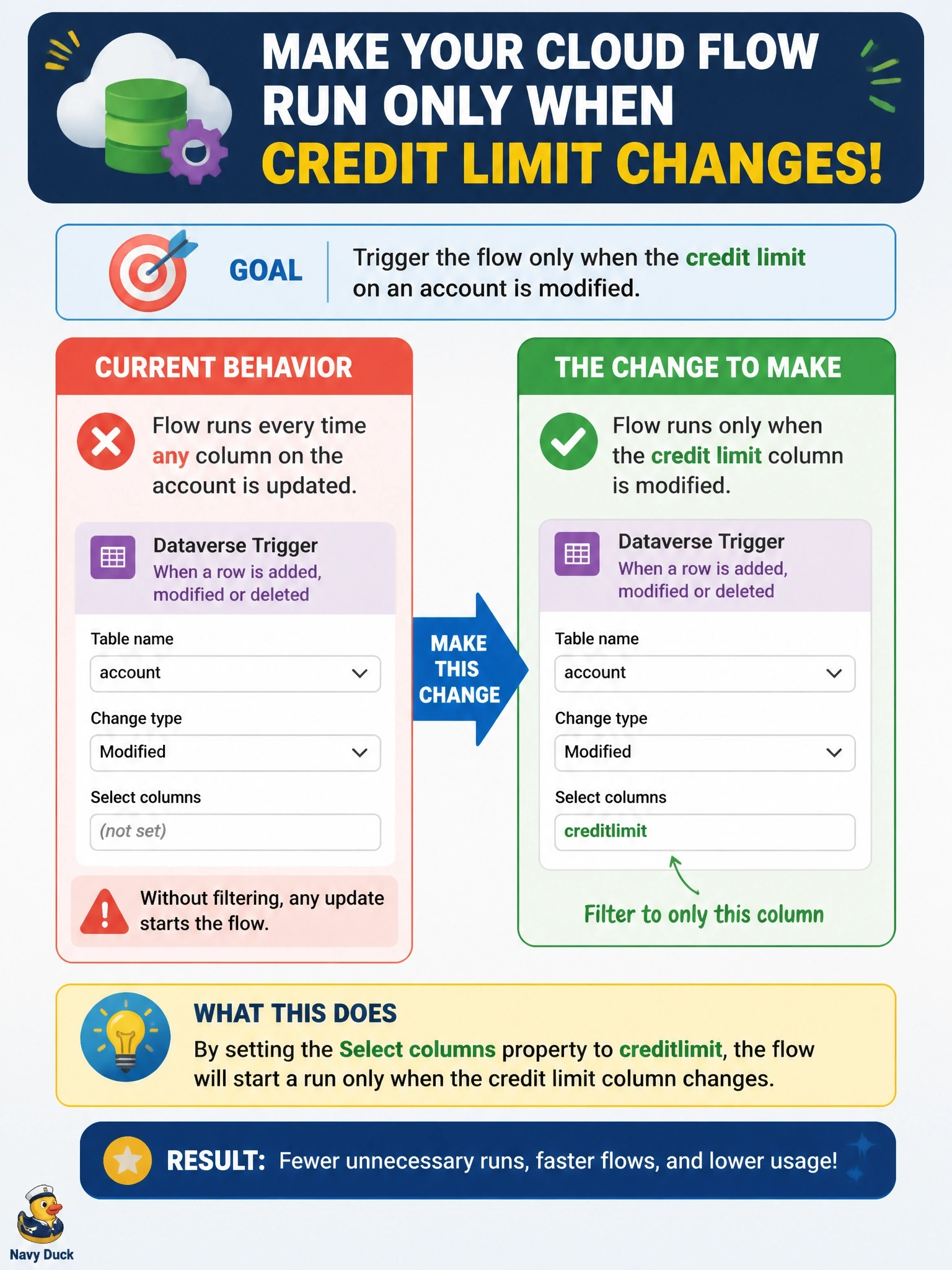
Select columns is the 'only ring me about this' setting on the Dataverse trigger. Put creditlimit there, and your edits to the phone number or address stay quiet. Filter rows is the trap; it looks at what the value is, not whether it just changed.
Full Explanation
On the Dataverse trigger, Select columns accepts a comma-separated list of column logical names. When Change type includes Modified, the flow starts only if at least one of the listed columns was part of the update, so listing creditlimit stops runs caused by edits to unrelated columns. This is the trigger-level equivalent of filtering attributes on a plug-in step, and Dataverse evaluates it before creating a run. Filter rows evaluates an OData condition against the row's values; creditlimit ne null is true for any account with a credit limit, so the flow would still run when a different column changes on those accounts, and it would not run when the limit is cleared. Changing Change type to Added or Modified widens the trigger to include creates and still fires on unrelated updates. Scope selects which rows the trigger observes based on ownership, such as user, business unit, parent-child business unit, or organization; widening it to Organization increases the set of rows monitored and does nothing to ignore particular columns. Exam caveat: a column counts as changed when it is included in the update request, which some clients do even when the value is unchanged, so downstream logic may still need to compare old and new values. Operational check: update an account's phone number and confirm no run starts, then change its credit limit and confirm one does.