
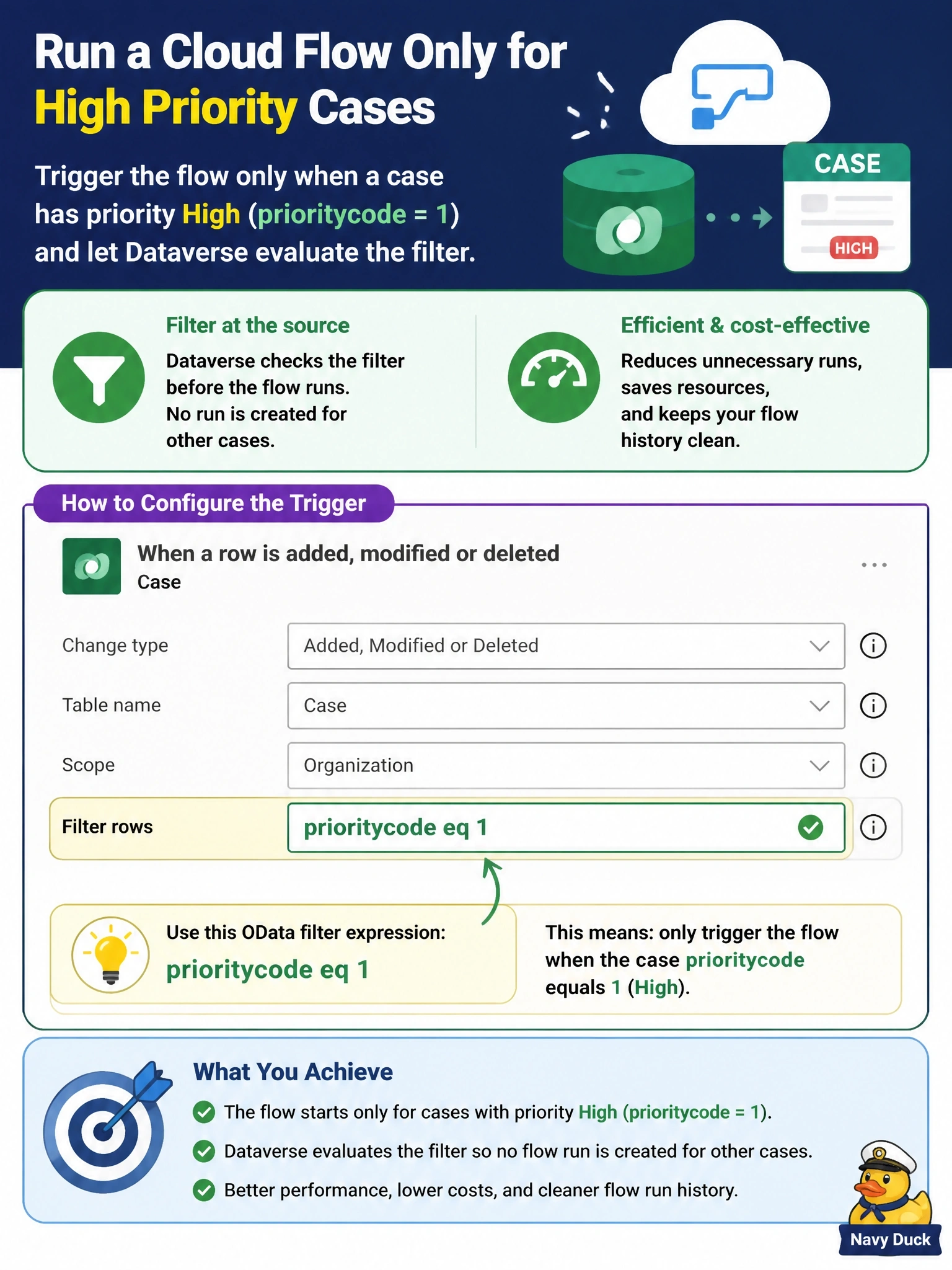
A cloud flow uses the Dataverse trigger When a row is added, modified or deleted on the case table. It should start only for cases whose priority is High (prioritycode value 1), and the team wants Dataverse to evaluate the filter so that no flow run is created for other cases. How should the developer configure the trigger?
Select an answer to reveal the explanation.
Short Explanation
Filter rows is the guard at the gate; it checks the row before your flow even wakes up. Put an OData filter like prioritycode eq 1 there, and other cases never start a run. A Condition action is a guard who only checks IDs after everyone's already inside.
Full Explanation
The Dataverse trigger exposes a Filter rows property that accepts an OData filter expression. Dataverse evaluates that expression when the event occurs and starts the flow only when the row matches, so cases with other priorities never create a run, consume no flow action quota, and do not appear in run history. The expression uses the column's logical name and the choice's numeric value, so prioritycode eq 1 restricts the trigger to High priority. Select columns serves a different purpose: on modification, it starts the flow only when one of the listed columns changes, regardless of the value it changes to, so it would fire for any priority change and still ignore High cases that change in other ways. A Condition action as the first step does filter logically, but by then the run has already started; it counts as a run, executes actions, and clutters history, which the requirement explicitly wants to avoid. Scope controls whose rows the trigger observes based on ownership, such as user, business unit, or organization; it has nothing to do with column values like priority. Exam caveat: Filter rows and Select columns can be combined, for example to fire only when the priority changes and the new value is High. Operational check: update a Normal priority case and a High priority case and confirm only the second produces a run.