
In a cloud flow, a Catch scope runs after a Try scope fails. The administrator notification must include the name and error message of every action inside the Try scope that failed. Which expression should the developer use as the starting point to collect those details?
Select an answer to reveal the explanation.
Short Explanation
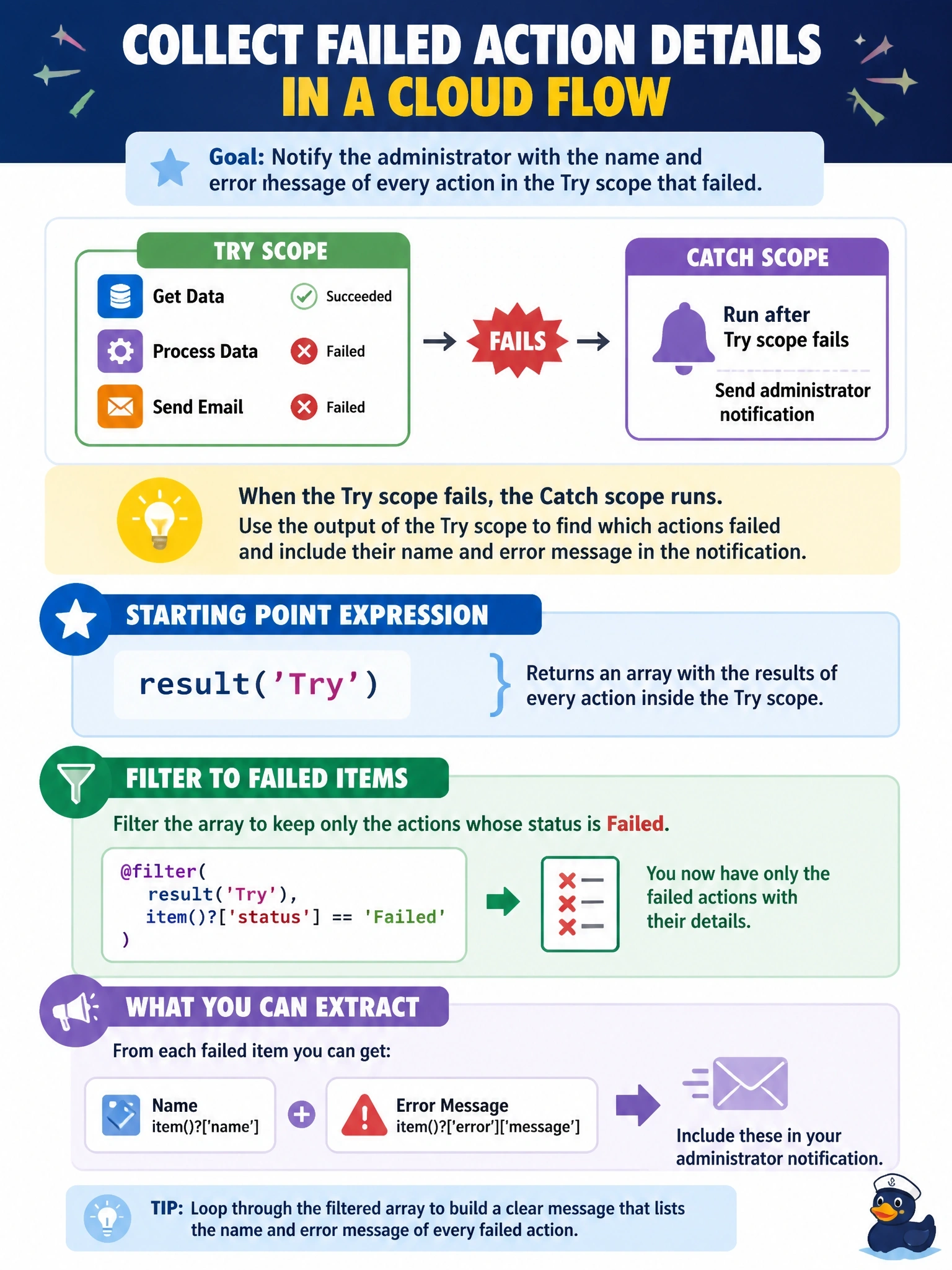
result() is your post-game box score for a scope: it lists every action inside, with its status and outputs. Filter that list to the failures, and you've got names and messages for the alert. The other functions give you the run's ID or the scope's own summary, not the play-by-play.
Full Explanation
The result function takes the name of a scoped action, such as a Scope, Apply to each, or Until, and returns an array describing the results of the top-level actions inside it, including each action's name, status, inputs, outputs, and error information. In a Catch scope, a Filter array action over result of the Try scope with the condition status equals Failed produces exactly the failing actions, and a Select or Compose action can shape their names and error messages into the notification. outputs of a scope does not return the child actions' error objects; a scope action has no outputs of that form, so the expression does not deliver per-action details. The workflow function returns information about the flow and the current run, such as identifiers and tags, which is useful for building a link to the run history but does not enumerate failed actions or their messages. Applying actions to the scope and reading an error property returns information about the scope action itself, at most its own summarized status, rather than a list of each child action's error. Exam caveat: result covers top-level actions within the named scope, so nested scopes may need their own result calls. Operational check: trigger a failure in a test run and inspect the Filter array output to confirm it contains the failing action's name and message.