
An Azure Function app hosted in Azure must create and update rows in Dataverse. The security team prohibits client secrets and certificates in app settings or Azure Key Vault for this workload. What should the developer configure so the function can call Dataverse?
Select an answer to reveal the explanation.
Short Explanation
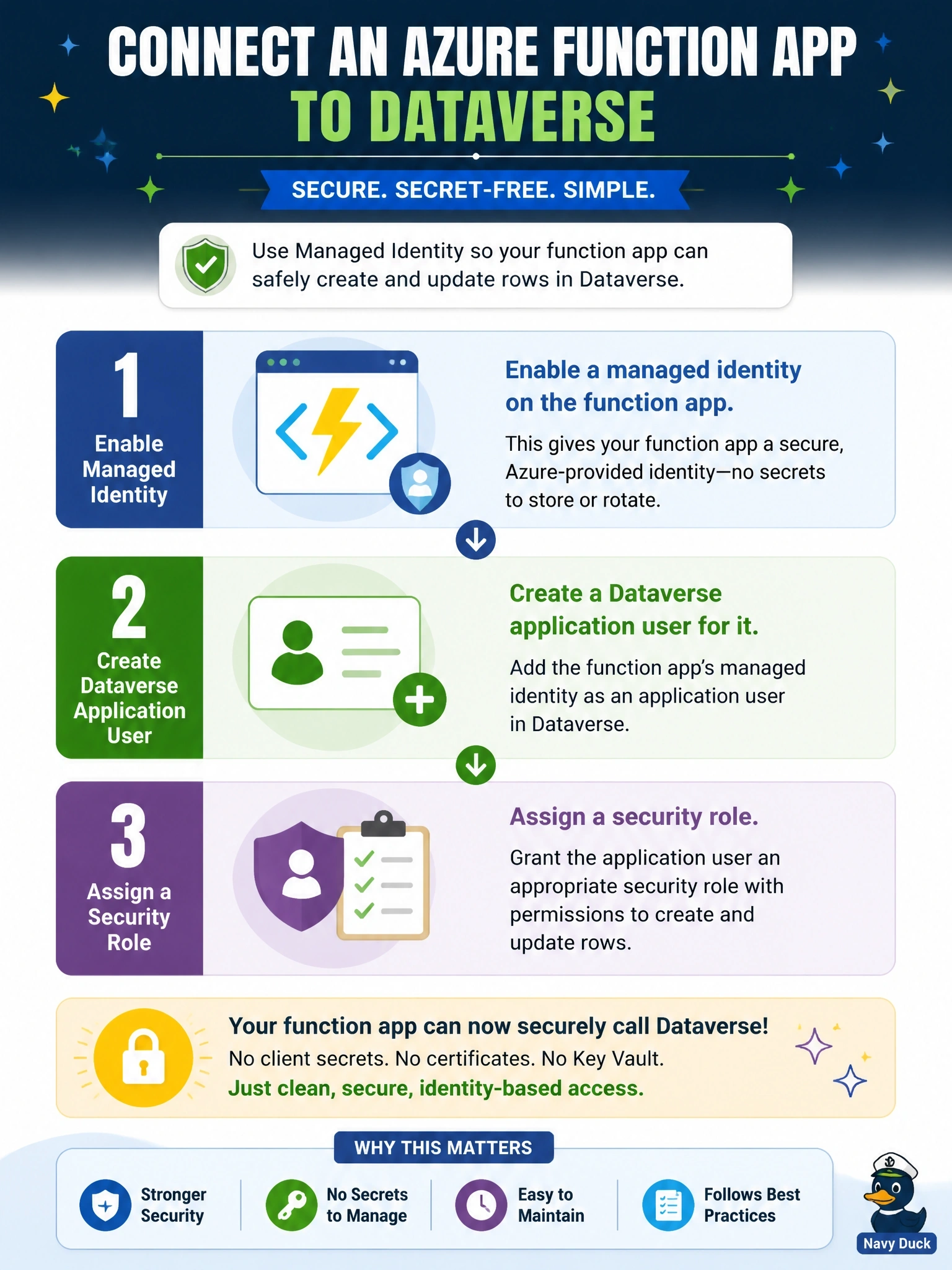
A managed identity is a badge Azure prints and renews for you, so no secret ever lands in your config. But Dataverse doesn't care about Azure RBAC; it wants an application user with a security role. Azure roles on resource groups are the trap here.
Full Explanation
A managed identity gives an Azure resource its own identity in Microsoft Entra ID, with credentials that Azure creates and rotates automatically. The function obtains a token for the Dataverse environment URL through the identity endpoint, typically via the Azure Identity library, so no secret is stored anywhere in the workload's configuration. Dataverse authorizes the call by matching the managed identity's application ID to an application user in the environment, and that application user needs a security role granting the required table privileges. Without the application user, a correctly issued token is still refused. Assigning the Contributor role on an Azure resource group controls Azure Resource Manager operations; Dataverse environments do not take their data permissions from Azure RBAC, so that assignment grants nothing in Dataverse. Membership in a Microsoft Entra group does not give an identity Dataverse privileges unless that group is tied to a Dataverse team with roles, and no such group owns a tenant. Storing a username and password, even through a Key Vault reference, still stores a secret, which the requirement forbids, and it puts a user account into an automated workload. Exam caveat: user-assigned identities let several apps share one identity and survive app re-creation. Operational check: call WhoAmI from the function and confirm the returned UserId is the new application user.