
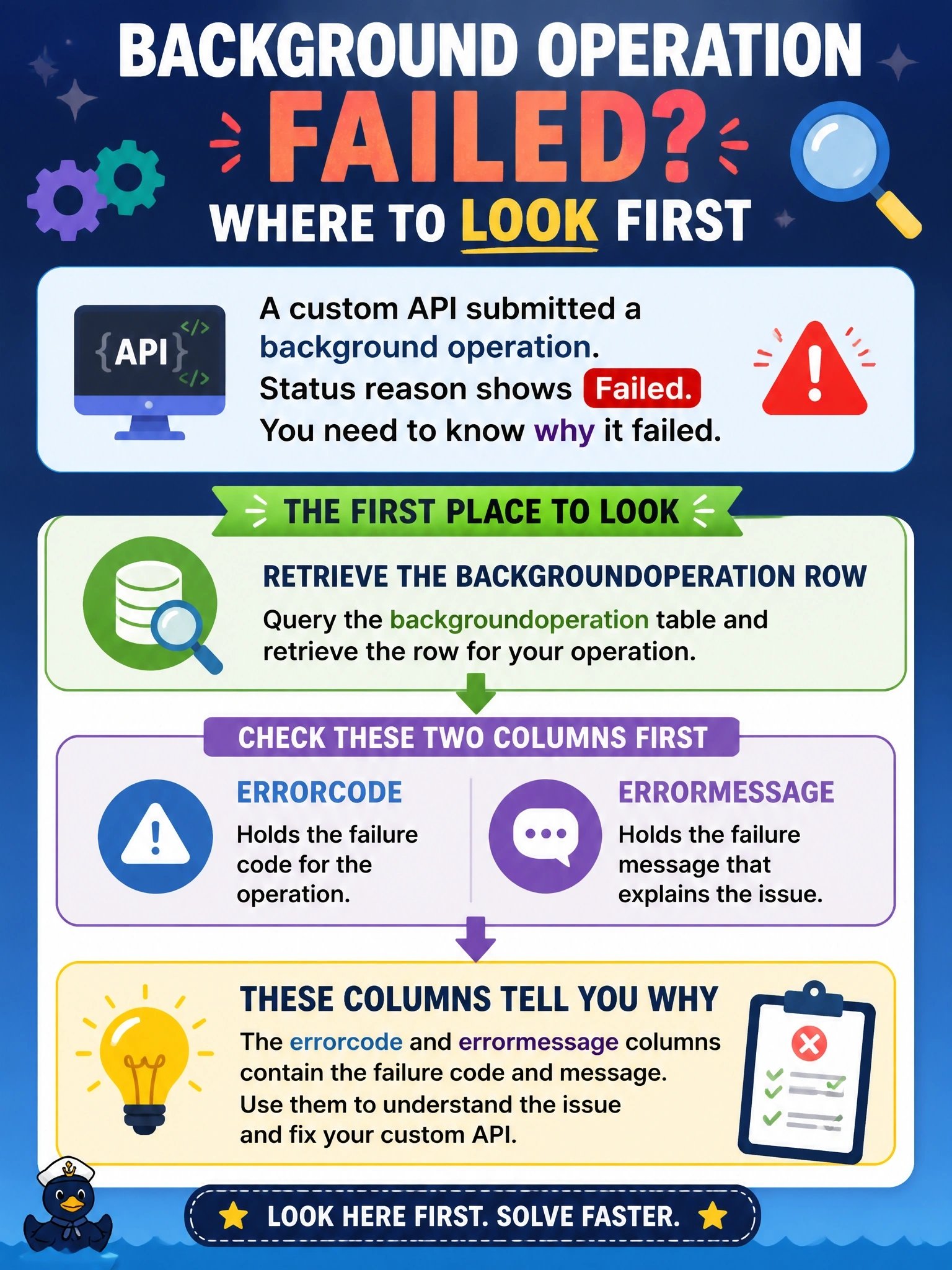
A background operation submitted for a custom API shows a status reason of Failed when the developer retrieves its backgroundoperation row. The developer needs to understand why the operation failed in order to fix the custom API. Where should the developer look first?
Select an answer to reveal the explanation.
Short Explanation
When the parcel comes back 'undeliverable,' you read the note stuck to it. The backgroundoperation row carries that note in errorcode and errormessage. Don't go digging in the output column; that's only filled in when things go right.
Full Explanation
The backgroundoperation table records the outcome of each request processed in the background. When processing completes with an error, the state is Completed and the status reason is Failed, and the errorcode and errormessage columns describe the problem. Errors raised by Dataverse carry a numeric code that maps to the published web service error codes, while errors from outside Dataverse are recorded with a code of zero and a message. Reading these two columns, along with name and the state and status values, is the documented first step. The outputparameters column contains the serialized output of the custom API only when the operation succeeds; it is not a place where Dataverse writes exception details. Background operations are tracked in their own table rather than as System Job records, so searching asyncoperation rows will not locate the failure. The status monitor resource supports only GET and DELETE; a GET returns error code and message when an error occurred, but PATCH is not supported there, and DELETE is used to cancel. Exam caveat: Dataverse automatically retries a failed background operation up to three times with exponential backoff, so retrycount may be above zero before the final failure. Operational check: reproduce the call synchronously in a test environment with plug-in trace logging enabled to see the full stack trace behind the recorded message.