
A support engineer runs an internal Windows desktop tool that reads and updates Dataverse case rows. Every change must be audited as the person using the tool, and each user must see only the rows their own security roles allow. How should the tool authenticate to Dataverse?
Select an answer to reveal the explanation.
Short Explanation
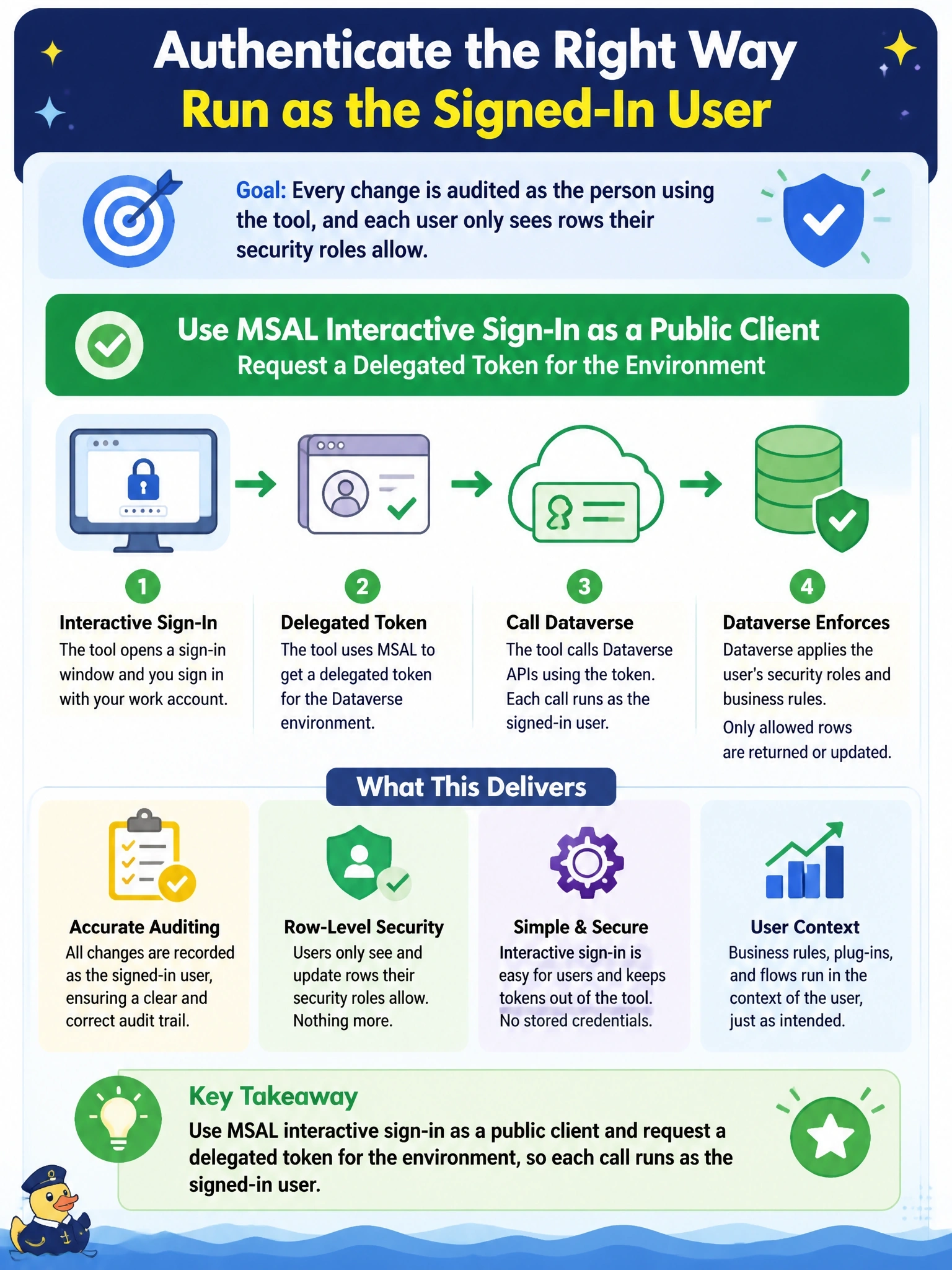
If you need the audit trail to say 'Maria did this,' then Maria has to be the one signing in. Delegated, interactive MSAL gives you a token for the actual user, so their roles and their name follow every call. The trap is a shared app identity that sees everything and logs everything as itself.
Full Explanation
Delegated authentication issues a token that represents both the application and the signed-in user. For a desktop tool, MSAL's interactive flow as a public client prompts the user to sign in with Microsoft Entra ID, supports multifactor authentication and conditional access, and returns a token whose audience is the Dataverse environment. Dataverse then evaluates the user's own security roles, business unit, and sharing for every request, and audit history records that user as the actor. An app-only token under the client credentials flow runs as the application user, so every change is attributed to that one identity and visibility follows its broad role rather than the engineer's, violating both requirements. Adding the CallerObjectId header asks an application user with impersonation rights to act for someone else; it requires the delegate privilege, puts a secret on every desktop, and still depends on the tool deciding who the user is rather than the user proving it. Storing one account's password shares a single identity across people, bypasses multifactor authentication, and is a pattern Microsoft discourages. Exam caveat: daemons and services with no user present are the scenarios for client credentials. Operational check: make an update through the tool and confirm the audit record and the modified-by column show the engineer who signed in.