
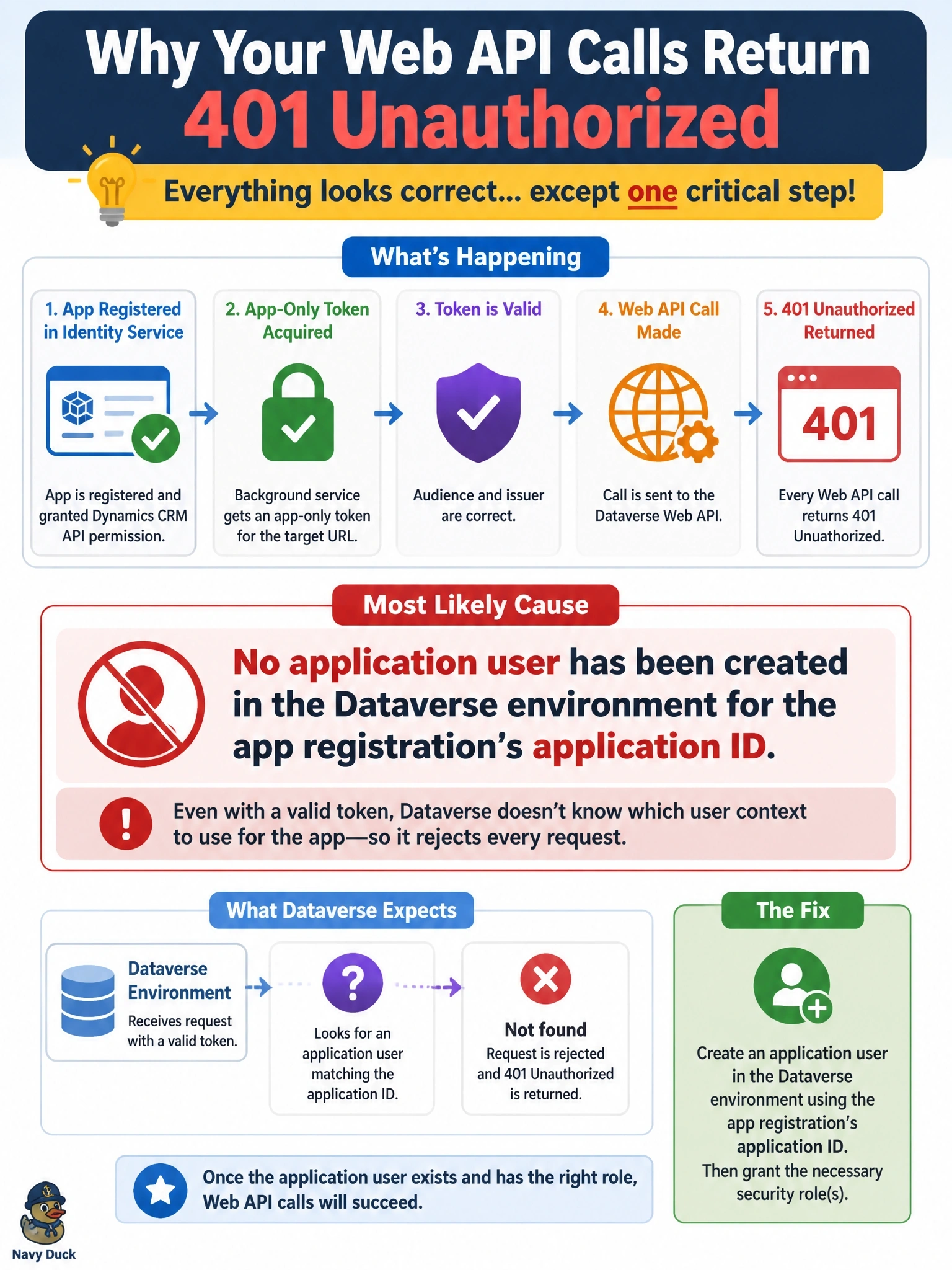
A team registers an application in Microsoft Entra ID and grants it the Dynamics CRM API permission. A background service acquires an app-only token for https://fabrikam.crm.dynamics.com, and the token's audience and issuer are correct, yet every Web API call returns 401 Unauthorized. Other apps work in the same environment. What is the most likely cause?
Select an answer to reveal the explanation.
Short Explanation
Picture a valid passport at a border where nobody has you on the guest list. The token proves who the app is, but Dataverse still needs an application user mapped to that app ID before it lets the call in. A perfect token with no application user is the classic trap behind a stubborn 401.
Full Explanation
Dataverse authenticates app-only callers by matching the application ID in the access token to an application user record in the target environment. That application user is what receives security roles and becomes the identity for auditing. If the app registration is valid and the token's audience matches the environment but no application user exists, the environment has no principal to associate with the request, so it is refused. The fix is to create an application user in the Power Platform admin center for that application ID, assign it to a business unit, and give it an appropriate security role. Adding a Microsoft Graph permission changes nothing, because Graph is a separate resource and Dataverse does not consult Graph consent when evaluating its own tokens. Sending the client secret on each Web API request is incorrect and unsafe: the secret is used only at the token endpoint, and the resource server expects nothing but the bearer token. Requesting the /.default scope is the correct pattern for app-only access, and user_impersonation applies only to delegated flows with a signed-in user. Exam caveat: once the application user exists but has no security role, the symptom moves from authentication failure to privilege errors on specific operations. Operational check: call WhoAmI after creating the application user and confirm it returns the expected UserId.